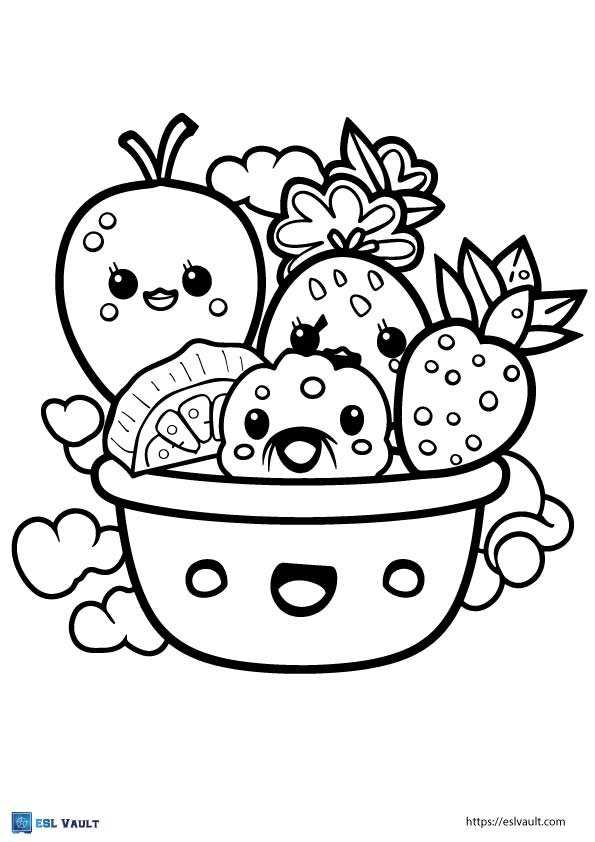
Download high-resolution black line food illustrations at 300 DPI in PDF format, then print at 100% scale on A4 or US Letter sheets to keep contours sharp for crayons or pencils.
Choosing the Right File Format and Paper
Select vector files such as SVG or press-ready PDF to maintain clean edges around apples, bananas, carrots, broccoli, and other produce items. Avoid low-quality JPEG images below 200 DPI, as they blur small details like seeds or leaf veins.
- 80–100 gsm paper: suitable for dry media like colored pencils
- 160–200 gsm stock: better for markers to reduce bleed-through
- Matte photo sheets: ideal for display posters sized 8×10 inches
Set printer output to grayscale to reduce ink usage if the artwork contains only black outlines. Keep margins at least 5 mm to prevent trimming of outer edges.
Using Produce Themed Art Sheets in Learning Activities
Nutrition Lessons
Assign each child a different edible plant illustration and ask them to label its color, taste, and food group. This links art tasks with basic health education.
Sorting and Classification
After filling in the drawings, have students cut them out and group items by category such as citrus, root crops, berries, or leafy greens. Maintain a minimum figure height of 12 cm for easier cutting.
Wall Displays and Flashcards
Reduce artwork to 6–8 cm height, print multiple images per sheet, laminate with 80–125 micron film, and mount on boards for classroom reference. Store master files in labeled folders by size and theme to preserve image clarity for repeated use.
Fruits and Vegetables Printable Coloring Pages
Download high-resolution outline illustrations of apples, pears, carrots, spinach leaves, pumpkins, tomatoes, cucumbers, grapes, corn cobs at 300 DPI, saved as PDF or SVG, then print at full scale on A4 or Letter sheets to keep lines crisp for pencils, wax sticks, or felt-tip pens.
Choose 120–160 gsm paper for markers to limit bleed-through; lighter 80–100 gsm sheets work for dry media such as colored pencils. Set printer margins to at least 5 mm, disable automatic scaling, select “actual size,” use grayscale output for black contour art to reduce ink consumption.
For classroom tasks, prepare sets sized 10–15 cm in height so children can cut out each apple, banana, beetroot, cabbage head without tearing thin stems. Store master files in labeled folders by crop type: root crops, berries, citrus, leafy greens, legumes. This structure speeds selection during lesson planning.
Use these outline drawings as nutrition teaching aids: ask students to fill each image using realistic hues–orange for carrot, deep red for cherry, dark green for broccoli–then label vitamins such as A, C, K directly beneath the illustration. Print duplicates at 70% scale to create flashcards measuring roughly 7×10 cm.
Laminate finished sheets with 80–125 micron film for repeated classroom use, especially if children work with water-based markers. Keep digital files archived in cloud storage with file names including crop name, sheet size, resolution, year of creation to maintain organized access across school terms.