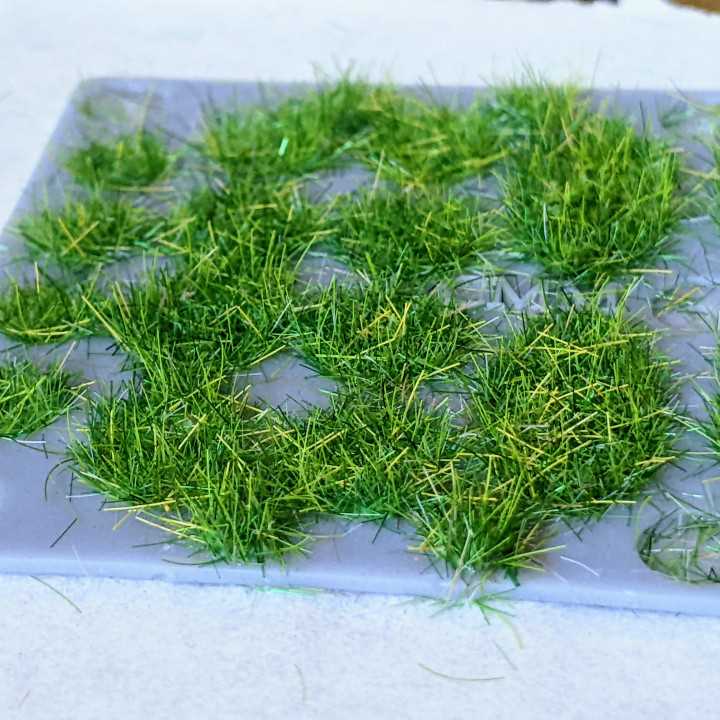
Choose a high contrast turf outline with clear blade shapes spaced at least 3–5 mm apart to simplify cutting and layering. Set the file to A4 or US Letter at 100 percent scale and confirm that the bottom edge aligns with the page margin to avoid trimming off the base strip.
Use 160–200 gsm cardstock for sturdy cutouts and 80–100 gsm paper for background layers. For dimensional scenes, print two copies, trim one along the top contour, and attach it with 3D foam tape to create depth. Keep blade height between 4 and 8 cm for classroom boards and reduce to 2–3 cm for greeting cards or scrapbook layouts.
Select shades ranging from light lime to deep green and blend them across multiple layers to avoid flat color blocks. Add texture with short vertical pen strokes or lightly ink the tips using a sponge to create variation without overcrowding the design.
Store digital files in vector format such as PDF or SVG so the lawn outline can be resized without distortion. Leave at least 1 cm margin on each side of the page and test one sample sheet before producing multiple copies for larger displays.
Grass Printable Template
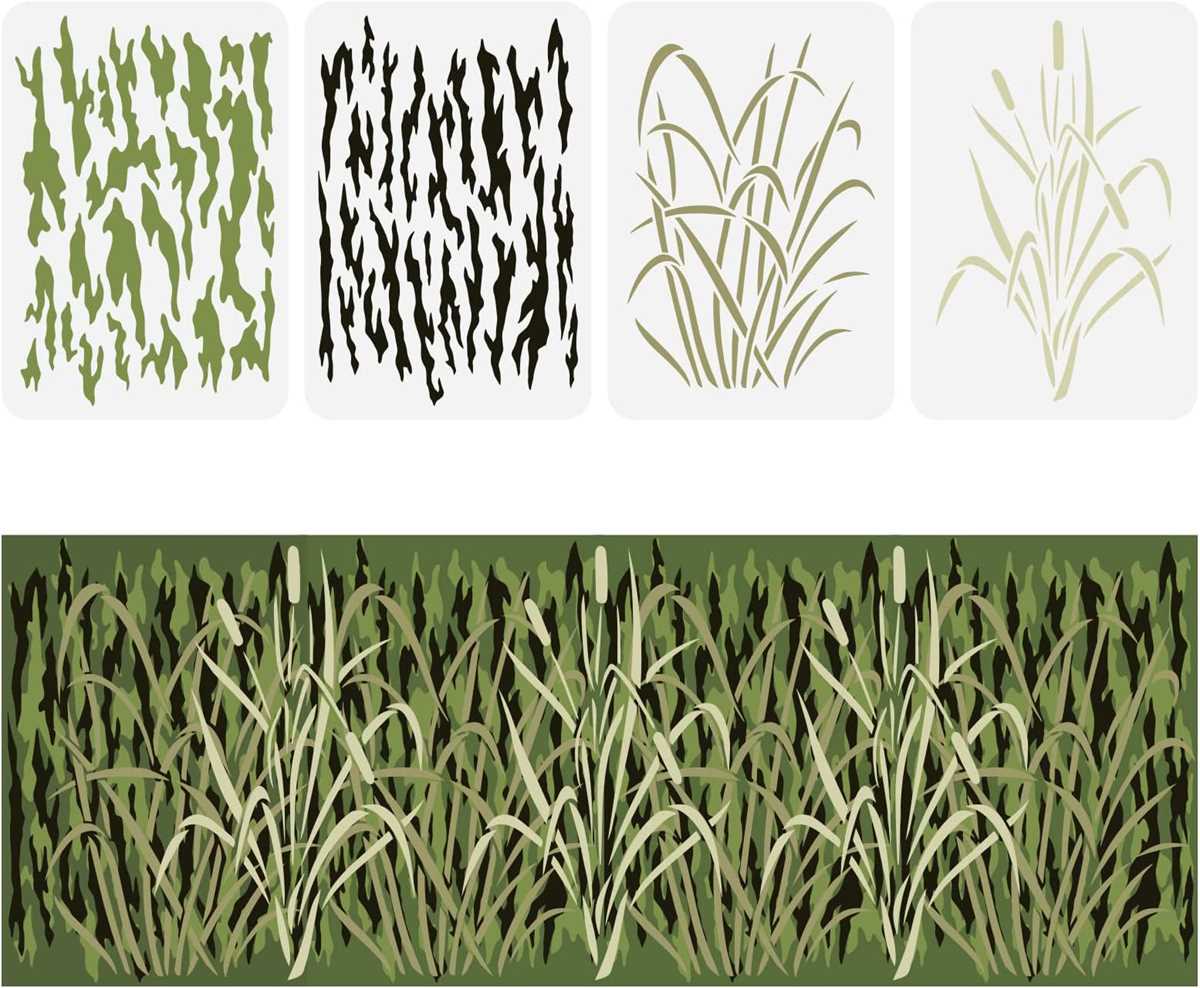
Set the turf outline file to 100 percent scale and confirm that blade tips remain within page margins before printing. Use A4 or US Letter format with 1 cm margins on all sides to prevent clipping along the edges.
Select cardstock between 160 and 220 gsm for sturdy cutouts that can stand upright on bulletin boards or diorama bases. For background layers, standard 90 gsm paper reduces bulk and keeps multi layer scenes flat.
Keep blade height proportional to the project size. For classroom displays, aim for 6–10 cm tall sections, while greeting cards and scrapbook pages work better with 2–4 cm strips. Maintain at least 3 mm spacing between individual blades to simplify trimming.
Duplicate the lawn strip two or three times and vary the cutting line slightly on each layer. Staggered edges create depth and prevent a uniform silhouette that looks flat from a distance.
Blend two or three shades of green across different layers. Place darker tones at the back and lighter tones at the front to create visual contrast without adding extra materials.
Use small detail scissors for curved cuts and a craft knife with a metal ruler for straight base edges. Replace blades frequently to avoid tearing thin points at the tips.
Add texture by lightly scoring vertical lines with a blunt tool before cutting. This creates subtle dimension and helps the blades catch light from different angles.
Store the digital outline in vector formats such as PDF or SVG so resizing does not distort proportions. Test one sample sheet, check alignment, and adjust printer scaling if necessary before producing multiple copies.
How to Scale Grass Outlines for Different Paper Sizes and Projects
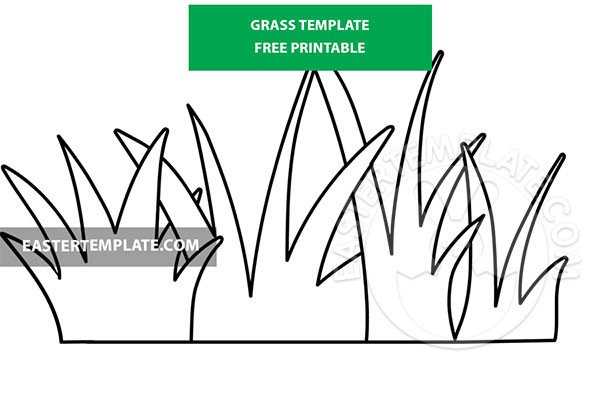
Set the file to actual size at 100 percent and check the blade height in print preview before sending it to the printer. For A4 and US Letter, keep the base strip within a 1 cm margin and adjust scale to 90–95 percent if tips approach the top edge.
- For greeting cards, reduce the lawn strip to 40–60 percent so blade height stays between 2 and 4 cm.
- For bulletin boards, increase scale to 120–150 percent and tile across multiple pages using poster print settings.
- For dioramas, match blade height to figure scale, such as 1–2 cm for small figurines and 5–8 cm for larger models.
Maintain aspect ratio during resizing to prevent distorted blades. Use vector formats such as PDF or SVG so edges remain sharp at larger scales, and print one test sheet to confirm measurements with a ruler before producing full sets.