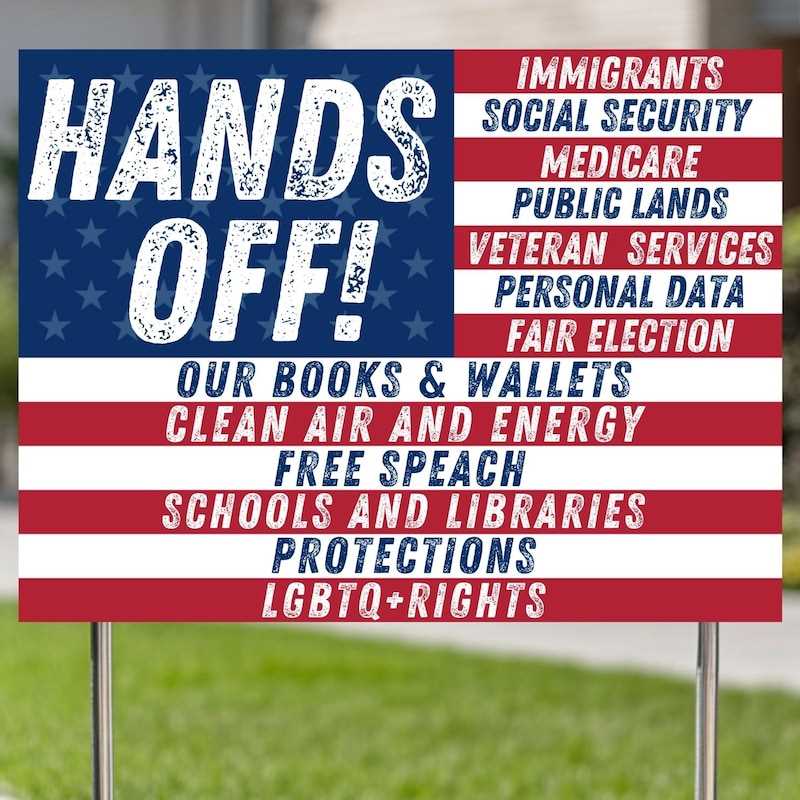
To ensure that valuable or sensitive items are not disturbed, designing your own “Do Not Touch” notices is a simple and effective solution. You can create these messages for both home and office environments, keeping your belongings safe while maintaining clarity for others.
How to Create and Customize Your Own Notices
Start by choosing a software tool that allows easy editing. Programs like Microsoft Word, Google Docs, or online design platforms such as Canva are great options. These tools provide templates that can be adjusted to your specific needs.
Focus on clarity and visibility. Choose bold, easy-to-read fonts like Arial or Helvetica to make the message stand out. Use contrasting colors such as red or black for the text, ensuring it is clear from a distance.
- Consider adding symbols like a crossed-out hand or an exclamation mark to emphasize the message.
- Ensure that the font size is large enough to be readable from several feet away.
- Adjust the layout to suit the space where the notice will be placed. For example, a small label works well for personal items, while larger formats are better suited for public spaces.
Once the design is ready, you can either print it at home or send it to a professional printer for high-quality output. Use durable paper, such as cardstock, for a more professional finish, especially if the notice is intended for long-term use.
Where to Find Ready-Made Templates
If you don’t want to start from scratch, many websites offer free templates that can be easily downloaded and printed. Websites like Canva, Adobe Spark, and Google Docs provide customizable templates for “Do Not Touch” and other similar notices. You can find these templates by searching for related terms, such as “Do Not Disturb” or “Keep Hands Off.”
These platforms also offer design flexibility, allowing you to personalize the color scheme, fonts, and additional graphics. This ensures your message not only stands out but also fits the environment or theme you’re working with.
- Canva offers a wide range of ready-made templates with customization options.
- Adobe Spark provides professional-grade designs that you can adjust for free.
- Google Docs is a simple, free option for quick designs and prints.
Once downloaded, these templates can be printed on your home printer or at a local print shop, saving you time and effort while ensuring the message is clear and effective.
Creating Custom Notices for Restricted Access Areas
If you need to prevent unauthorized handling of items, creating your own notice is a quick solution. Start by using simple design software like Canva or Microsoft Word to create clear, easy-to-read warnings. Choose bold fonts and bright, contrasting colors to ensure the message is immediately visible.
When designing the text, use straightforward language. Phrases like “Do Not Touch” or “Restricted Area” are universally understood. Avoid complex wording, as the goal is to make the message clear at a glance.
In addition to the message, include recognizable symbols such as a hand icon with a line through it. These visuals can help reinforce the message, especially in busy or noisy environments where text alone might not be enough to catch attention.
Once the design is complete, print the document on durable paper like cardstock. This material is thicker and more resistant to wear, making it perfect for signs that will be exposed to regular handling. If you plan to place the sign outdoors, consider laminating it to protect it from the elements.
- Choose bright, attention-grabbing colors like red, yellow, or orange.
- Ensure the font size is large enough to be seen from a distance.
- Consider adding extra space around the message for clarity.
For those who prefer a ready-made solution, many websites offer free downloadable templates. Platforms like Adobe Spark and Canva have customizable templates that you can adjust for your needs. You can personalize the design, change the text, and even adjust the size to fit your specific requirements.
Once you’ve selected a template, make sure to preview it on your device before printing. This will ensure the layout and colors are displayed as intended. It’s also a good idea to print one copy first to check the quality before printing multiple copies.
After printing, place the signs in visible areas where the restricted zones or objects are located. Regularly check their condition, and replace them if they become worn or damaged, ensuring your message remains clear and effective.