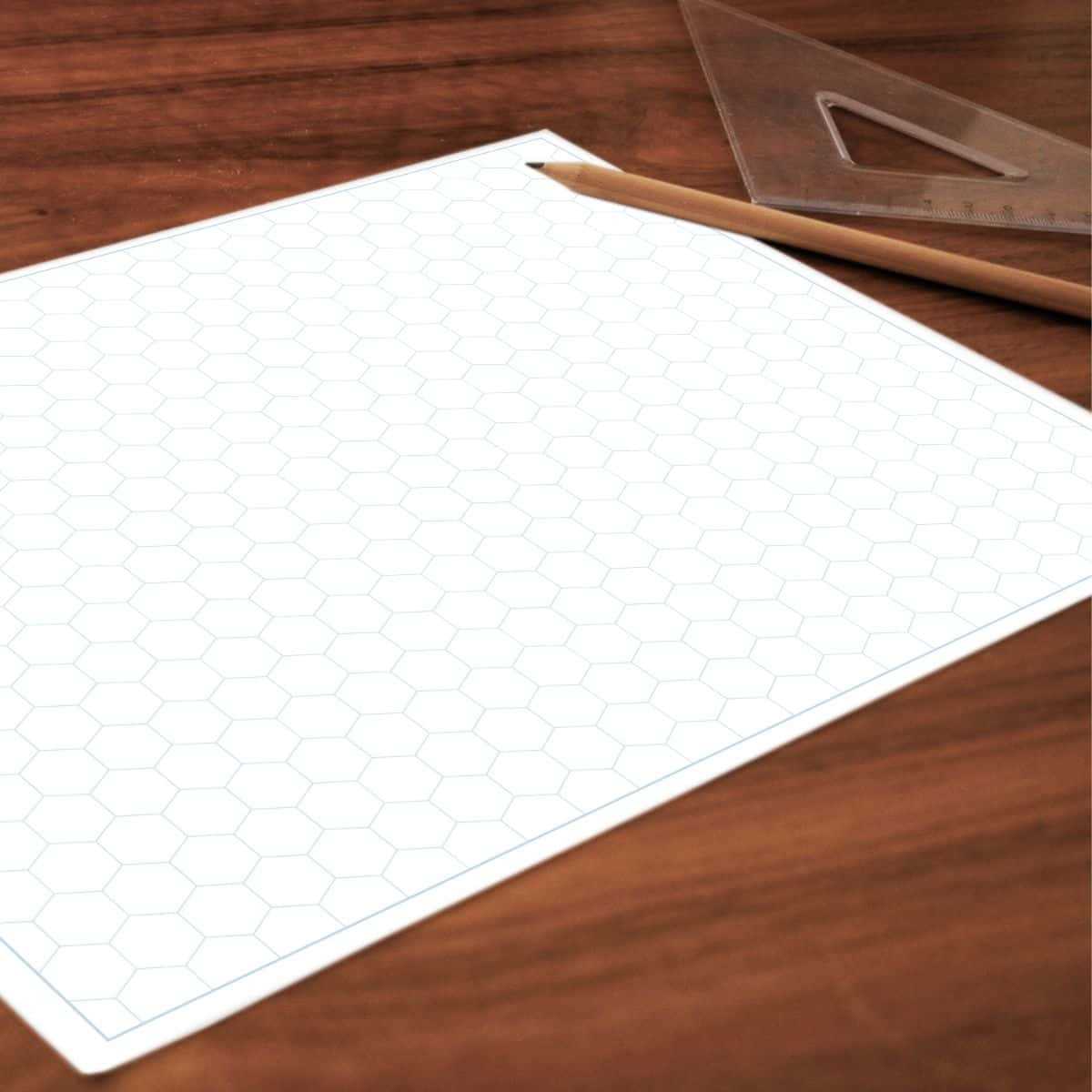
To download and use a hexagonal grid template, visit websites that provide these designs in various formats, such as PDF or PNG. Many sites offer free access, allowing you to easily get high-quality grids without needing to create your own from scratch. Once on the website, select the grid template that suits your needs (e.g., size and scale), and click on the download button. This will allow you to quickly save the file to your device.
Steps to Print the Hexagonal Grid for Your Projects
After downloading the grid, the next step is printing it. Open the document with a PDF reader, or use an image editor if you downloaded it in PNG format. Before printing, ensure the document is properly scaled to fit your paper size. For most projects, standard letter-sized paper will work, but check the dimensions to ensure the grid fills the page as needed.
To print, click on the “Print” option and verify that the printer settings are correct. If you are using a PDF, ensure the print dialog box shows the correct page size and that scaling is set to “fit to page” to avoid any distortion. For larger or custom projects, you might want to print on larger sheets like A3 or A2 for better visibility of the grid.
Applications of Hexagonal Grid Templates
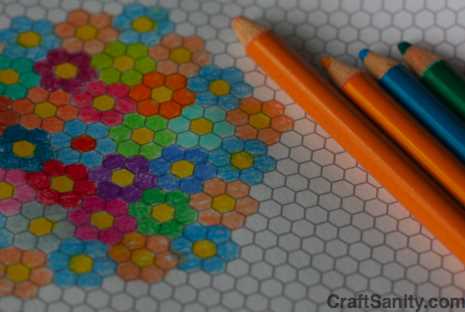
Hexagonal grids are versatile and widely used in a variety of fields. They are particularly popular in board game design, where they offer more fluid movement and options compared to square grids. The unique structure of hexagons allows for greater directionality and a more engaging design experience.
Another common use for these grids is in mapping and geographic modeling, where the hexagonal layout can represent spatial relationships more accurately than square or rectangular grids. These grids can also be used in science, such as for tessellation patterns or simulating natural formations like honeycombs.
Designing Board Games with Hexagonal Grids
If you are designing a board game, hexagonal grids allow players to move in six directions, unlike the four directions in a square grid. This creates a more dynamic game experience. To design your game board, print multiple sheets of the grid template and tape them together, or print a single large sheet if the design is large enough. Use a ruler and markers to customize the grid for your game’s rules and features.
Using Grids for Geographic or Mapping Purposes
For mapping or location-based designs, hexagonal grids can be printed to represent geographical areas or terrain types. The six-sided shape allows for efficient tiling of large spaces without gaps. You can create detailed maps for simulations, strategic games, or even educational purposes where accuracy in spatial relationships is necessary.
Using Grids in Educational Projects
These grids can also be used in classrooms for teaching math, geometry, or design principles. Students can practice tessellations, symmetry, or even graphing functions. By offering a more intuitive and engaging visual experience, hexagonal grids can help make learning complex concepts easier.
How to Access and Use a Hexagonal Grid Template
To begin, find reliable websites that offer high-quality hexagonal grid layouts. Many websites provide downloadable templates in formats like PDF or PNG. Once you locate a suitable template, click the download link to save it to your computer or mobile device.
Ensure the template is sized appropriately for your intended use. If you’re working on a small project, standard letter-sized paper should suffice. For larger projects, you may want to print on A3 or custom-sized sheets. Before printing, check the scaling options in your PDF viewer to ensure the grid fits correctly on the page without distortion.
Once the template is downloaded, open it in a PDF reader or image editor to view and print. You may need to adjust the printer settings depending on your preferred paper size. Most PDF readers have an option to scale the document to fit the paper, so use this feature if necessary to avoid cutting off any sections of the grid.
When printed, you can use the grid for various applications, such as game design, mapping, or design drafting. It’s also helpful in academic settings for geometry lessons or artwork. Simply align the grid with your workspace, and you’re ready to start your project.
If you’re not satisfied with the print quality, consider printing a few test pages to ensure clarity. You can also adjust the template in design software if needed to customize the grid’s appearance for specific tasks.