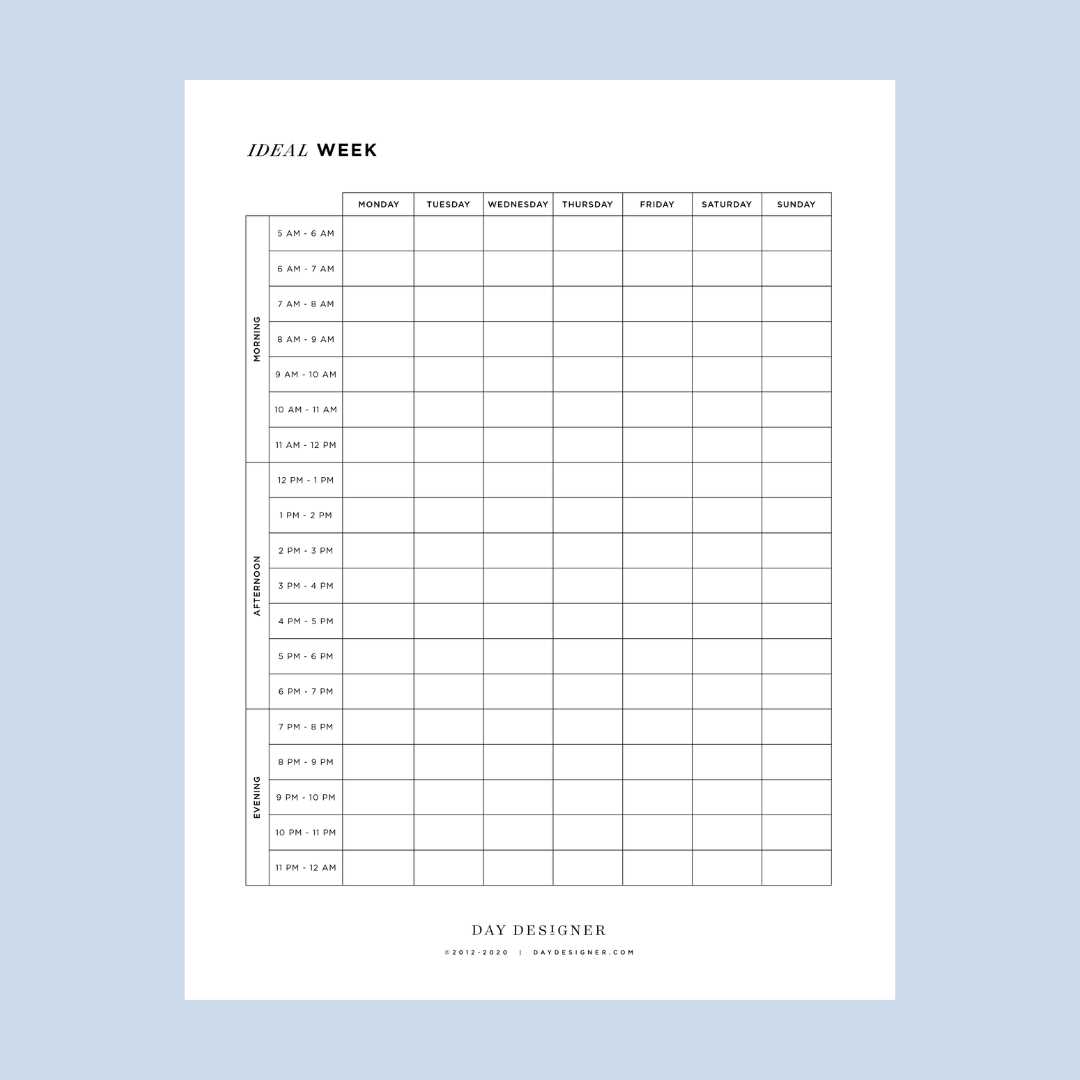
Start by breaking your day into structured time blocks. Create a layout that assigns specific tasks to each hour, making sure to factor in both work and personal activities. The more precise you are with your time allocation, the easier it will be to stick to your goals.
Use a grid format to divide your day into segments. Begin with key tasks that require the most focus in the morning, followed by lighter activities. If you have meetings, appointments, or calls, mark them in advance so they stand out clearly. This allows for quick adjustments without losing sight of important tasks.
Review your progress periodically to ensure you’re staying on track. Adjust your layout if certain tasks consistently take longer than expected, or if distractions are preventing you from meeting your targets. A visible and well-structured hourly breakdown will keep you organized, and give you a sense of control over your time.
How to Organize Your Day with a Detailed Time Plan
Divide your day into clear time slots, allowing for precise task management. Assign each hour to a specific activity, ensuring that no time is wasted. By doing this, you can minimize distractions and focus on one task at a time, boosting your productivity.
Incorporate buffer times between tasks. These breaks are vital for preventing burnout and staying focused. For instance, if you have a meeting that runs over, a short break afterward will help you reset before diving into the next item on your list.
Consider your energy levels throughout the day. Schedule demanding tasks when you are most alert, typically in the morning. Less demanding activities, like responding to emails or organizing your workspace, can be pushed to the afternoon or evening when energy tends to dip.
- Prioritize high-focus tasks early in the day.
- Include short, intentional breaks after each major task.
- End your day by reviewing what’s been accomplished and setting up for the next day.
Use colors or labels to categorize tasks. For example, work-related activities could be highlighted in blue, while personal tasks in green. This visual system will help you quickly identify the nature of each task and avoid confusion.
If unexpected events disrupt your plan, adjust on the fly. While having a detailed structure is crucial, being flexible allows you to remain productive even when things don’t go according to plan.
At the end of each week, review your time management. What worked well? What needs tweaking? This reflection will help you refine your time blocks for the following week, leading to continuous improvement.
How to Create a Practical Hourly Schedule Template
Start by choosing the right format for your time allocation. A simple grid with columns for each hour of the day works best for many people. You can use a digital tool or print it out, depending on what helps you stay organized.
Break your day into time slots, typically starting from 6 AM or 7 AM and continuing until the evening. Make sure each hour is clearly marked, and leave enough space to jot down activities or appointments. This structure helps ensure you’re not overwhelmed by an unorganized list of tasks.
Next, list out your tasks or activities in order of importance. Place the most demanding or priority items during the time when you’re most focused, usually in the morning. Include everything: work tasks, meetings, meals, breaks, and personal errands.
Consider adding color codes for different categories. For example, blue for work-related tasks, green for breaks, and yellow for personal errands. This color-coding system provides quick visual cues and makes it easier to differentiate between types of activities at a glance.
- Use time blocks of 30 minutes to 1 hour for each task.
- Leave some flexibility for unexpected events.
- Reassess your layout weekly to ensure it’s still effective.
Finally, print your template and test it for a day or two. Evaluate how well it worked in practice. Adjust the time blocks, tasks, or categories based on what you’ve learned. Regular tweaking will make your planning more efficient and manageable.