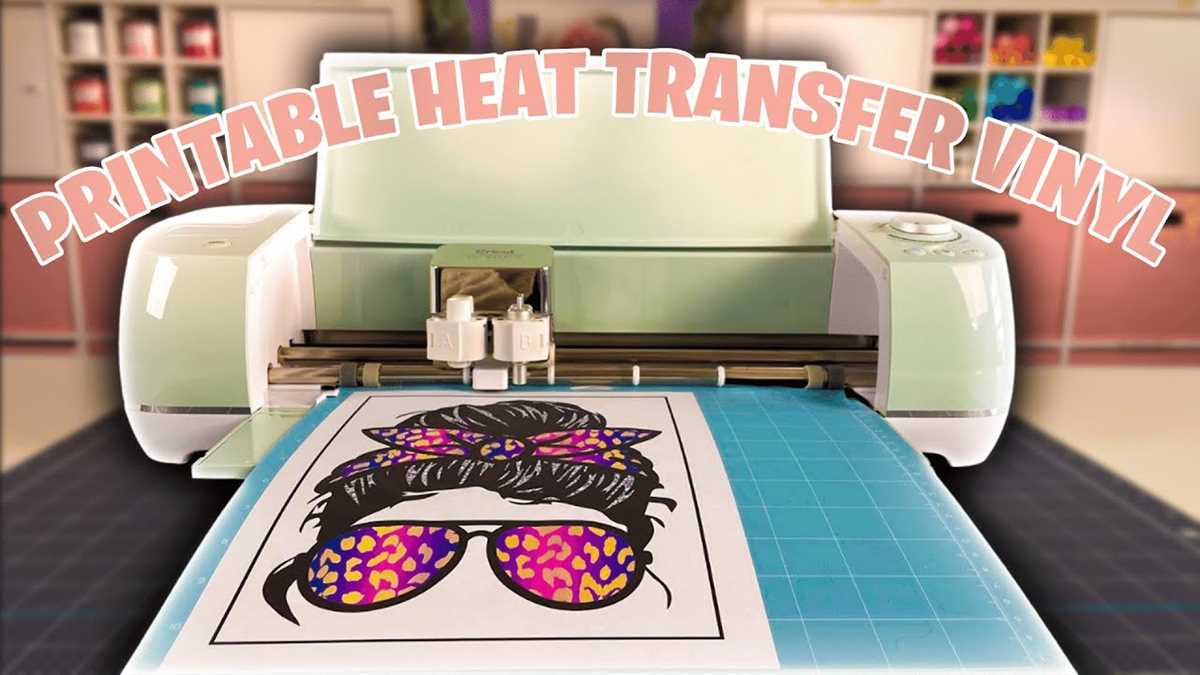
For vibrant and long-lasting designs on fabric, start by selecting the right type of transfer material. Choose a sheet that is designed for inkjet printing, which is compatible with your printer. These materials have a special coating that allows the ink to adhere properly, ensuring sharp and bright results when transferred to your project.
Before printing, make sure your design is sized correctly and oriented properly on your design software. For most fabrics, the image should be mirrored before printing to ensure it appears correctly after being transferred. Use a high-quality print setting to get the best resolution, especially for detailed images or text.
Once the design is printed, it’s time to prepare your fabric. Smooth out wrinkles to ensure the design adheres evenly. Position the transfer carefully and use a heat press or iron to apply the image. Keep the heat level consistent and follow the recommended time guidelines to ensure proper bonding of the design to the fabric.
Applying Transfers to Fabric

Once your design is ready, carefully cut the transfer sheet according to the printed lines. It’s important to leave a small border around the image to ensure the edges adhere well to the fabric. A sharp pair of scissors or a cutting machine can help achieve clean lines, preventing any excess material from interfering with the final result.
Place the transfer face down on the fabric and secure it in place with heat-resistant tape to prevent shifting. Preheat your iron or press to the recommended temperature for the material you’re working with. Use firm, even pressure and avoid moving the iron back and forth too much to ensure consistent application of heat. Press for the time suggested on the transfer sheet packaging, then allow it to cool before peeling off the backing.
Preparing Your Design for Printable HTV
Begin by selecting the correct design software. Programs like Adobe Illustrator, CorelDRAW, or free options such as Inkscape provide excellent tools for customizing artwork. Make sure to adjust the dimensions of your image to match the size of the transfer sheet you plan to print on.
Before printing, ensure the design is oriented correctly. For text and graphics that will be transferred to fabric, it’s necessary to flip the image horizontally. This step ensures that the final result will appear the right way after being transferred to the fabric.
Check the resolution of your artwork. Images for fabric transfers should be at least 300 dpi for optimal print quality. If you’re using vector graphics, this won’t be an issue, but raster images may need resizing or adjustments to maintain crispness when printed.
Next, prepare your printer settings. Set the printer to the highest quality print mode to ensure that every detail in your design is sharp and clear. For inkjet printers, choose the “matte paper” or “photo paper” setting, as this will help the ink adhere better to the transfer sheet.
Once everything is set, conduct a test print on regular paper to check for any mistakes in your design or settings. This will save time and material when printing on the actual transfer sheet. After confirming everything looks good, print the design onto the transfer material and proceed with the next steps.