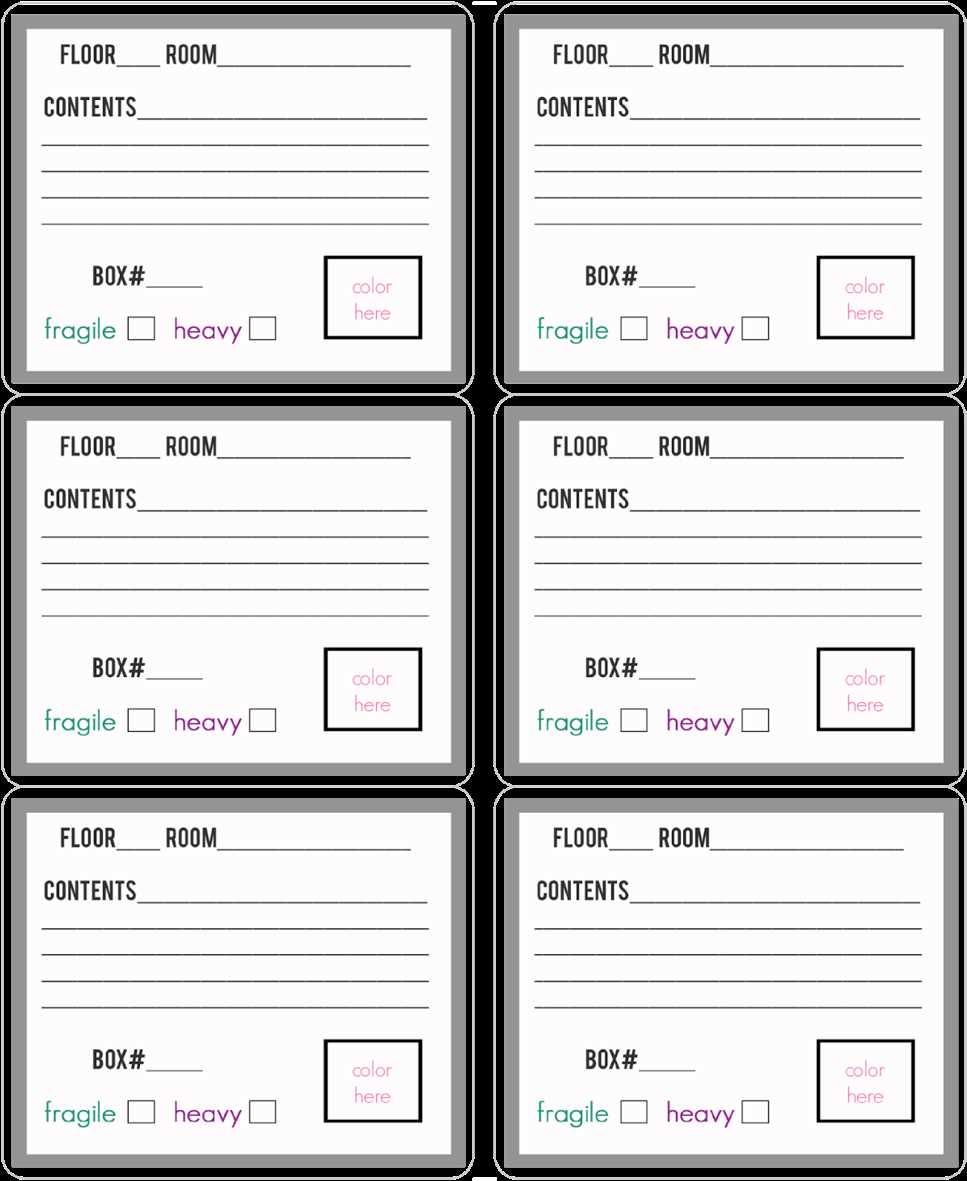
Create clear and easy-to-read identifiers for each container by choosing a consistent design. Use large, bold text to highlight the category or contents, such as “Kitchen”, “Books”, or “Fragile”. Consider color-coding for a quick visual reference, where each color represents a room or type of item. This system saves time during both packing and unpacking by making each container easily identifiable at a glance.
How to Design and Personalize Tags for Your Containers
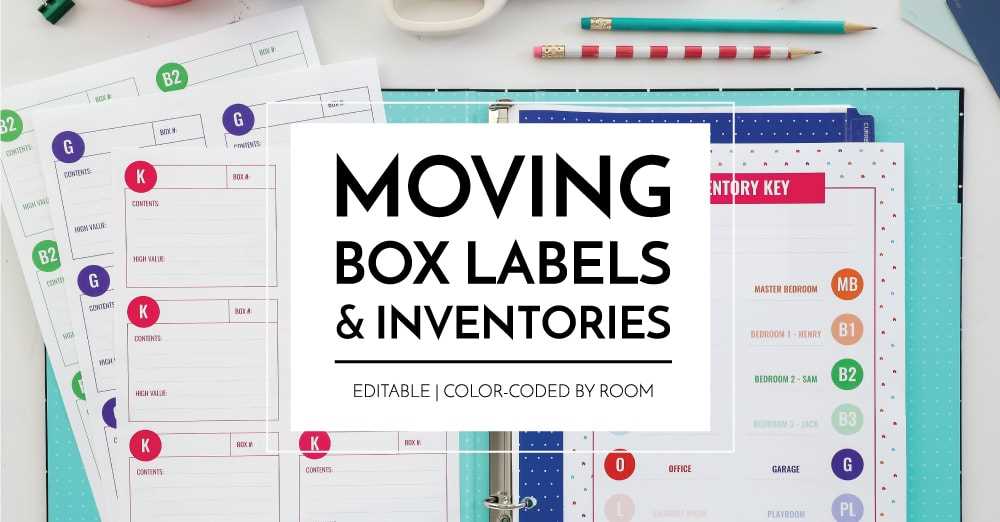
Design your identifiers with a simple format. Start by including the primary category, followed by any additional details. For example, for a container filled with kitchen supplies, you might label it “Kitchen – Plates & Cups”. Include any handling instructions (e.g., “Handle with care”) in smaller text. To streamline the process, online tools like Canva or Microsoft Word offer customizable templates that let you quickly input text and adjust font sizes, ensuring each label is legible and informative.
- Use Clear Fonts: Stick to simple fonts like Arial or Helvetica for easy readability.
- Keep It Short: Include only the most important information, such as contents and destination room.
- Consider Durability: Print your tags on sturdy paper or adhesive sheets that won’t tear during the move.
Where to Find Ready-to-Use Templates for Packing Tags
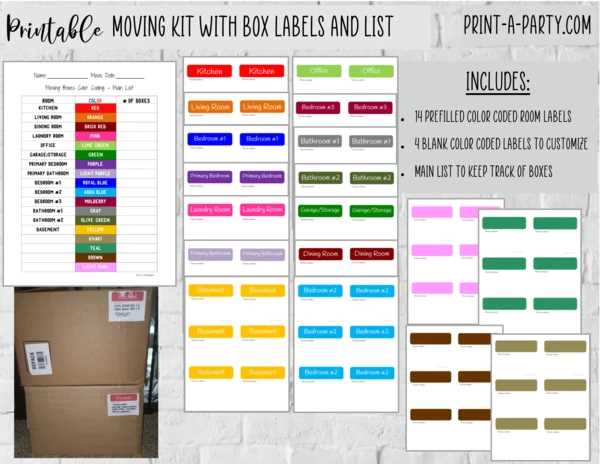
If you prefer not to create your own, several websites provide ready-to-use designs. Sites like FreePrintable.net and Vertex42 offer free downloadable templates that you can customize and print directly. Some templates include pre-made categories like “Kitchen”, “Living Room”, or “Bedroom”, making it easy to get started. These resources typically allow you to adjust the text, colors, and layout before printing, saving you the hassle of designing from scratch.
- FreePrintable.net: Offers various packing tag templates, some with customizable text fields.
- Vertex42: Provides clean, simple templates that can be edited in Excel or Word.
- Canva: A design platform with free templates for creating packing identifiers with personal touches.
For a more polished look, consider printing on adhesive-backed paper, so you can directly attach the tags to your containers. This approach eliminates the need for tape and ensures the labels stay intact throughout the move. After printing, place the identifiers where they can be easily seen, such as on the top or side of each container, ensuring that movers or helpers can quickly identify where each item belongs.
Creating Functional Tags for Organizing Your Items
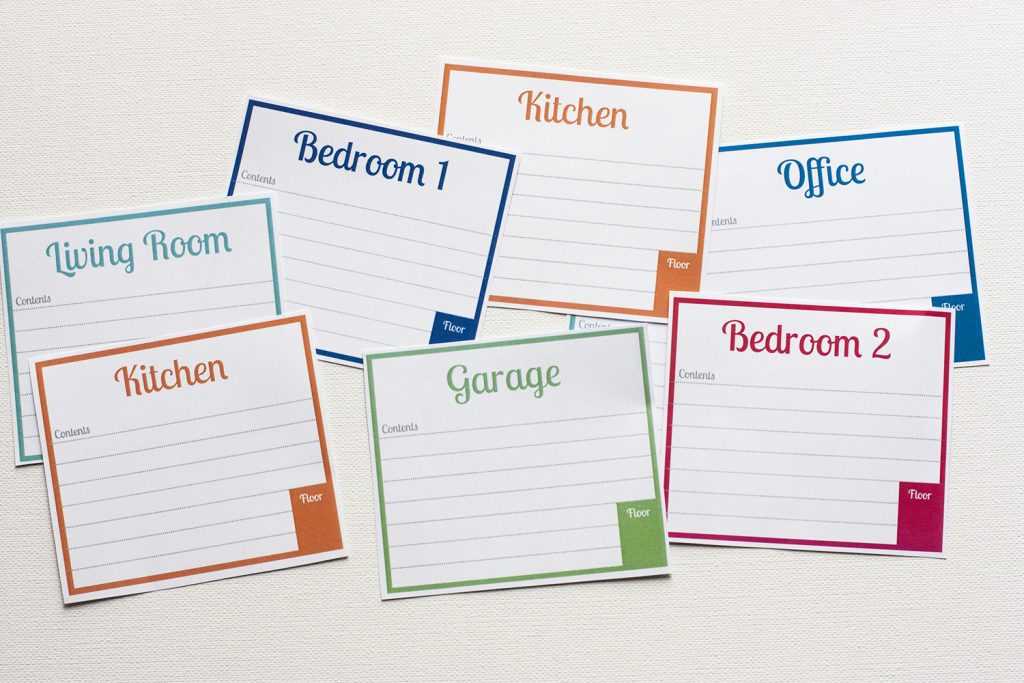
To effectively organize your items during a move, use large, bold text for each tag. Focus on key details like the category (e.g., “Kitchen” or “Books”) and any specific instructions such as “Fragile” or “This Side Up.” Clear and concise labeling will prevent confusion and streamline both packing and unpacking.
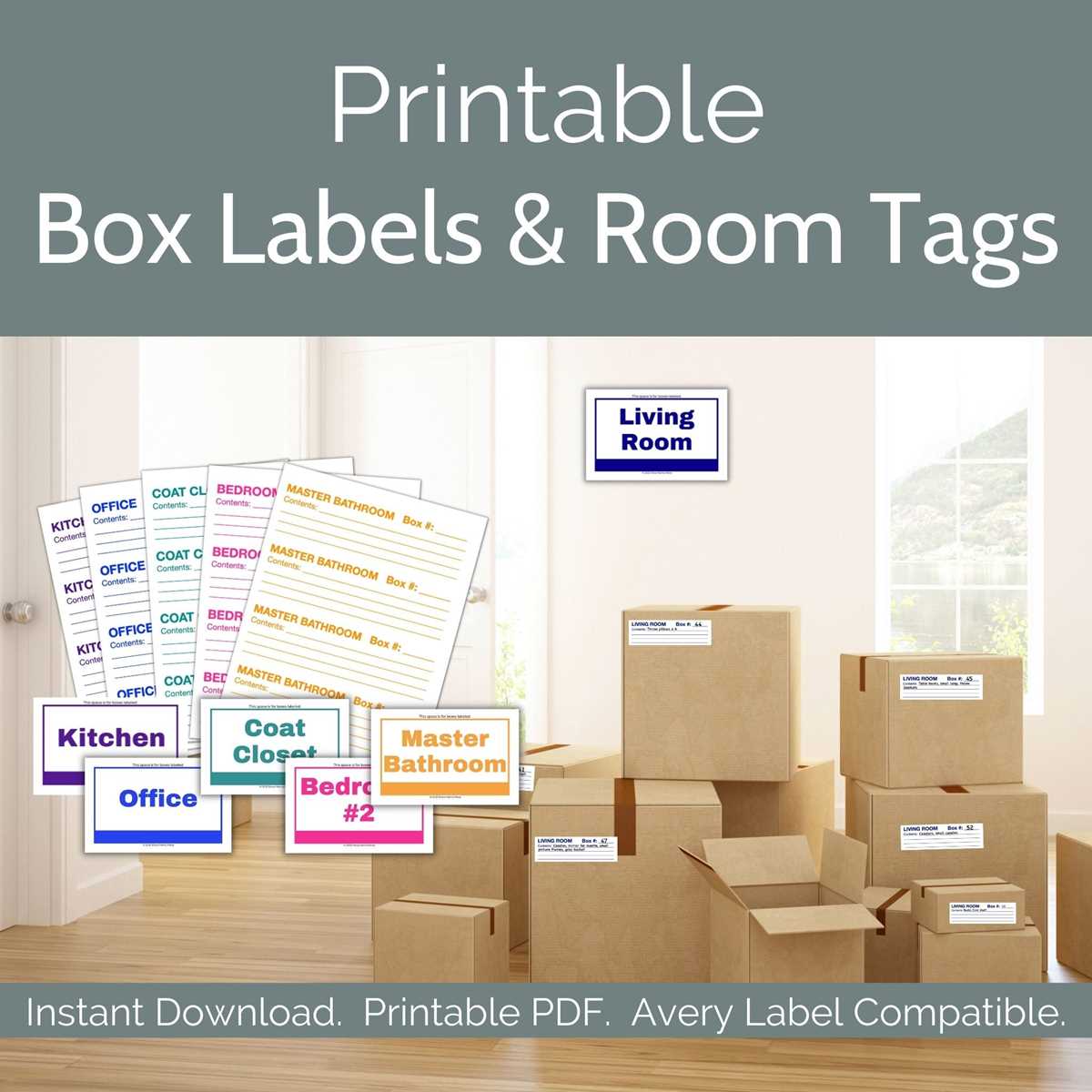
Consider using a color-coding system. Assign different colors to specific rooms or types of items. For instance, use blue for kitchen items, green for electronics, and red for fragile items. This visual aid speeds up the identification process, especially when dealing with a large number of containers. The color coding will allow you to quickly sort items into the correct spaces without needing to check each label individually.
Another tip is to include an inventory number or code on each tag. This will allow you to keep track of which containers you’ve already packed and which ones are still pending. You can create a simple list on your phone or a piece of paper, noting down the number of each tag and what it contains. This will make it easier to ensure nothing is left behind or misplaced during the move.
If you are printing your own tags, choose a durable material for printing. Using adhesive-backed paper allows you to stick the tags directly to your containers without needing tape. Make sure the paper is sturdy enough to withstand handling during the moving process. If you prefer a professional look, you can also opt for pre-printed designs available online, which may provide a polished finish while still being customizable.
For those moving with fragile or valuable items, make sure your tags clearly indicate this. Special symbols or bold fonts can be used to alert anyone handling the containers that they require extra care. This extra layer of precaution reduces the risk of items being damaged or mishandled during transport. You can also add additional instructions, such as “Do Not Stack” or “Keep Upright,” to further ensure the safety of your possessions.
Finally, place your tags where they are most visible. Ensure that the top or side of each container is labeled clearly, as this makes it easy to identify them when moving from one place to another. If you’re using a vehicle or truck for the transport, organize the items in a way that makes it easy to access the most important or frequently needed containers first. The visibility of your labels will significantly improve efficiency during your move, saving you time and effort.