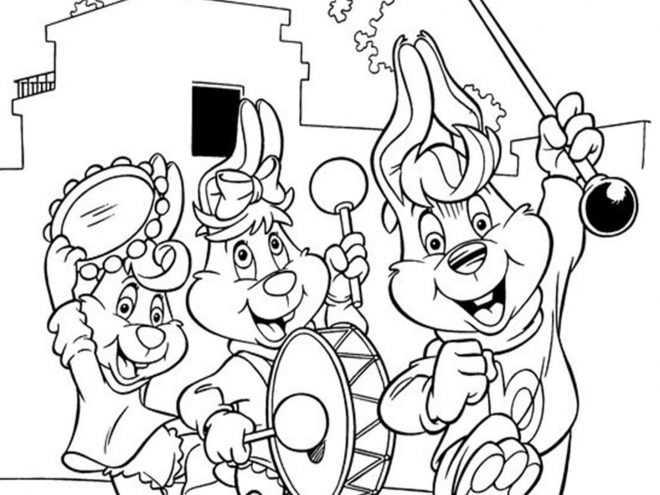
Download vector files in PDF format with resolution 300 DPI and line thickness 1.5–2 pt to avoid blurry outlines on A4 or Letter paper. Choose black-only designs with white backgrounds to reduce ink usage and keep contours sharp for pencils or markers.
File Formats and Paper Settings
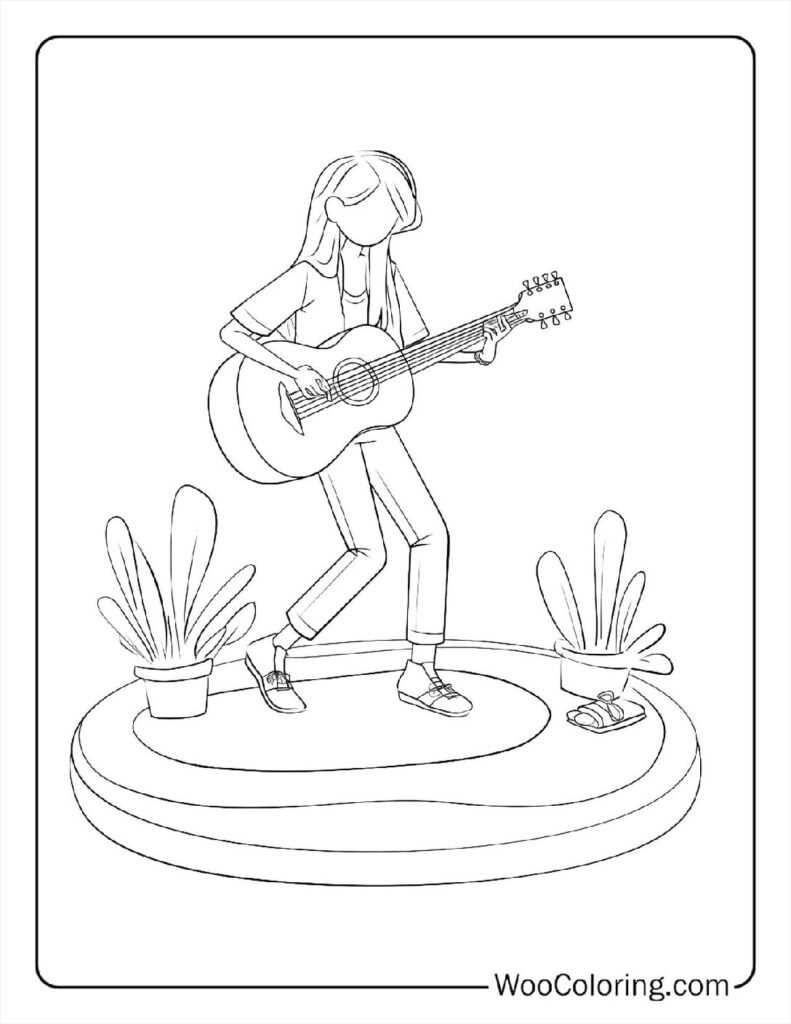
Use PDF or SVG sources rather than JPG to keep edges crisp after scaling. Set printer quality to “standard” instead of “draft” to prevent broken lines. Paper weight 120–160 gsm handles felt-tip pens without bleed-through, while 80 gsm suits crayons and graphite. Margins of 5–7 mm stop clipping on home devices.
Design Types for Different Ages
- Simple outlines of guitars, drums, and keyboards with large empty areas for preschoolers
- Sheets with staffs, clefs, and note symbols for primary school practice
- Detailed scenes with orchestral instruments and stage elements for teens and adults
Ink Saving and Storage Tips
Prefer grayscale mode and disable photo enhancement features. Print multiple artworks per sheet using 2-up layout for small sketches. Store files in organized folders by instrument type and difficulty level, and keep a backup on cloud storage to avoid repeated downloads.
- Check preview before sending to device
- Align orientation with design layout
- Test one sheet before bulk runs
- Use clear plastic sleeves for reuse with dry-erase markers
Instrument and Note Art Sheets for Kids and Classroom Activities
Select black-line instrument sketches in PDF at 300 DPI with stroke width near 2 pt so outlines stay sharp on A4 and US Letter. Choose files under 2 MB to load quickly on school computers and avoid delays before lessons.
For kindergarten groups, use single-object drawings such as drums, flutes, or microphones with large blank zones; older students handle detailed scenes with stages, performers, and notation symbols. File sets with 10–15 variations keep attention longer than repeating one design.
Set printer mode to grayscale, disable photo enhancement, and pick paper weight 120 gsm for markers or 90 gsm for pencils. Margins of 6 mm prevent cropped edges on older office devices.
Laminate several sheets and pair them with dry-erase pens so the same artwork can be reused during multiple classes, reducing paper waste and preparation time for teachers.
Organize files by difficulty level and instrument category in shared folders named with clear numbers such as 01-Beginner or 03-Advanced to speed up selection during busy lessons.
Combine these drawings with short theory tasks: ask students to shade only string instruments in blue, wind instruments in green, and percussion in red to link visual activity with recognition skills and reinforce terminology without additional worksheets.