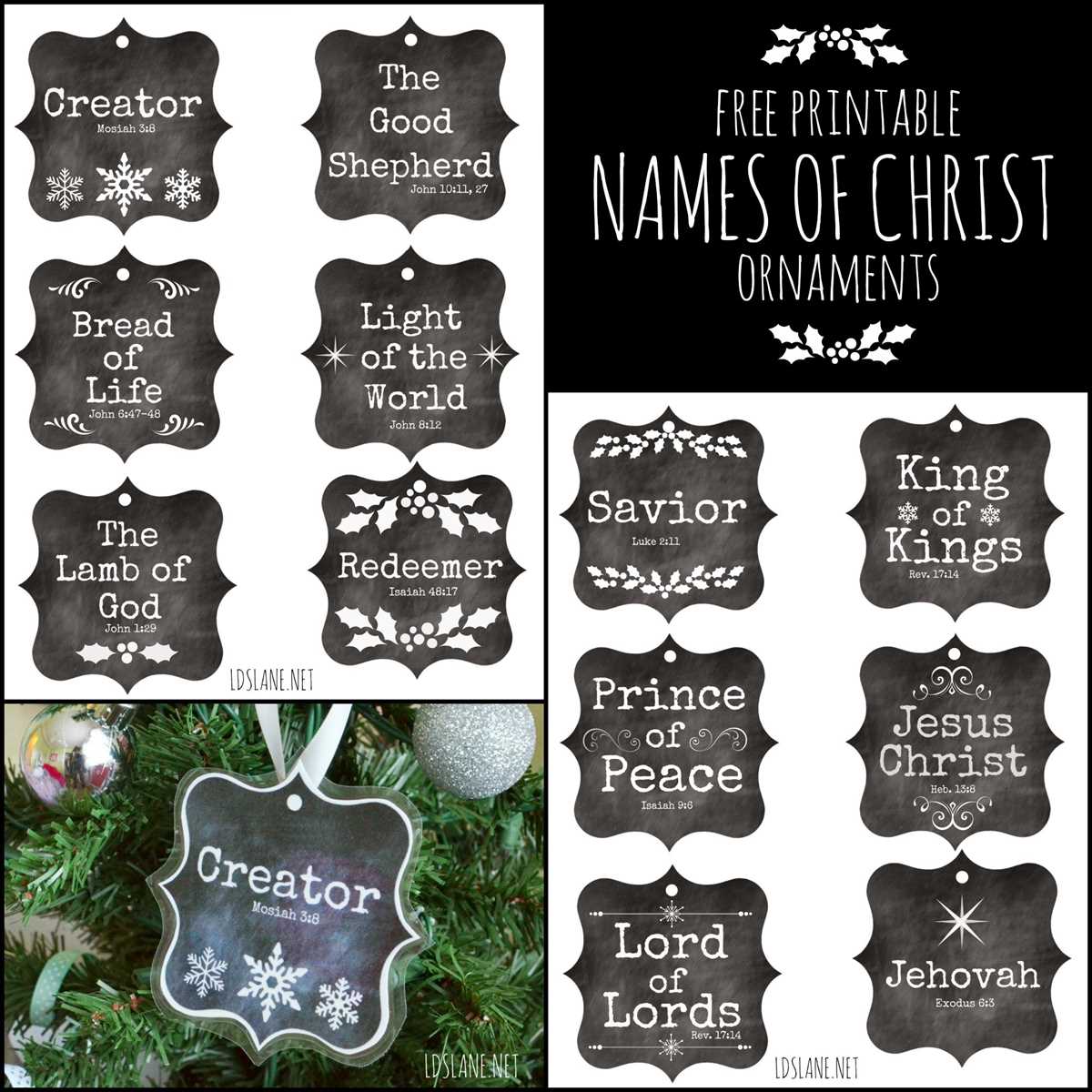
Download high resolution PDF templates featuring biblical titles of Christ and print them at 100% scale on 200–250 gsm cardstock for sturdy tree decor. Disable automatic resizing in the printer settings and confirm circle diameters measure 3–4 inches before cutting.
Select designs that pair each sacred title with a specific Bible reference, such as Isaiah 9:6 or John 10:11, and keep the verse citation in 10–12 pt font beneath the main text. Use clear serif typefaces for readability and maintain strong contrast between background and lettering.
Cut each round shape with sharp detail scissors or a 3 inch craft punch for smooth edges. Punch a centered 3–4 mm hole at the top and thread satin ribbon or natural twine through the opening, securing with a tight double knot.
Organize the set into a 25 day Advent sequence by numbering the back of each piece in pencil. Store completed decorations flat in a labeled envelope to prevent bending and preserve clean edges for use in future seasons.
Printable Names of Jesus Ornaments with Scripture References
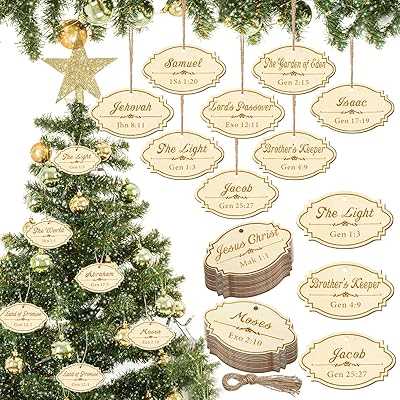
Print each circular decoration featuring biblical titles of Christ at 100% scale on 220–250 gsm cardstock and confirm the diameter matches the template size before cutting. Use matte paper to reduce glare from tree lights and keep text readable from a distance.
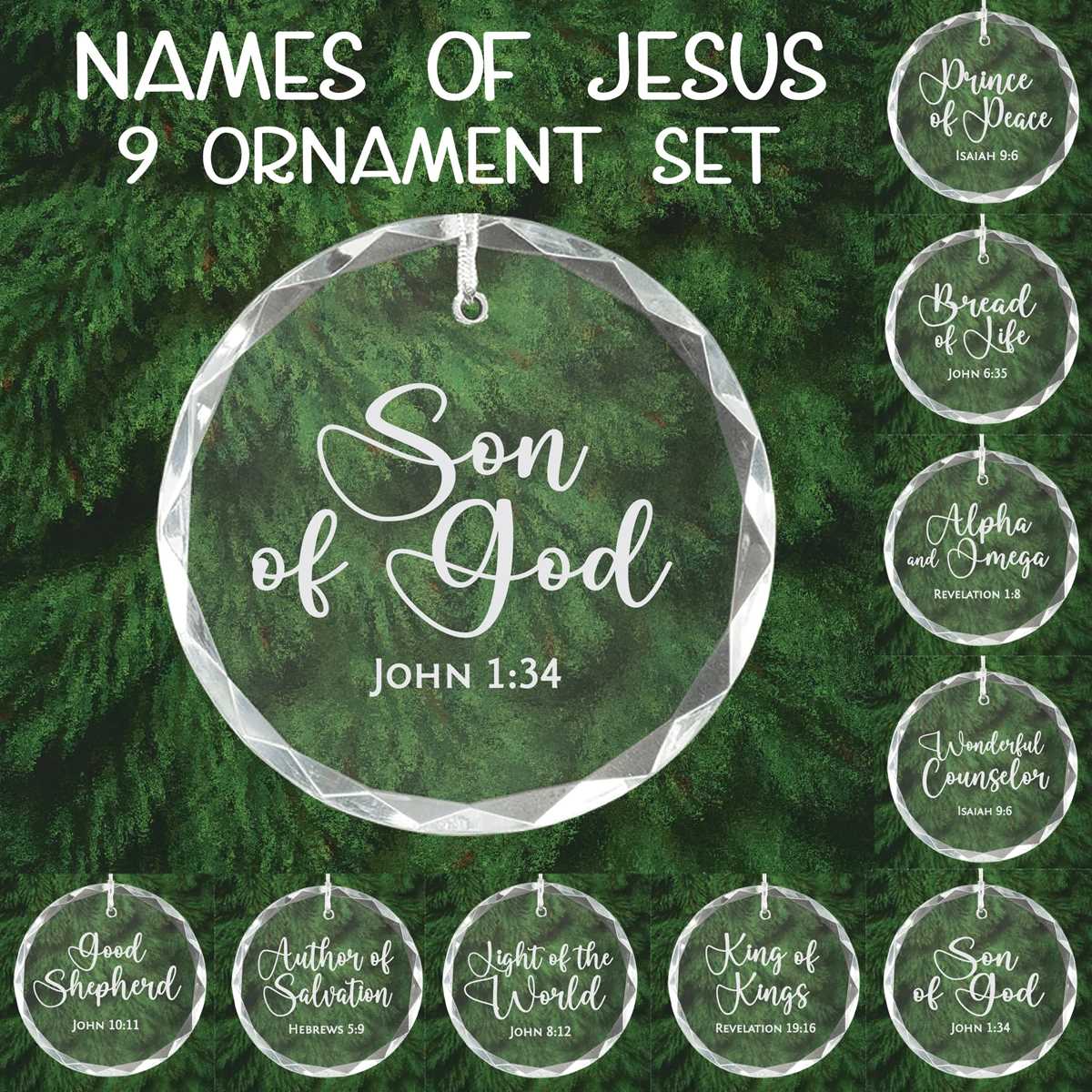
- Include one sacred title per piece such as Prince of Peace with Isaiah 9:6.
- Pair Lamb of God with John 1:29.
- Add Good Shepherd alongside John 10:11.
- Place the verse reference in 10–12 pt serif font below the main wording.
- Keep strong contrast between background color and lettering.
Cut each round shape with precision scissors or a craft punch for smooth edges. Punch a centered 3 mm hole at the top and thread ribbon, twine, or metallic cord through the opening, securing with a firm knot to prevent slipping.
Arrange the finished set as a 25 day Advent sequence by numbering the back lightly in pencil. Store flat in a labeled envelope or small box to maintain clean edges and preserve the printed scripture text for future seasons.
For group study settings, distribute one decoration per participant and read the corresponding Bible passage aloud before hanging it on the tree, creating a structured and meaningful seasonal display.
How to Print and Cut Scripture Based Ornament Templates at the Correct Size
Open the PDF file and set the print scale to 100% or “Actual Size” before sending it to the printer. Disable options such as “Fit to Page” or automatic margin adjustment to preserve the intended circle diameter, typically 3–4 inches for tree decorations.
Select the same paper format specified in the document setup, either US Letter or A4, and print a single test page first. Measure the width of one circular design with a ruler; if it differs from the stated size, adjust the custom scale in small percentage increments and reprint until the measurement matches exactly.
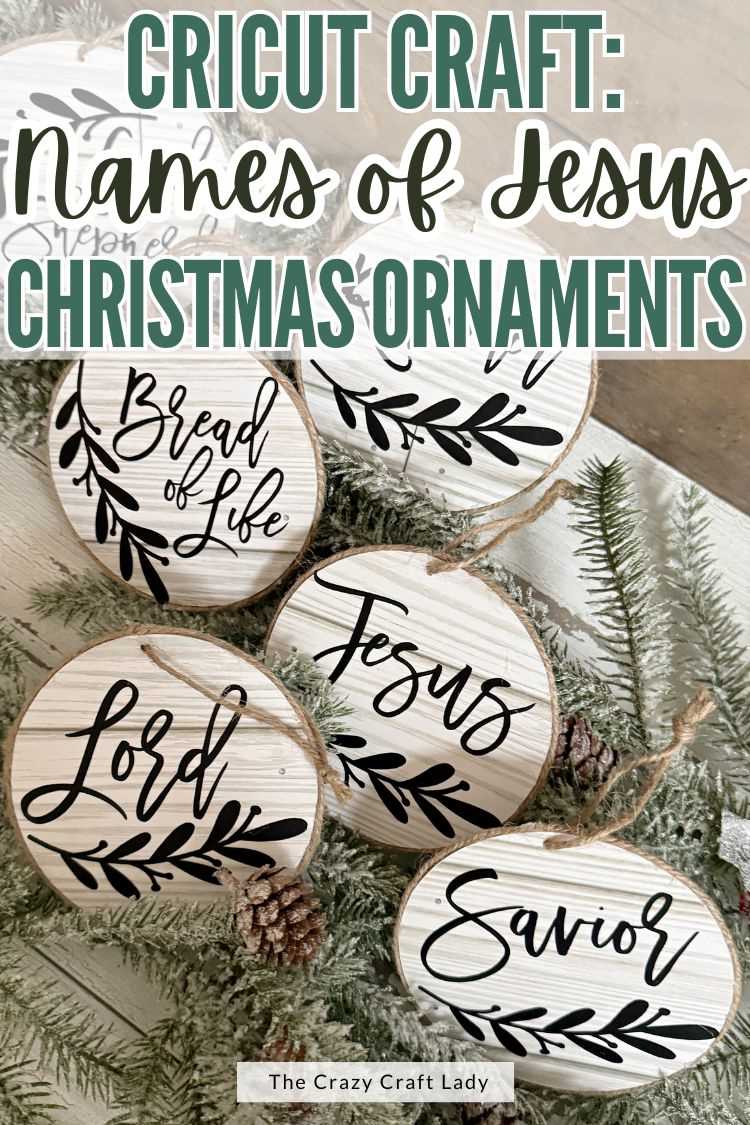
Use 200–250 gsm cardstock to prevent bending once the piece is hung. Matte stock reduces glare and keeps Bible verse text legible under indoor lighting. Avoid thin copy paper, which can curl after cutting or when exposed to warm tree lights.
Cut along the outer border with sharp detail scissors, rotating the paper rather than the blades to maintain a smooth curve. For perfectly even edges, use a craft punch that matches the template diameter. Keep the cutting motion steady to avoid jagged outlines that distract from the scripture text.
Punch a centered hole 3 mm from the top edge and thread ribbon or twine through the opening. Check balance by holding the string upright; if the decoration tilts, adjust the hole position slightly on the next piece for consistent hanging alignment.