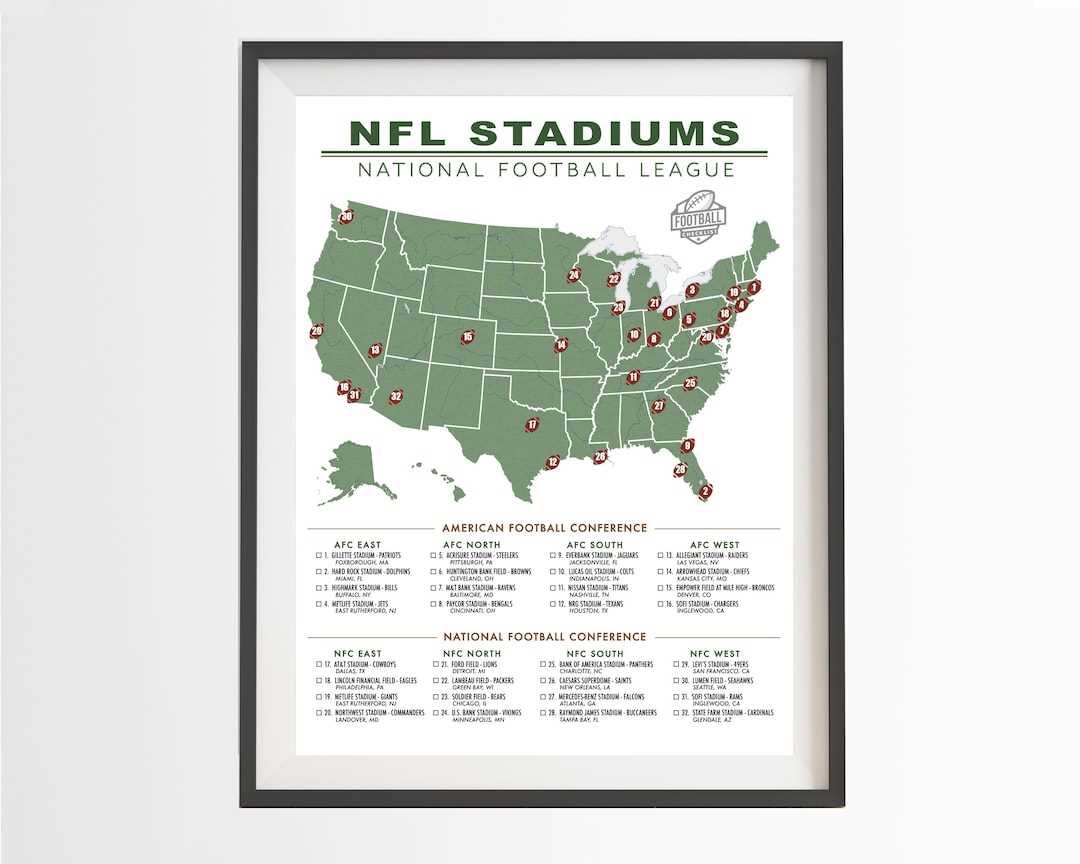
Get a clear overview of all 32 professional football franchises with this helpful guide. Whether you’re preparing for a game day, studying team rosters, or just learning about the different organizations, having a reference sheet can save you time. This resource will allow you to quickly find the names of each squad, their home city, and the conference or division they belong to.
It’s easy to download and use this sheet for quick access to all team names. Perfect for fans who want to stay up to date on the league’s current structure and affiliations, especially when engaging in fantasy football, making bets, or attending live games. Use it to better understand the matchups, rivalries, and histories that shape the competitive balance of each season.
Stay organized with a detailed breakdown of each franchise’s location and history. This printable guide is designed to help you track and compare franchises based on their performance in specific regions, while giving you insight into their formation and how they’ve evolved over the years.
NFL Teams and Their Divisions
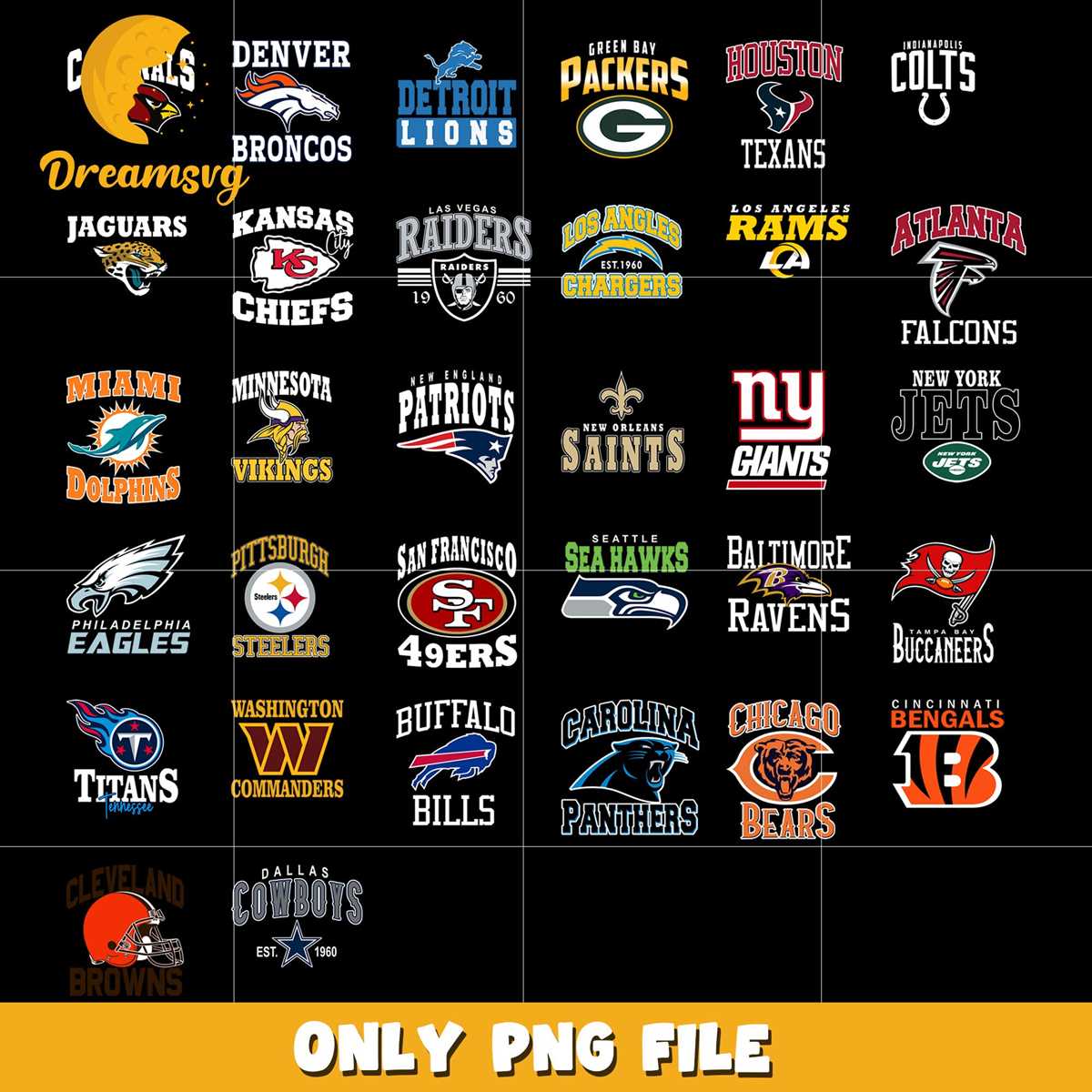
For quick access to the full list of franchises, consider using a detailed reference sheet. The league consists of 32 franchises, each aligned with one of two conferences: the American Football Conference (AFC) or the National Football Conference (NFC). Each conference is divided into four divisions: North, South, East, and West.
Organize the names of all franchises by their respective divisions. Here’s a brief breakdown of each division:
- AFC East: Buffalo Bills, Miami Dolphins, New England Patriots, New York Jets
- AFC North: Baltimore Ravens, Cincinnati Bengals, Cleveland Browns, Pittsburgh Steelers
- AFC South: Houston Texans, Indianapolis Colts, Jacksonville Jaguars, Tennessee Titans
- AFC West: Denver Broncos, Kansas City Chiefs, Las Vegas Raiders, Los Angeles Chargers
Similarly, you can group the other conference’s franchises by division. Here is a breakdown for the NFC:
- NFC East: Dallas Cowboys, New York Giants, Philadelphia Eagles, Washington Commanders
- NFC North: Chicago Bears, Detroit Lions, Green Bay Packers, Minnesota Vikings
- NFC South: Atlanta Falcons, Carolina Panthers, New Orleans Saints, Tampa Bay Buccaneers
- NFC West: Arizona Cardinals, Los Angeles Rams, San Francisco 49ers, Seattle Seahawks
Use this structured format to gain clarity on the geographical and competitive divisions. This makes it easier to follow schedules, track head-to-head matchups, and understand playoff positioning.
This resource is beneficial for sports fans, analysts, and anyone interested in quickly referencing the league’s structure and franchises. Having a dedicated sheet with all the team names and their corresponding conference/division can simplify the process of keeping up with the season’s progress and navigating matchups efficiently.
How to Download and Print the NFL Teams List
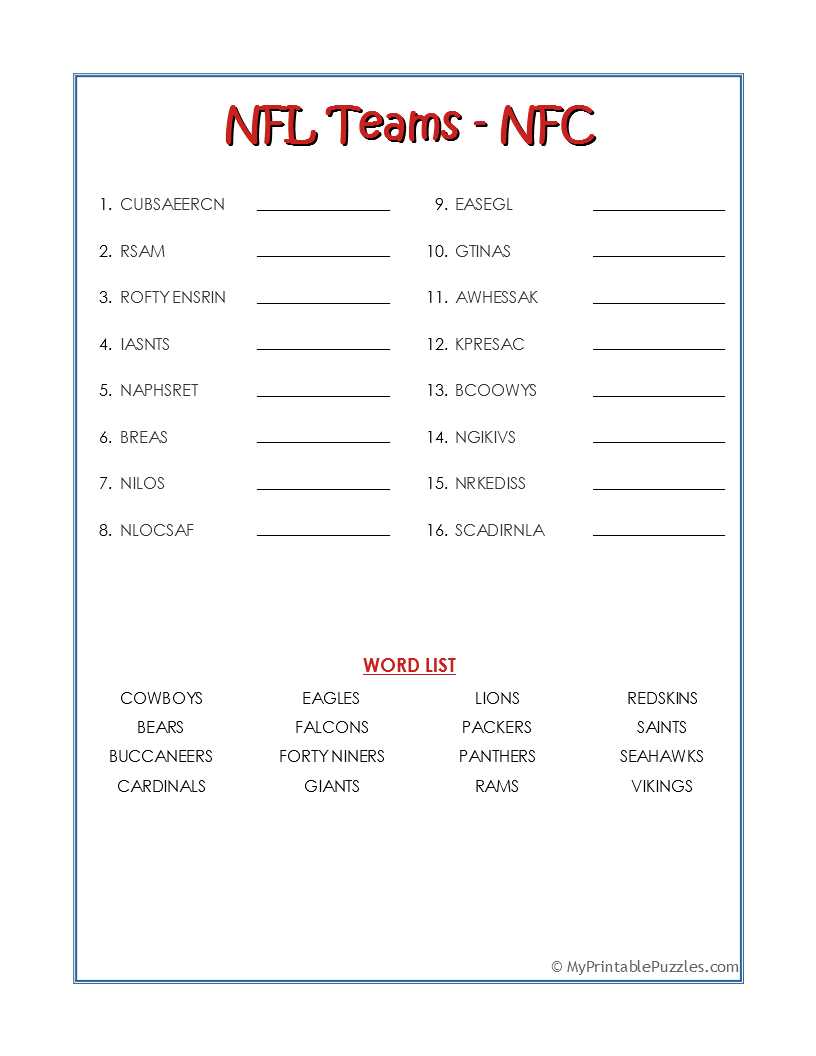
Start by selecting a reliable source to download the reference sheet. Websites dedicated to the league often provide free downloadable documents or PDFs that include the names of all franchises, their locations, and their divisions. Look for up-to-date content, ensuring accuracy.
Check the document format before downloading. Most reputable sites will offer the data in either PDF or Excel format. PDFs are great for viewing and printing immediately, while Excel sheets can be edited or customized if needed before printing.
Once you’ve found the right file, click the download link. Most files will be automatically saved to your computer’s default download folder, or you may be prompted to select a location. Choose a location where the file can be easily accessed later.
After downloading the file, open it using a PDF viewer or spreadsheet software. If you are using PDF, simply double-click the file to open it. If it is an Excel file, use a spreadsheet application like Microsoft Excel or Google Sheets.
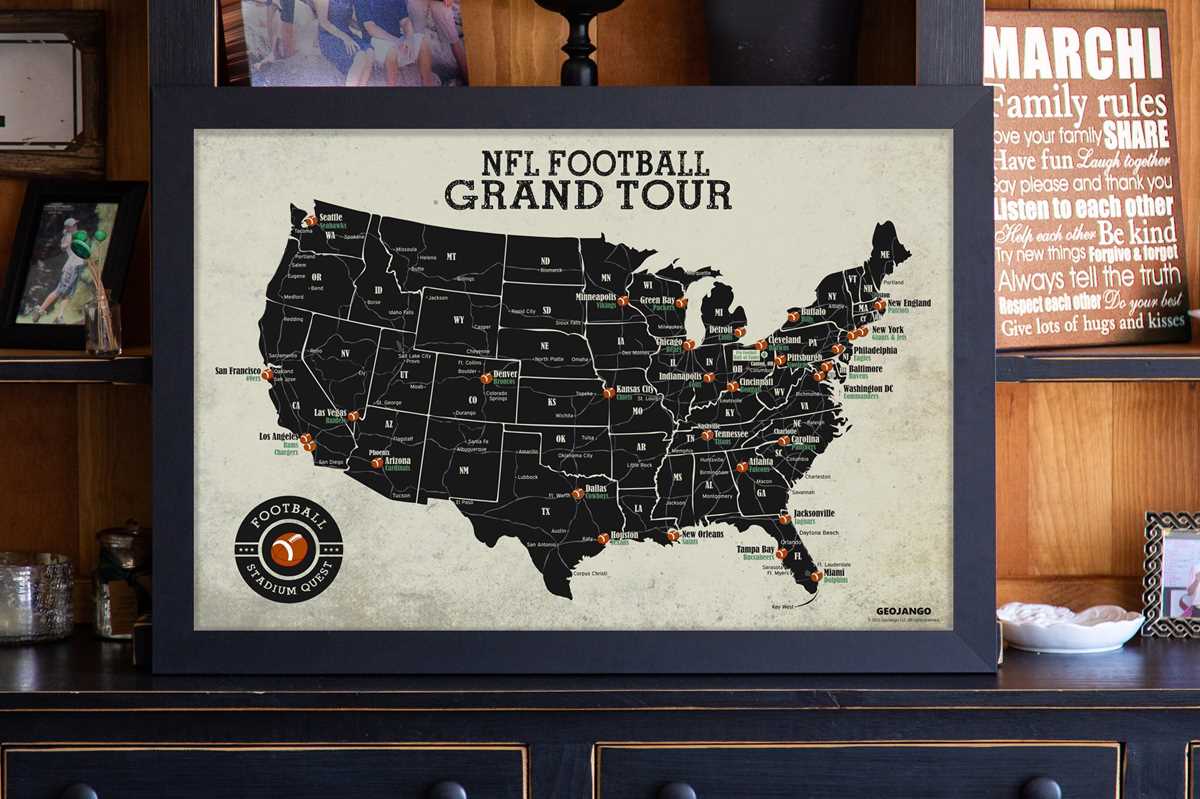
Review the sheet for clarity and layout. Some versions may list the franchises alphabetically, while others may group them by division or conference. Decide which format works best for your needs.
Prepare to print the document. If the file is a PDF, select the print icon within your PDF viewer. In Excel, ensure the layout is correctly formatted by adjusting the page size or margins before printing. You can also print a selection of the sheet if only certain sections are needed.
Set up your printer. Ensure that your printer is connected and has sufficient paper and ink. Adjust the print settings to suit your preference, such as choosing the correct paper size or selecting color vs. black and white.
Click the print button and check the output. Once printed, review the document for any formatting issues or missing information. If everything looks good, your sheet is now ready to use for quick reference or display.