Download high-resolution party graphics inspired by Tim Burton’s Halloween Town and print them at 300 DPI on 200–250 gsm cardstock for sharp character details and sturdy cutouts.
Choose PDF or PNG files with transparent backgrounds for easier trimming around figures like Jack Skellington and Sally. Set your printer to “actual size” and disable scaling to keep banner letters aligned. For hanging garlands, punch holes 10–15 mm from the top edge and thread black or white twine to match the gothic theme.
Use matte photo paper for wall art sized 8×10 inches and laminate cupcake toppers with 80–125 micron pouches to prevent bending from frosting moisture. Arrange themed table signs in 5×7 inch frames to label snacks and drinks, keeping text in bold 18–24 pt fonts for readability from 1–2 meters.
Store digital party templates in separate folders by category such as banners, cake accents, and wall posters, and keep original files unchanged to avoid repeated compression that reduces image clarity.
Nightmare Before Christmas Printable Decorations
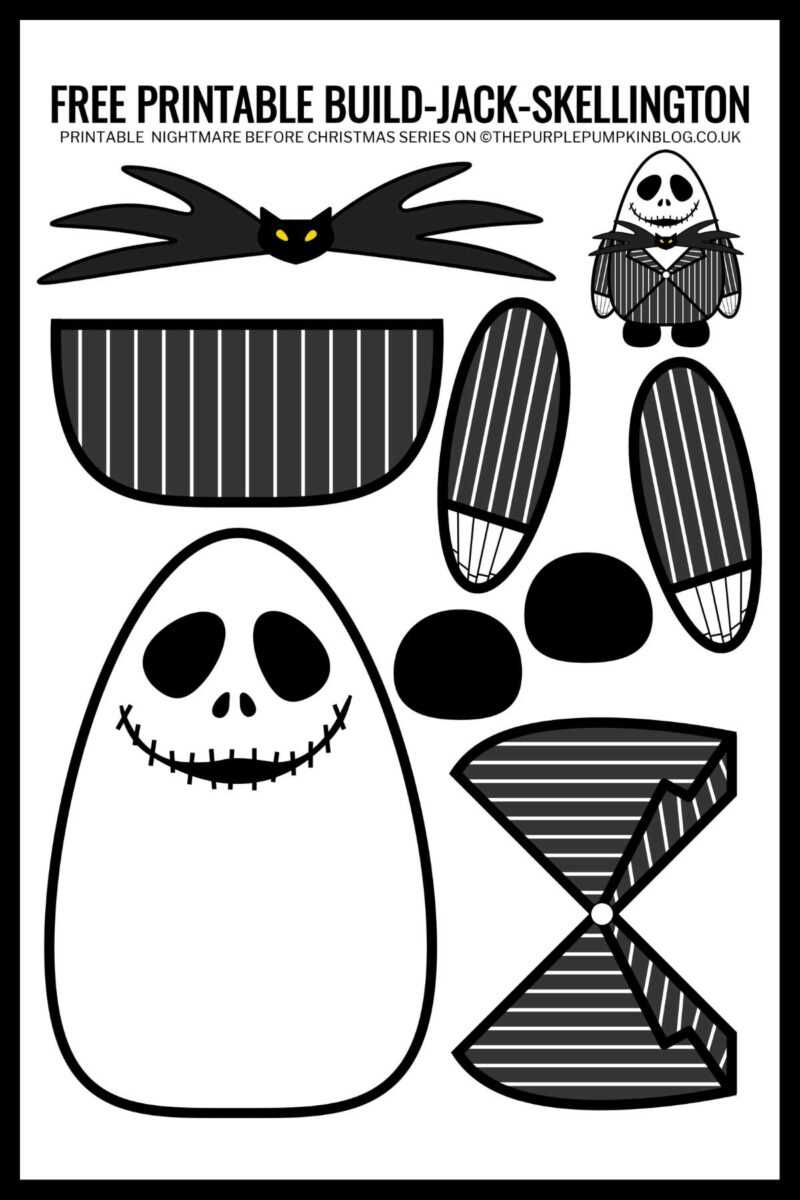
Print character artwork from the Burton film at 300 DPI on 220 gsm cardstock and cut with a precision knife to keep edges clean around thin shapes like Jack Skellington’s limbs.
For party banners, use letter-sized PDF files with one character per page and set scaling to 100%. Attach each panel with 5 mm double-sided tape or punch two 6 mm holes at the top corners and thread black ribbon. Keep spacing between panels at 3–4 cm to prevent curling when hung across a 2–3 meter wall.
- Wall posters: 8×10 or 11×14 inches on matte photo paper
- Cupcake picks: 5 cm circles glued to 10 cm wooden sticks
- Table labels: 9×5 cm folded cards printed on 250 gsm stock
- Hanging swirls: lightweight 120 gsm paper to reduce ceiling strain
Store themed graphics in separate folders labeled banners, cake toppers, and signage, and keep an untouched master file for each design to maintain sharp resolution for future events.
How to Choose the Right File Format and Paper Type for Home Printing
Download artwork in PDF for fixed layouts and accurate sizing, or SVG if you need to resize character graphics without losing sharp edges. Set export resolution to 300 DPI and color mode to CMYK for laser printers or RGB for inkjet devices.
Use PNG with transparent background for cutouts that require tight trimming around detailed silhouettes. Avoid low-resolution JPEG files below 200 DPI, as they produce visible pixelation along curved lines and thin elements.
Select paper weight based on purpose. Choose 120–160 gsm for hanging garlands to reduce sagging, 200–250 gsm cardstock for stand-alone table signs, and 260–300 gsm matte photo paper for framed wall art sized 8×10 or 11×14 inches.
Adjust printer settings to “actual size” or 100% scale to maintain alignment of banner letters. Disable automatic border scaling and set margins to at least 5 mm to prevent clipping near page edges.
For double-sided pieces such as tent cards, enable manual duplex printing and test alignment on plain 80 gsm sheets before using thicker stock. Slight shifts of 1–2 mm can misalign folds.
Store original design files separately from edited versions to preserve full resolution. Keep filenames labeled by size and paper type, such as A4_250gsm_tablecard.pdf, to simplify future reprints.