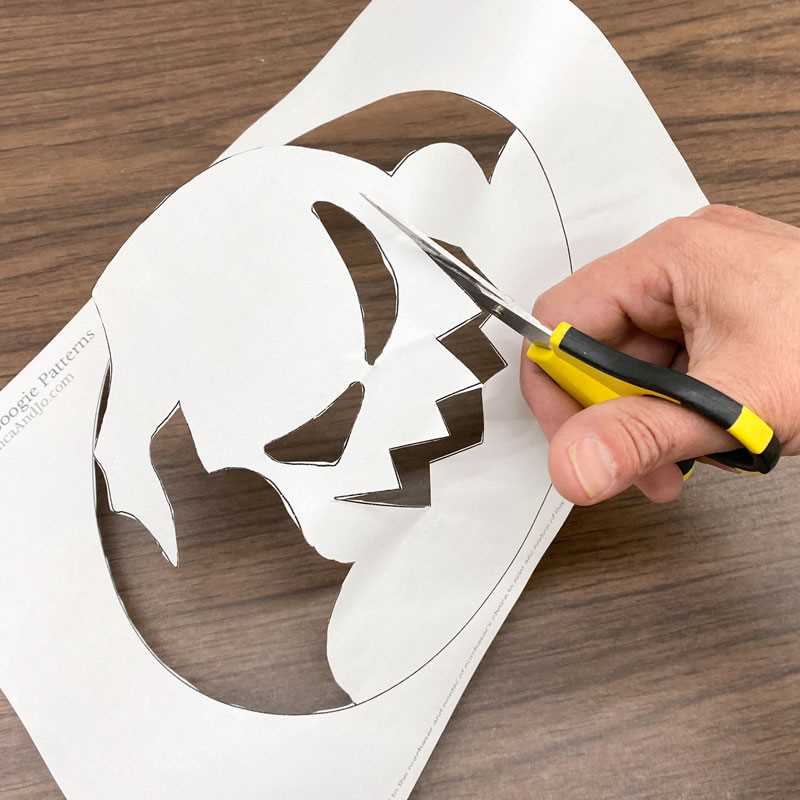
Choose a high-contrast Jack Skellington pattern in PDF format at 300 DPI to keep facial lines crisp during carving. Files with bold outer contours and minimal micro-details work best on medium gourds sized 8–10 inches in diameter. Thin, intricate shapes tend to tear the rind and blur the character’s expression.
Use bright white paper and standard ink settings when preparing the design sheet. Avoid draft mode, which often produces faint guide lines that disappear after transfer. For cleaner placement, trim excess margins so the graphic sits flat against the curved surface without wrinkling.
Secure the design using painter’s tape at four anchor points, then perforate along the lines with a push pin spaced about 2–3 mm apart. This spacing keeps curves smooth and prevents jagged cuts. After removing the paper, connect the dotted marks with a fine-tip washable marker to maintain accuracy while carving.
Pick a firm, evenly colored gourd with a wall thickness close to 1 inch. Softer shells collapse near tight corners, especially around the character’s eyes and stitched smile. Chill the hollowed vegetable for 30 minutes prior to cutting; the cooled flesh holds detail better and reduces tearing.
For illumination, place a small LED puck light instead of a candle. LEDs maintain steady brightness, reduce heat damage, and highlight thin cut areas more clearly. Position the light slightly off-center inside the cavity to create subtle shadow depth across the face.
Nightmare Before Christmas Pumpkin Stencil Printable Guide
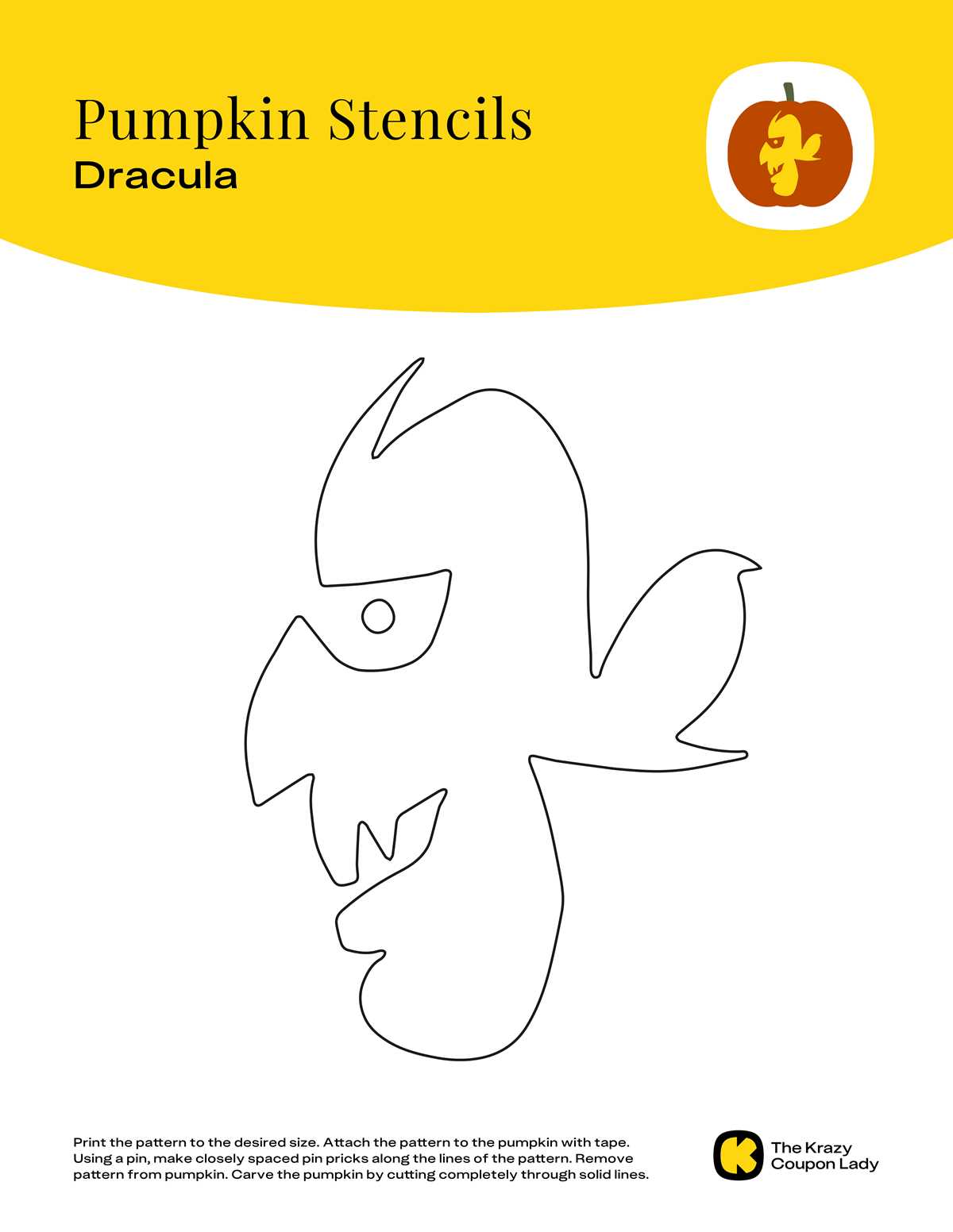
Select a Jack Skellington carving pattern saved at 300 DPI or higher to keep edges sharp after transfer. Files sized for standard letter paper (8.5×11 inches) usually fit medium gourds without scaling. Avoid low-resolution graphics; blurred outlines create uneven cuts around the eyes and stitched mouth.
Resize the design so the face fills about 70–80% of the front surface. Oversized artwork wraps around the sides and distorts the character’s proportions. Use simple editing software to adjust width while keeping the aspect ratio locked.
Attach the paper guide tightly with painter’s tape and press it into the curves. Wrinkles shift the dotted transfer marks and lead to crooked features. For best results, poke holes along every line at intervals of roughly 2 mm, keeping spacing tighter around small curves.
After removing the sheet, trace the perforations with a fine washable marker. This extra step keeps your cut path visible once moisture builds on the rind. Wipe the surface dry first; damp skin causes ink to feather and blur.
Use a thin serrated carving saw rather than a kitchen knife. Short, controlled strokes help maintain smooth arcs around the skull shape. For tiny interior cuts, switch to a linoleum cutter or precision craft blade to prevent tearing.
Place a cool LED light inside the hollowed gourd and test the glow in a dark room. Adjust brightness until the eyes and grin appear evenly lit. If certain areas look dim, shave the inner wall slightly thinner behind those sections rather than widening the front cuts.
Where to Download High Resolution Jack Skellington Pumpkin Patterns
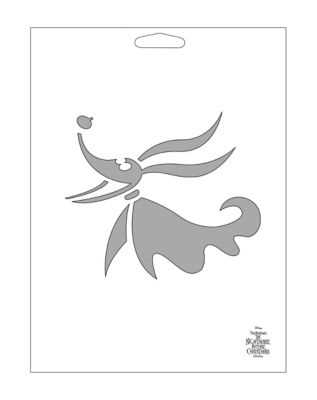
Choose files offered in PNG or PDF at 300–600 DPI from reputable craft libraries and fan art repositories. High-quality options are commonly found on sites such as official Disney activity pages, teacher resource hubs, and curated Halloween craft blogs. Prioritize downloads that clearly list pixel dimensions (for example, 2550×3300 px for letter size) and provide a clean black-line version without gray shading.
Check each source using this quick filter:
- Preview zoom shows crisp edges with no blur
- File size is usually above 500 KB for letter format
- Creator notes include intended paper size
- No watermark crossing the character’s face
- Download format supports lossless scaling
Avoid random image search results; many are compressed thumbnails that break apart during resizing. If planning large gourds over 10 inches tall, pick vector files (SVG or EPS) so the skull design keeps clean contours at any scale.