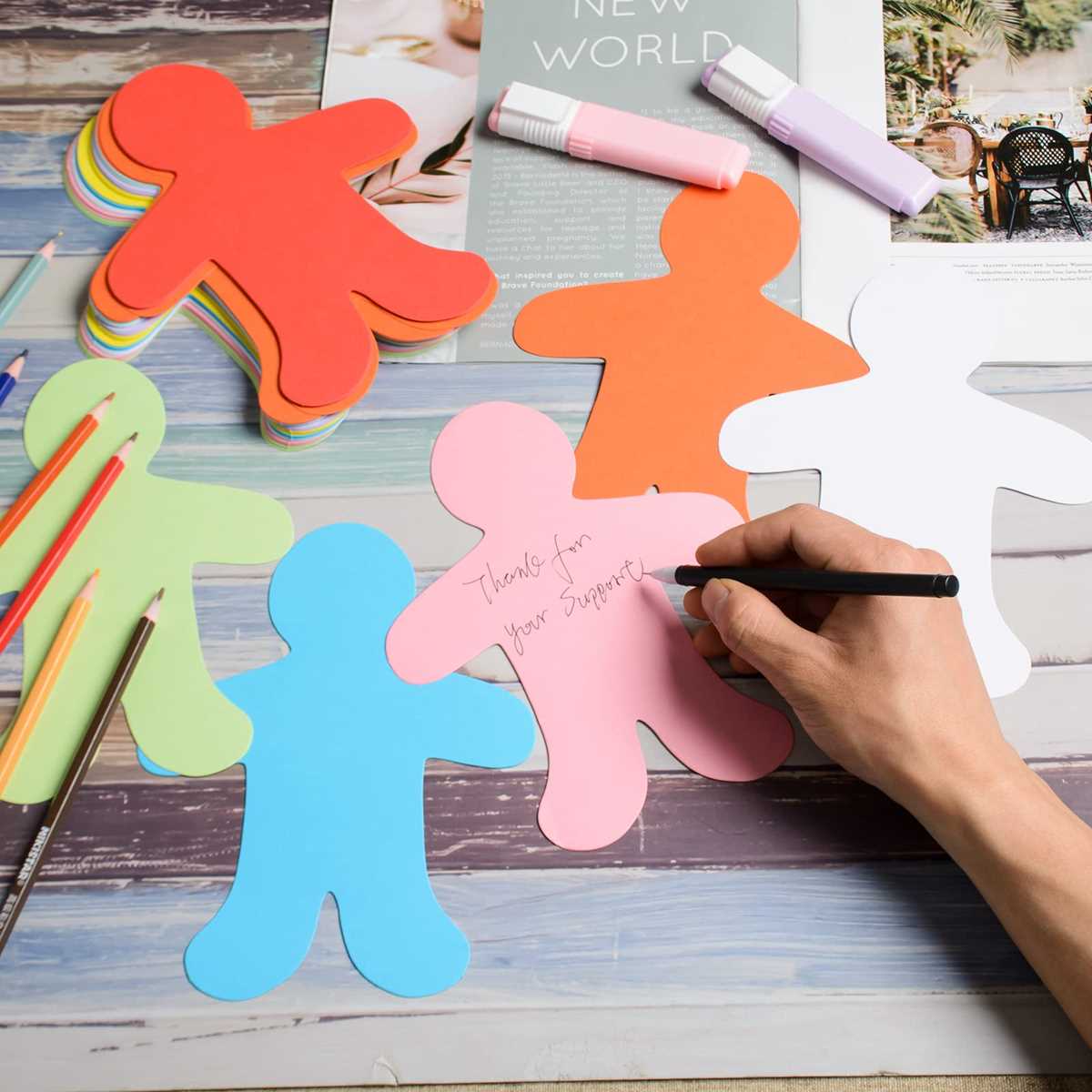
To get started, use high-quality cardstock or thick paper that holds ink well and provides a sturdy base for cutting. Choose an adhesive-backed paper if you want your designs to stick after cutting.
Choosing the Right Printer and Paper
Make sure your printer supports the size of the paper you plan to use. For detailed designs, an inkjet printer works best to ensure vibrant color reproduction. If you’re printing in black and white or simple designs, a laser printer is a great alternative for sharp, precise lines.
Recommended Paper Types
- Glossy paper: Ideal for bright colors and a professional finish.
- Matte paper: Best for a softer look with minimal glare.
- Sticker paper: Perfect for creating adhesive versions of your figures.
Designing and Cutting Your Figures
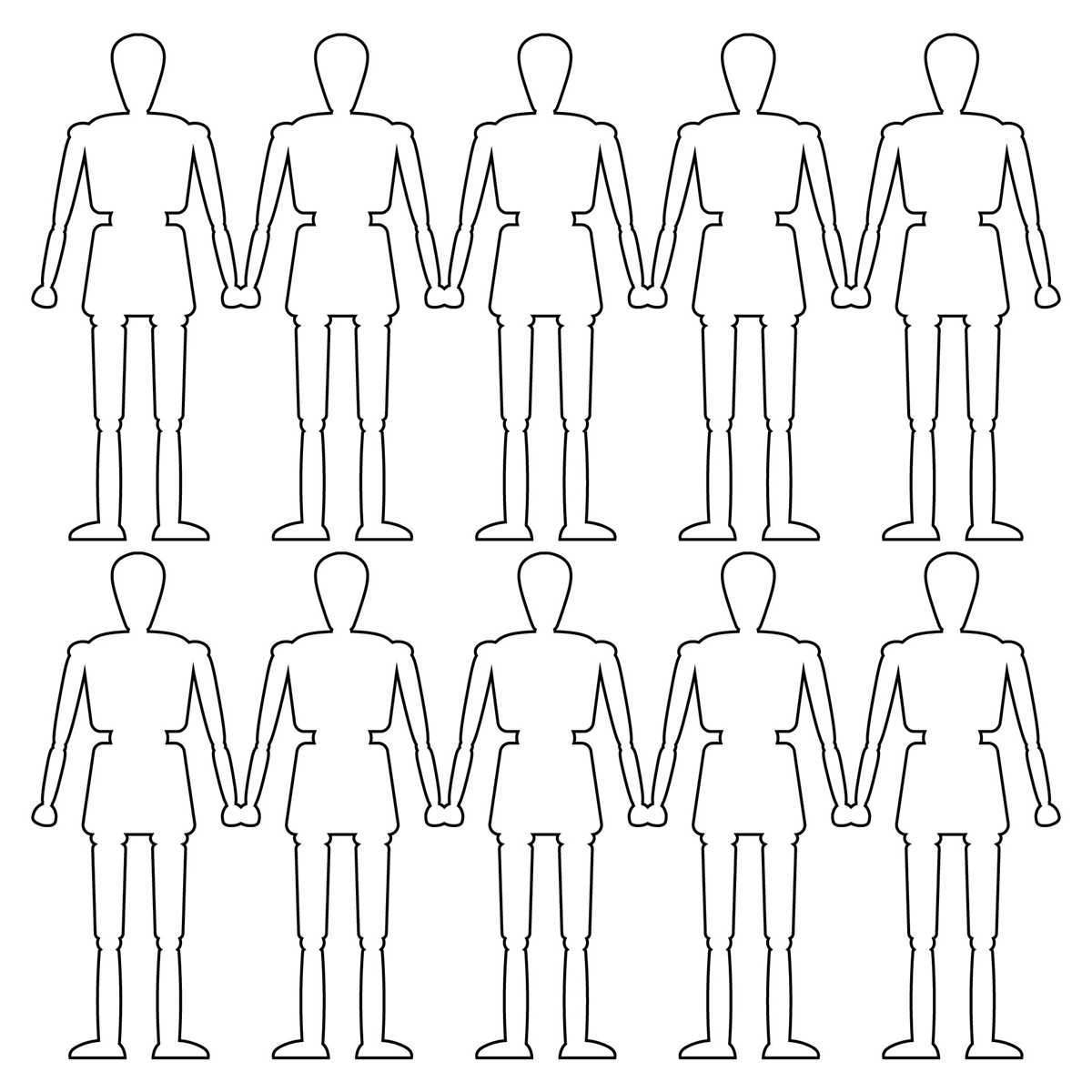
To design your figures, use any vector-based graphic software, such as Adobe Illustrator or free tools like Inkscape. Set the page size to match your paper and create outlines of your desired shapes. Keep the design simple with clear edges for easier cutting.
For precise cutting, you can use a craft knife, scissors, or a cutting machine, depending on your needs. A cutting machine like the Cricut or Silhouette can handle intricate designs and save time if you’re making multiple copies.
Steps for Printing and Cutting
- Create your design on the software, ensuring it fits within the paper’s dimensions.
- Load your chosen paper into the printer and print a test page on regular paper.
- Once satisfied with the print quality, print the design onto your chosen paper.
- Carefully cut out each figure with your chosen method.
After cutting, let the ink dry fully before handling the figures to avoid smudging. For long-lasting use, consider laminating the cutouts or applying a protective coat of clear spray for extra durability.
How to Create and Print Human Figure Designs for Your Projects
For accurate results, use high-quality, heavy-duty paper that ensures durability after cutting. If you plan to use the printed figures for outdoor displays or frequent handling, opt for thicker cardstock or laminated sheets. Choose an inkjet printer for vibrant colors or a laser printer for clean, sharp edges, depending on the type of design you are creating.
To design, use vector software such as Adobe Illustrator or Inkscape, which allows for scalable and detailed outlines. Once the design is complete, print a test page on regular paper to check the alignment and design. After confirming the layout, print on your chosen material and cut the figures using precision scissors or a craft knife. For quicker, more accurate cuts, a cutting machine like Cricut can be a worthwhile investment.