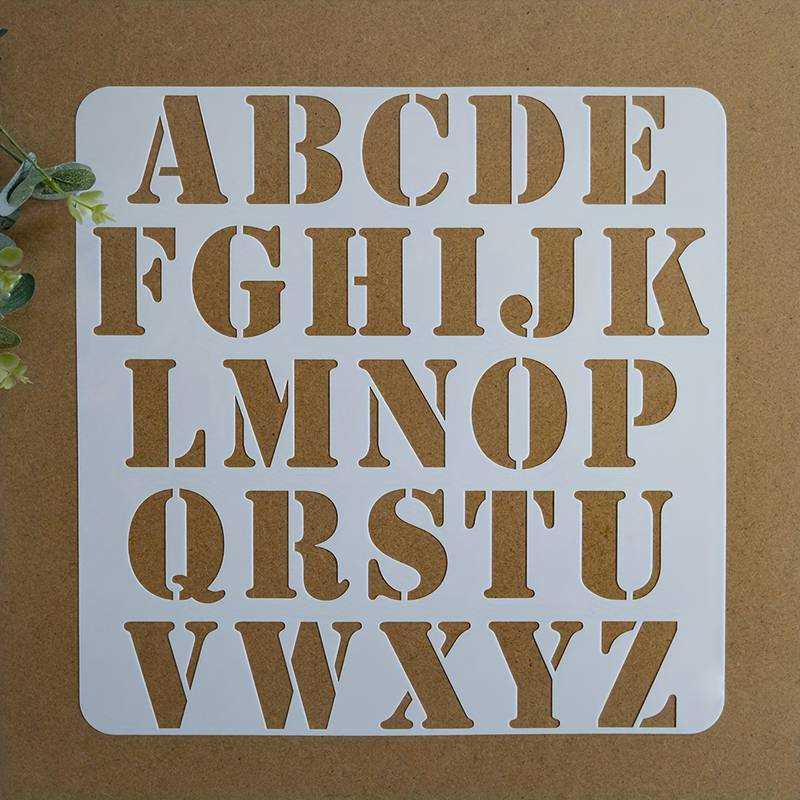
Set your printer scale to 100% and confirm that each character measures exactly three inches in height before cutting the first sheet. Disable “fit to page” in the print dialog and use US Letter or A4 paper with zero margin adjustment to preserve true proportions. Measure the height from the baseline to the top of capital forms using a metal ruler for accurate results.
Choose bold sans serif fonts such as Arial Black or Helvetica for paint projects, since thicker strokes reduce paint bleed and tearing during cutting. For wood signs, select block-style glyphs with stroke widths of at least 4–6 mm to prevent inner sections from collapsing. Script styles work only on cardstock above 200 gsm to maintain clean curves.
Print templates on 120–160 gsm paper for single-use tracing, or glue the sheets onto 250–300 gsm cardstock for reusable patterns. For repeated applications, laminate the pages or transfer the shapes onto 0.3–0.5 mm plastic sheets using spray adhesive. Cut with a precision craft knife on a self-healing mat to keep edges sharp and corners square.
Align multiple characters using a light pencil baseline drawn across your surface. Keep spacing consistent by leaving 5–10 mm between block forms and slightly less for rounded shapes. Secure the template with low-tack painter’s tape before applying paint or pencil to avoid shifting during work.
Printable 3 Inch Letter Stencils for Signs Crafts and DIY Use
Print each alphabet template at 100% scale and verify that the character height measures exactly three inches from baseline to cap line before cutting. Turn off automatic page scaling in the printer settings and select standard paper size without margin reduction to maintain accurate dimensions for signage layouts.
For wall signs and wooden boards, choose bold block typefaces with stroke widths of at least 5 mm to prevent paint spread and edge distortion. Secure the cutout pattern with low-tack painter’s tape, then apply acrylic paint using a dense foam roller with minimal loading to avoid seepage under the edges.
For fabric projects such as tote bags or banners, transfer the shapes onto adhesive vinyl or freezer paper. Press firmly with an iron (no steam, medium heat) for 10–15 seconds per section to bond the template to the textile surface before applying fabric paint in thin layers.
When creating multi-word compositions, draw a light guideline using a level and pencil. Keep spacing between characters consistent–approximately 6–8 mm for block forms–and increase gaps slightly for curved glyphs to maintain visual balance across the entire line.
Store reusable cut patterns flat inside a labeled folder or laminate them for repeated use on cardboard, canvas, or plywood. Clean paint residue immediately after each project with a damp cloth to preserve sharp internal corners and maintain clear contours for future applications.
How to Print 3 Inch Letter Stencils at Exact Scale Without Resizing
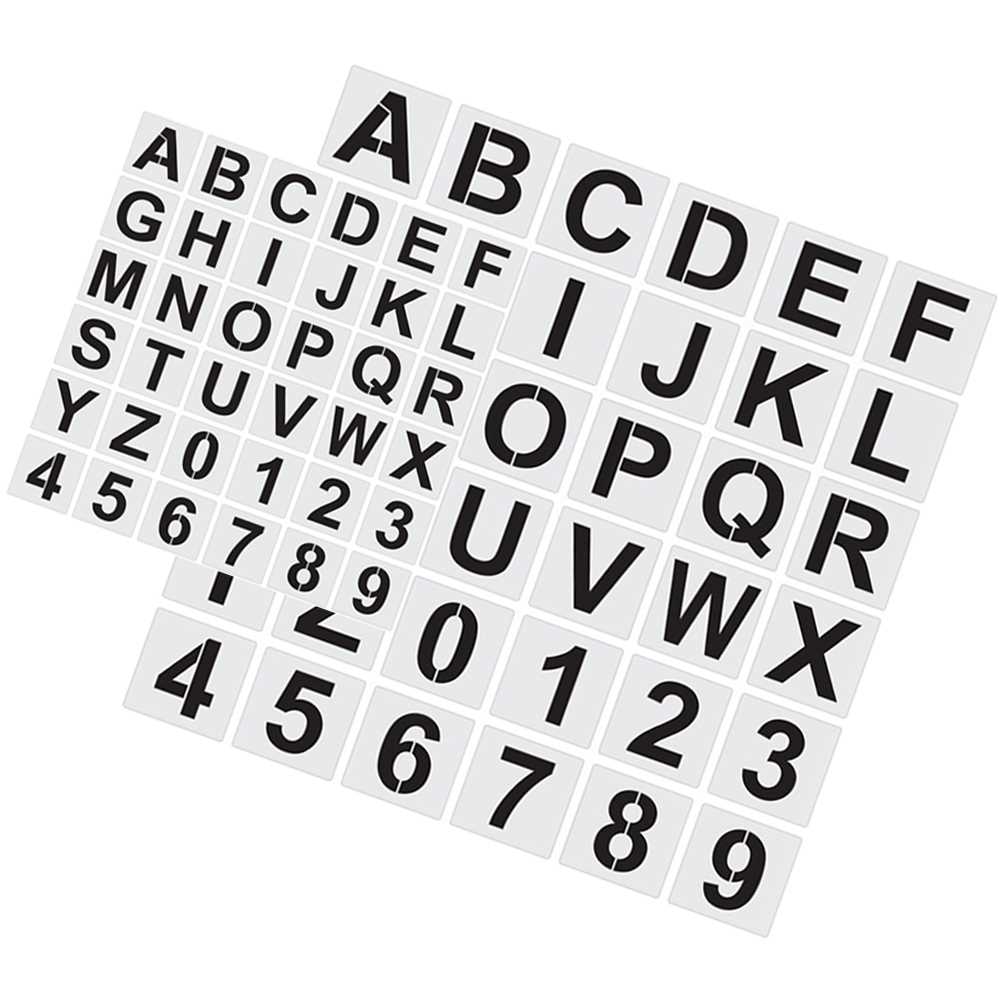
Set the print dialog scale to 100% and disable options such as “Fit to Page” or “Shrink Oversized Pages” before sending the file to the printer. Select the correct paper format (US Letter or A4) that matches the document setup, and confirm margins are not automatically adjusted by the device driver.
- Open the PDF in a reader that shows actual size preview.
- Choose “Actual Size” instead of percentage scaling presets.
- Check orientation (portrait or landscape) to match the template layout.
- Print a single test page first.
- Measure the character height from baseline to top edge using a metal ruler.
If the measured height differs from three inches, adjust the custom scale manually in 1% increments and reprint the test page. Avoid browser-based printing, as it may apply hidden scaling. For consistent results across multiple pages, keep the same printer, paper type, and driver settings throughout the entire batch.