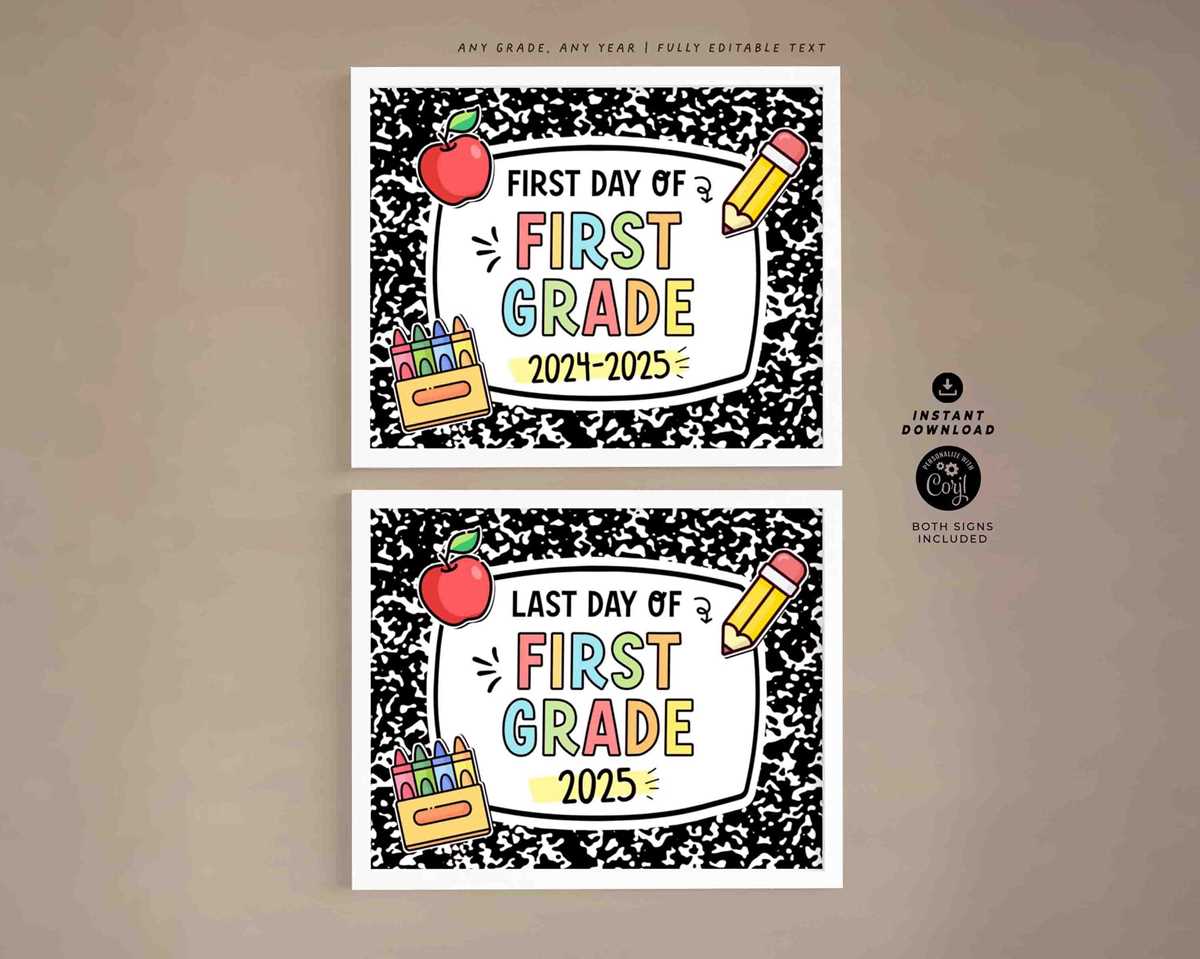
Design a clear, bold message for each grade or subject. Include simple but noticeable elements like the student’s name, grade level, and year. Use large fonts that are easy to read from a distance. To make each identifier stand out, choose vibrant colors and fun fonts that suit the student’s personality while maintaining clarity.
How to Personalize and Print Custom Tags
Start by selecting a template from free online resources. Websites like Canva and Adobe Spark offer customizable options that are quick to edit. Simply add the text that fits your needs, such as the student’s name, class, or teacher’s name. Print them on high-quality paper or sticker sheets for durability. If you prefer a more DIY approach, design the tags from scratch using any design software, ensuring to keep it simple but appealing.
For an added touch, consider adding personal elements like a favorite quote, emoji, or small graphic that represents the student’s interests. Keep the design balanced by making sure the text is still the focal point. A great idea is to add a small frame around the text to make it look more polished and easy to spot when displayed in a classroom.
Where to Find Free Templates for Custom Labels
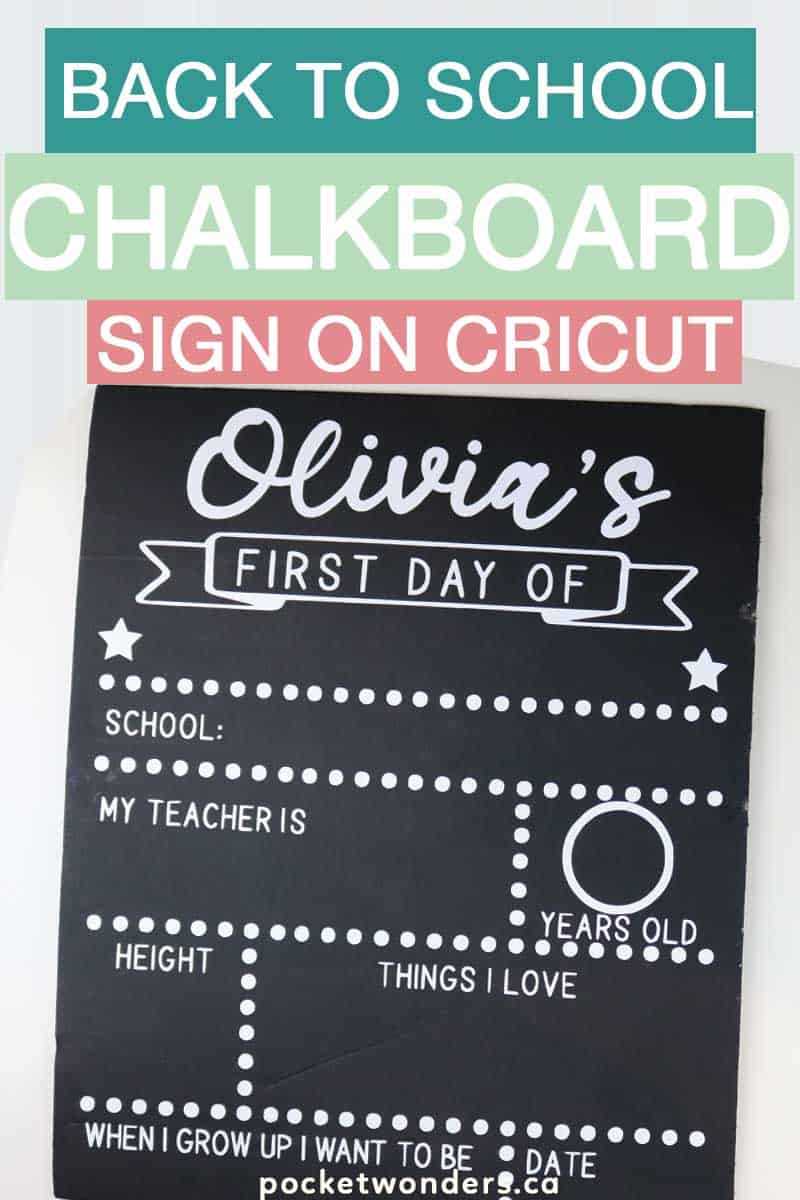
For ready-made designs, FreePrintable.net and Vertex42 are excellent sources to download templates at no cost. These sites allow you to quickly customize the text and print it directly. You can select from a variety of styles, from simple to more decorative options. Choose the one that best matches the theme or tone you want to convey.
Another option is using word-processing software like Microsoft Word or Google Docs, which offer basic templates for creating labels. While these options may not be as decorative as some third-party templates, they allow for greater customization, such as adjusting the size, font, and color to match your specific needs. Print on adhesive paper for easy application, or use standard paper with glue or tape to attach them to desks or walls.
Whichever method you choose, ensure the labels are printed with the correct dimensions to fit where they are needed. It’s best to double-check measurements before printing multiple copies to avoid wasting resources.
Customizable Designs for the First Day
Start by selecting a template that can be personalized with the student’s name and grade. Many websites offer editable designs that you can modify to suit different styles. Focus on bold, legible fonts and bright colors that capture attention quickly. It’s best to keep the text large enough to be visible in photos or displayed around the house.
Incorporating fun elements like seasonal motifs or the student’s favorite colors can make the design feel more personal. For example, use illustrations of pencils, books, or small icons that match the theme of the upcoming year. Simple borders or frames around the text can make the label more professional and visually appealing.
Where to Get the Best Templates for Customization
Several free online platforms, such as Canva, offer a wide range of customizable options. Choose from pre-designed graphics or upload your own images for a truly unique look. Canva allows easy adjustments for text size, font, and placement. You can also choose from various formats depending on how you plan to use the design (e.g., printable paper, posters, or even social media posts).
In addition to Canva, sites like FreePrintable.net and Vertex42 provide templates specifically made for easy personalization. These templates are downloadable, and you can immediately add the necessary details before printing. Be sure to choose templates that match the size requirements for where the design will be displayed.
If you have access to design software such as Adobe Illustrator or Photoshop, you can create your own designs. This allows for maximum customization and lets you add personal touches, such as background patterns or detailed graphics. While this may require more time and skills, it ensures a truly one-of-a-kind result.
Make sure to print your designs on high-quality paper to ensure the best results. If you want a more durable option, consider using cardstock or adhesive paper for easy placement on walls, doors, or other surfaces. You can also laminate the designs to make them last longer if you plan to use them for multiple years.
Remember, the design should reflect the student’s personality, so feel free to get creative. Whether it’s through fun fonts or unique colors, it’s important that the design feels personal and welcoming. Consider adding motivational quotes or phrases that reflect the student’s goals for the year.
Lastly, always double-check the print dimensions before finalizing your design. Misalignment can waste both paper and ink, so ensure that the template matches the space where it will be used. Adjustments can be made easily in most design programs before printing to ensure the label fits perfectly in the intended space.