How to Streamline Your Workspace with Custom Markers
One of the simplest and most effective ways to manage your wires is by applying personalized identifiers. Whether you’re setting up a home office, a server room, or any workspace that involves tangled connections, clear tags make identification quick and easy. Use tools that allow you to print directly onto high-quality adhesive materials designed for this purpose.
Choosing the Right Material for Durable Identification
For long-lasting results, opt for sturdy, weather-resistant sheets that are compatible with your printer. This ensures that the markings stay legible and intact, even in high-traffic or tough environments. Make sure the adhesive back can withstand friction and is strong enough to adhere firmly to cables without peeling off over time.
Precise Labeling Tips
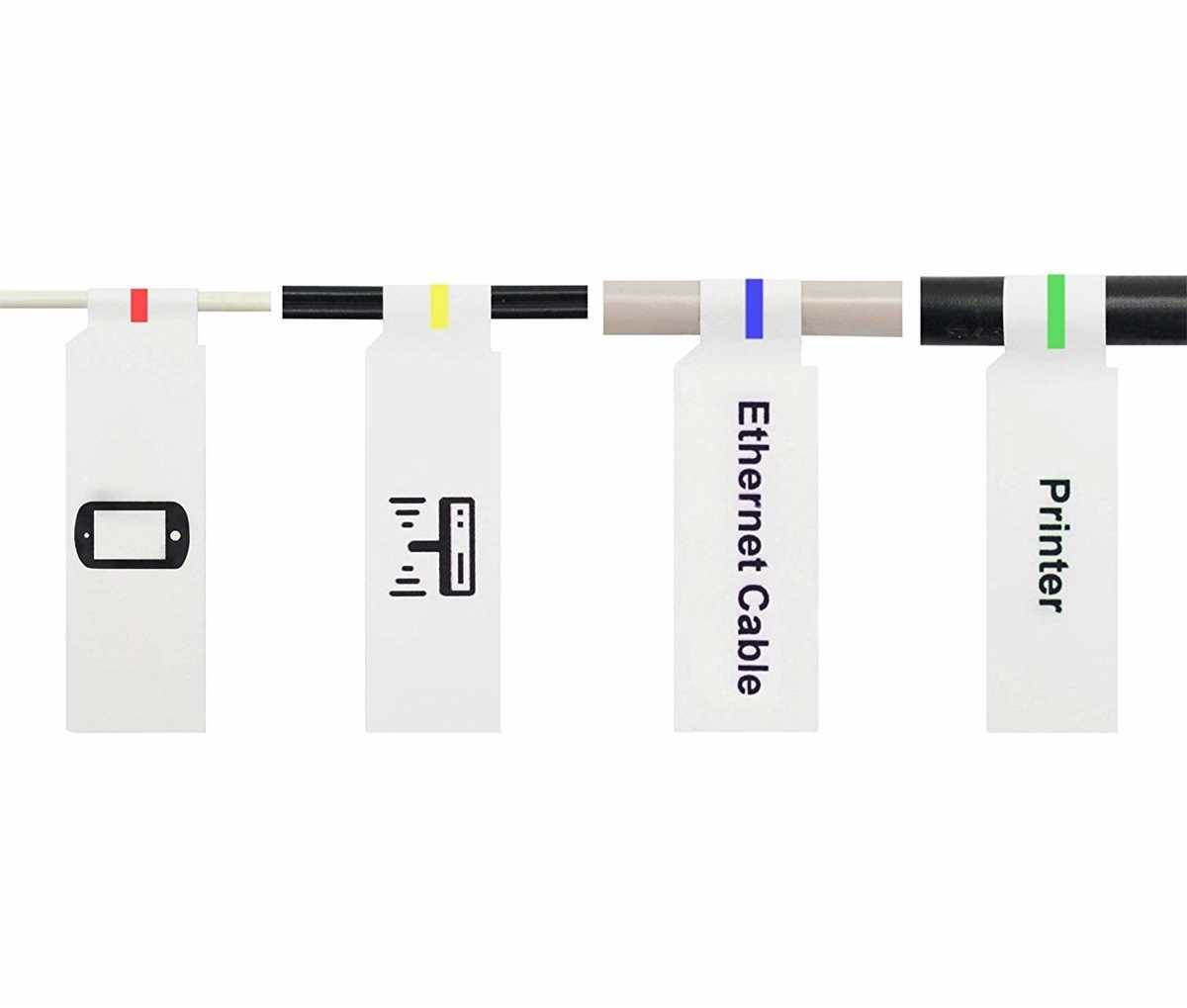
- Use short codes or color schemes: Choose identifiers that are easy to read and comprehend at a glance. Assign colors to different categories for instant differentiation.
- Consider a numbering system: A numerical system can help track cables in large setups, especially for installations involving many connections or systems.
- Clear font choices: Use bold fonts that remain legible from a distance. Avoid intricate or overly decorative typefaces that might compromise visibility.
- Space and size: Keep the markers compact but big enough to be noticeable. Oversized markers may obscure the wire’s function or cause clutter, while too-small markers could be hard to read in a busy environment.
Printing Options and Tools
To get the most precise outcome, you need reliable printing options. Thermal printers or laser printers work best for creating sharp, durable results. Test your designs on a regular sheet of paper before printing on adhesive material to ensure alignment and size fit.
Many software tools are available for creating custom tags. They allow you to import your design, set text alignment, and preview before printing. Additionally, choose software that enables high customization, such as adding barcodes or QR codes for further details and tracking purposes.
Key Advantages of a Well-Organized Setup
- Increased efficiency: Quickly identify and troubleshoot cables without unnecessary confusion.
- Improved safety: Minimizing the risk of accidentally unplugging the wrong connection, especially in industrial or data center environments.
- Neatness: A clutter-free workspace helps in maintaining a professional atmosphere and reduces distractions.
How to Optimize Your Organization with Custom Cable Identification
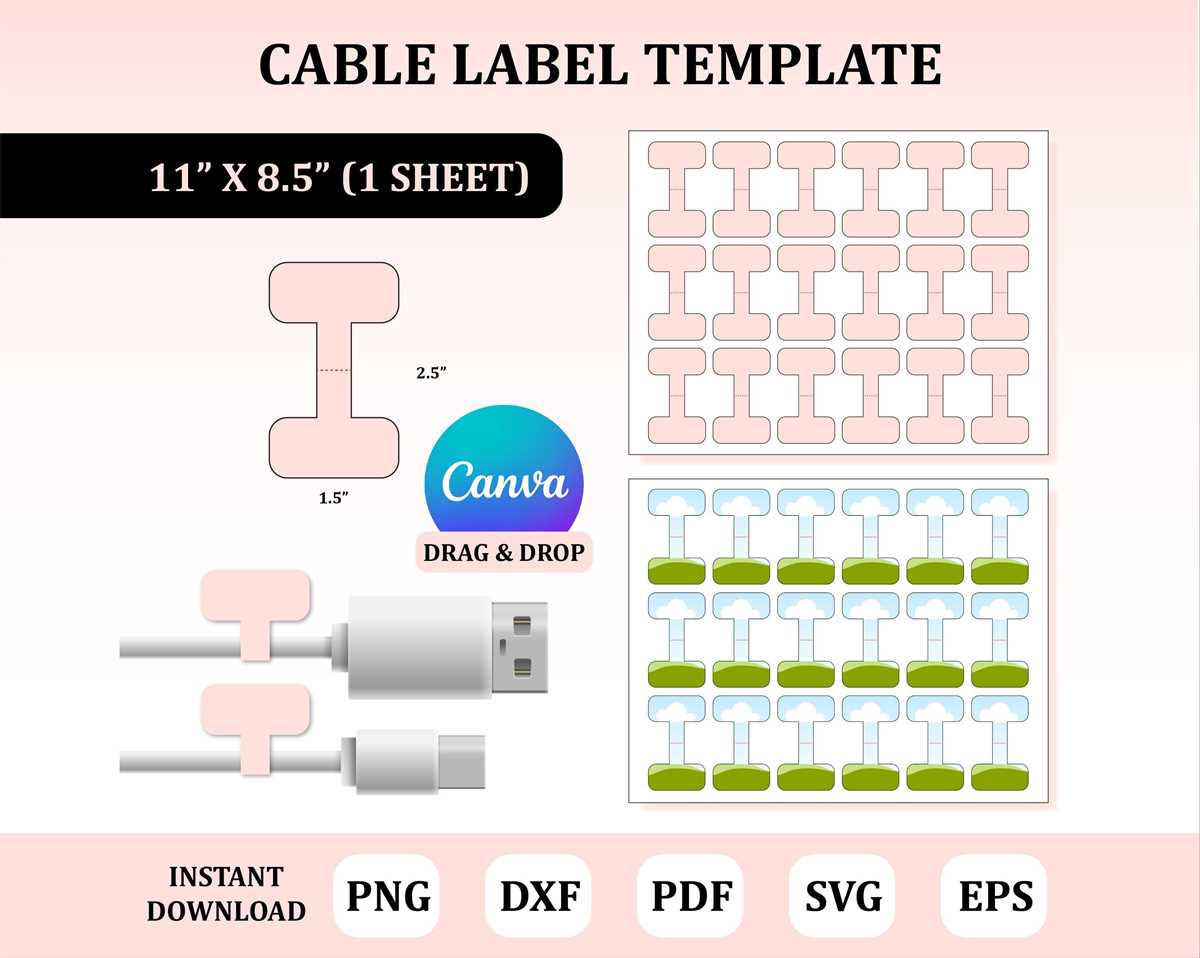
Using pre-designed templates can save time when organizing wires, but creating your own design ensures that all your cords are marked according to specific needs. Consider adjustable fonts and sizes to match the space available on your strips, making sure the text remains legible even in tight areas. A variety of templates lets you pick the one that aligns with your labeling system while maintaining clarity in a busy workspace.
Choose a material with strong adhesive properties and long-lasting durability. Many options today offer resistance to water, heat, and general wear, so picking the right kind will ensure the identifiers remain intact and readable over time. Ensure the labels are resistant to fading and smearing–especially for items that will be exposed to direct light or high temperatures.
Take note of the proper alignment during printing to avoid any confusion. Misalignment may lead to mismatched identifiers or misplacement of cables. Using software that supports grid features can make positioning easier, reducing the need for manual adjustments and increasing overall speed in the setup process.
Keep your setup flexible by using a mix of color coding and text, allowing you to instantly identify each wire’s purpose. This is especially useful in environments where frequent changes occur. Consider using different shades for different categories or departments to visually separate them quickly. Adjusting the visual scheme periodically can help maintain organization without excessive clutter.