
Choose a ready-made holiday event card template in PDF format and print it on 250 gsm cardstock to achieve a sturdy, professional look. Use A5 or 5×7 inch size to fit standard envelopes without trimming adjustments.
Include clear details at the top: date, start time, full address with ZIP code, dress code, and RSVP deadline. Place contact information in bold so guests can confirm attendance quickly.
Select a layout with high-contrast text over seasonal graphics such as pine branches, snowflakes, or red and gold accents. Maintain at least 1.5 cm margins to prevent cutting off decorative elements during home printing.
Test one copy before producing the full batch. Check alignment, color saturation, and readability under indoor lighting to avoid wasting paper and ink.
Printable Christmas Party Invitation
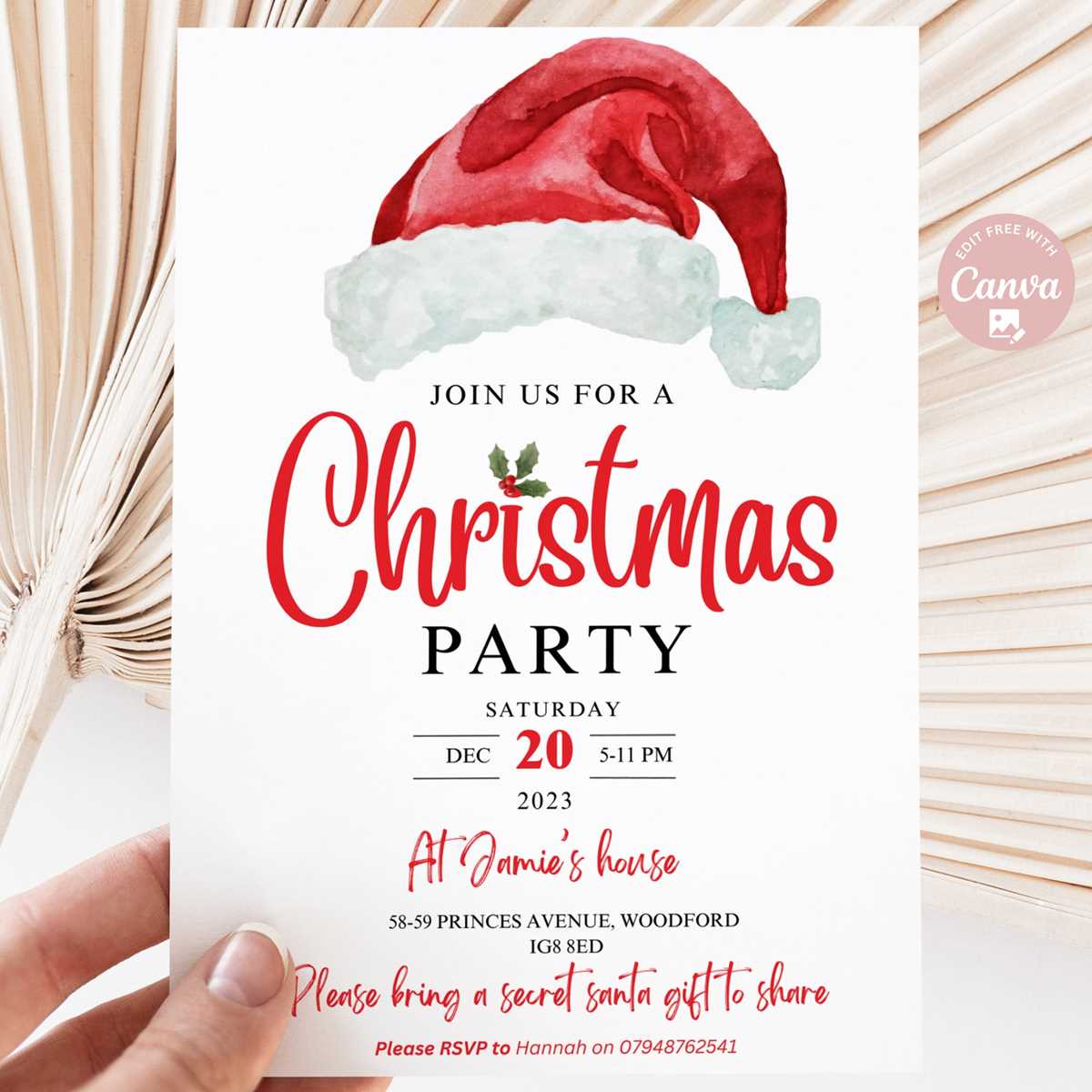
Select a 5×7 inch holiday event card layout with bleed marks and export it as a high-resolution PDF at 300 DPI to preserve sharp typography and detailed seasonal graphics.
Use 250–300 gsm matte or silk cardstock to prevent ink smudging and provide a solid feel in hand. Set printer scaling to 100% and disable “fit to page” to avoid distorted margins. Keep a safe zone of at least 0.5 inches from each edge so text remains intact after trimming. Choose CMYK color mode for accurate red and green tones and avoid heavy background fills that may cause streaks on home inkjet devices.
Include only clear, actionable details:
- Date written in full format, for example December 21, 7:00 PM
- Complete venue address with apartment or suite number
- Dress code such as “Ugly Sweater” or “Black and Gold”
- RSVP deadline with phone number or email
- Gift exchange limit if applicable
Before producing the full batch, print one sample and verify alignment, color density, and readability under indoor lighting. Trim using a metal ruler and craft knife rather than scissors for straight edges. Store finished copies flat in a dry place to prevent curling prior to distribution.
How to Choose the Right Holiday Invitation Design and Paper Size
Select a 5×7 inch format if you plan to mail the announcement in standard A7 envelopes, or choose A6 (4.1×5.8 inches) to reduce postage costs and paper usage. Match the layout dimensions exactly to the final trim size and add a 0.125 inch bleed on each side to avoid white edges after cutting.
Pick a visual style that aligns with the tone of the gathering. Formal dinners benefit from minimal layouts with serif fonts such as Garamond or Baskerville at 11–13 pt size, while casual seasonal get-togethers allow bold script headings paired with clean sans-serif body text. Limit the palette to two or three colors to prevent visual clutter and keep contrast high for readability under warm indoor lighting.
Use cardstock between 250 and 350 gsm for a sturdy feel that resists bending in transit. Matte stock reduces glare under artificial light, making text easier to read, while satin or silk finishes enhance deep reds, golds, and dark greens. Avoid thin 180 gsm sheets, which can curl after heavy ink coverage.
Check printer compatibility before finalizing your selection. Home inkjet devices handle textured paper poorly, while laser printers perform better with smooth surfaces. Print one proof copy and inspect margins, alignment, and color balance at arm’s length to simulate how guests will view the card.
Confirm envelope size, postage weight limits, and trimming tools before producing the full set; mismatched dimensions or incorrect folds can waste both paper and time.