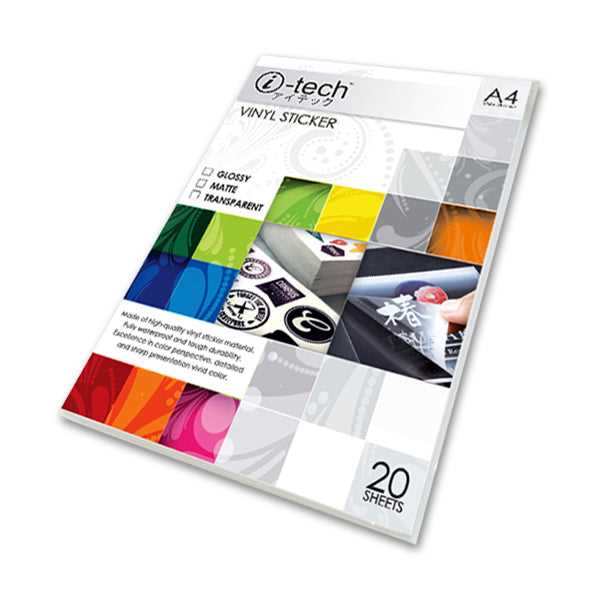
For high-quality custom designs, choose transparent adhesive sheets specifically made for inkjet or laser printers. These sheets allow you to create personalized graphics, logos, and labels. They’re perfect for DIY projects such as decorating glassware, laptops, or even creating unique gifts. Be sure to select the right sheet for your printer to avoid issues like smudging or ink bleeding.
Selecting the Right Type of Adhesive Sheets
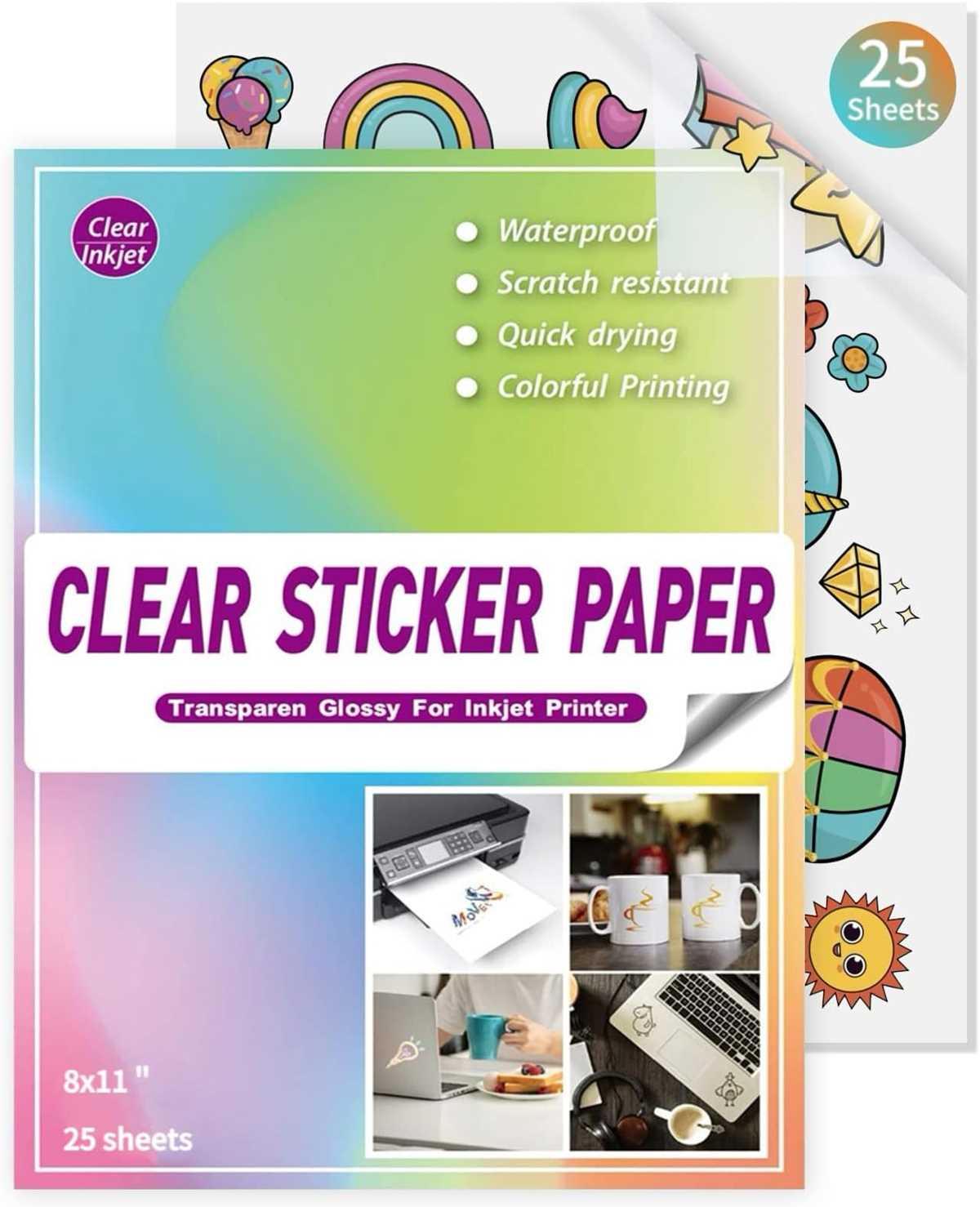
Not all transparent adhesive sheets are the same, so it’s important to choose one compatible with your printing method. For inkjet printers, opt for a product designed to absorb ink and produce crisp, vibrant images. Laser printer sheets, on the other hand, are often more durable and can handle heat better, but make sure they are heat-resistant to avoid damaging your design. Always check the packaging for recommended printer compatibility.
Types of adhesive sheets:
- Glossy finish: Ideal for vibrant designs that require a shiny, high-quality look.
- Matte finish: Perfect for designs where you prefer a subtle, non-reflective surface.
- Clear vs. White backing: Clear sheets offer a transparent look, while white-backed options make designs more visible on dark surfaces.
Printing and Applying Your Custom Design
Once you have the right sheets, the next step is creating your design. Use a design software program or a simple image editor to create your desired graphics. Make sure your design is sized correctly to fit the adhesive sheets. When printing, ensure that the ink is fully dry before handling, and use the highest quality settings on your printer for the best results.
Applying the adhesive sheets is straightforward. Cut out your printed design, leaving a small border around the edges. Peel the backing off carefully to avoid bending the sheet. Position the design where you want it and press down firmly to avoid air bubbles. A small scraper can be useful for smoothing out any imperfections.
Once applied, let your custom design set for a few hours before handling to ensure it bonds properly. These custom adhesive sheets are great for both personal and professional projects, offering flexibility and creativity with ease.
How to Use Transparent Adhesive Sheets for Custom Projects
To achieve crisp, professional results with transparent adhesive material, start by selecting high-quality sheets that are compatible with your printer type. For inkjet printers, choose a material designed to absorb ink without smudging. If you’re using a laser printer, opt for a more durable sheet that can withstand heat without warping. Pay attention to the manufacturer’s specifications to ensure smooth printing.
When designing your graphic or label, use a high-resolution image to ensure that the print quality remains sharp. The higher the DPI (dots per inch), the clearer the design will appear on the finished product. Use a software program like Adobe Illustrator or Photoshop to adjust the dimensions and ensure the design fits the sheet size perfectly.
Printing tips: Set your printer to the highest quality setting and choose the correct paper type in the printer settings. Always print a test page first to make sure your design aligns with the sheet. Allow the print to dry for a few minutes before handling to avoid smearing.
Once the design is printed, carefully cut out the shapes or text you want to transfer. If you’re creating labels or custom stickers, leave a small border around the edges to ensure better adhesion. Removing the backing of the adhesive material should be done slowly to prevent any wrinkles or air bubbles during application.
After applying the design to your chosen surface, press down firmly to ensure full adhesion. Let it sit for a few hours to fully bond, and avoid touching or using the item immediately to ensure durability. With the right materials and technique, you can create custom designs for glass, plastic, metal, and other surfaces with ease.