
Choosing the Right Symbols
When creating a personal emblem, selecting the appropriate symbols is crucial. Each icon or motif should represent a significant aspect of your heritage, values, or interests. You can opt for traditional motifs like lions, eagles, or shields, or incorporate something more personal, such as a family motto or geographical symbols. Make sure each element aligns with what you want to convey, ensuring a meaningful design.
Picking Colors and Shapes
The use of colors and shapes plays a pivotal role in how your emblem is perceived. Historically, colors held specific meanings. For example, gold symbolizes generosity, while blue represents loyalty. Shapes like circles can suggest unity, while sharp-edged forms like triangles might represent protection or strength. When selecting a color palette, consider both aesthetic appeal and symbolism. Limit the number of colors to maintain clarity and coherence in your design.
Incorporating Text
If you decide to include a motto or family name, choose a font that complements the rest of the design. Avoid overly ornate fonts that may detract from the visual harmony. A simple serif or script typeface often works best for legibility, especially in smaller print. Ensure the text aligns well with the overall structure and does not overpower the visual elements.
Choosing the Right Layout
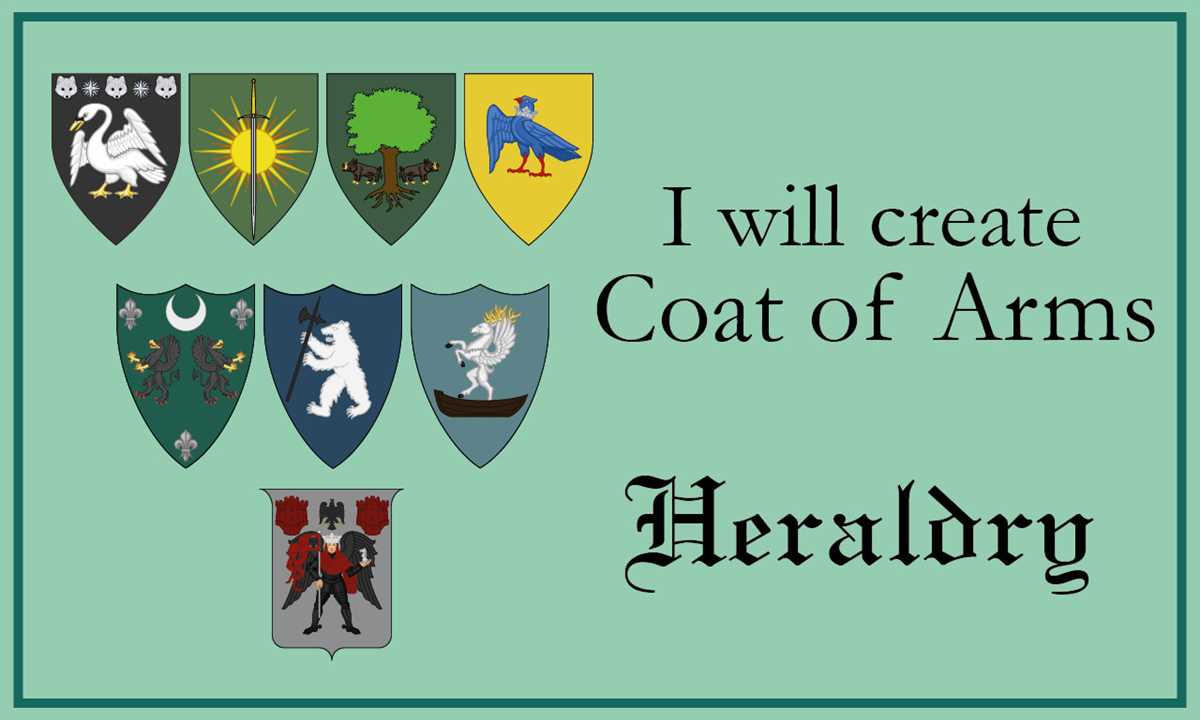
The layout of your emblem should be balanced and proportional. Traditionally, emblems follow a shield-like shape, but modern interpretations can vary. Aim for symmetry, and ensure each section of the design has enough space to breathe. Keep in mind that the emblem should remain recognizable and clear even when reduced in size for printing or other applications.
File Format and Resolution for Printing
Once your emblem design is ready, choose a file format that maintains high quality for printing. Vector formats like SVG or EPS are ideal since they are scalable without losing resolution. If you’re working with raster formats like PNG or JPEG, ensure the resolution is at least 300 dpi for crisp, clear output. Avoid low-resolution images to prevent pixelation, especially for larger prints.
Where to Print Your Design
After finalizing your design, you can use various printing options. For a high-quality result, consider professional printing services that specialize in custom designs. Many online services allow you to upload your file and choose from different mediums such as paper, fabric, or even metal. For home printing, select a high-end printer with color accuracy to ensure the design maintains its integrity.
Final Tips
- Test print on smaller sizes to check for clarity.
- Consider creating variations of your emblem for different uses (e.g., family stationery, banners, or digital media).
- Make sure all elements are legally available for use, especially if you’re incorporating copyrighted elements.
Design Your Family Crest for Print
If you are looking to create a high-quality family emblem, focus on clarity and resolution. Use vector-based software such as Adobe Illustrator or Inkscape for sharp lines and scalability. The final image should have at least 300 dpi to ensure crisp output when printed in any size. Keep the design simple, as overly intricate details may be lost when scaled down for smaller prints.
Choose colors wisely. Traditional hues like gold, silver, red, and blue represent different virtues and should align with the history or meaning behind your design. These shades are not only symbolic but will also translate well to print, ensuring the contrast is sharp and the design stands out on paper.
Make sure your emblem is balanced. Symmetry often enhances the overall appeal, and this principle holds when transferring your creation onto various items, from letterheads to posters. Maintain a proportional relationship between elements, whether you incorporate shields, banners, or animals. Avoid overcrowding the image with excessive details.
For additional customization, add a motto or family name beneath the shield, but keep the typography legible. Use classic serif fonts for a timeless appearance. Experiment with different font sizes to ensure the words don’t overpower the graphic itself, but still remain prominent in the design.
Once the design is complete, save it in a scalable format like SVG or PDF to avoid losing quality in the printing process. These formats are ideal for both small-scale prints and large banners. Finally, test the print on different types of paper to see how your colors and lines appear in physical form.