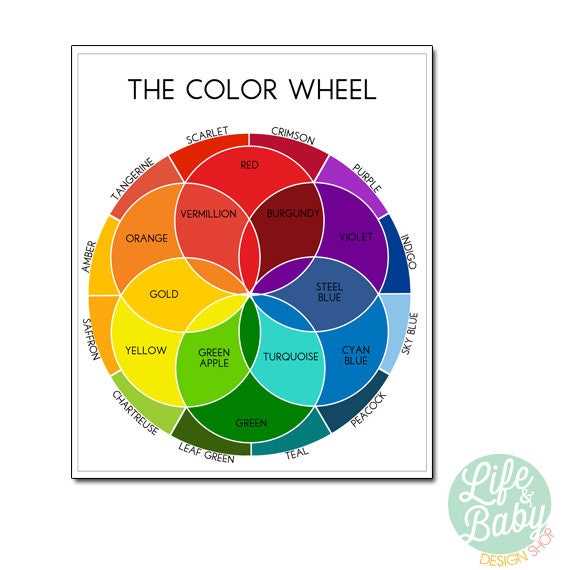
Start by selecting a design tool that helps you understand how different hues interact with each other. These visual aids can be an invaluable resource for anyone working on creative projects, whether you’re an artist, designer, or hobbyist.
Look for tools that clearly showcase primary, secondary, and tertiary shades. This structure will allow you to experiment with complementary and analogous schemes, making it easier to create balanced and visually appealing compositions.
For hands-on projects, consider selecting templates that allow you to customize the patterns, adding your own unique twist. Whether you’re designing graphics, planning a painting, or decorating, these tools will guide you in making informed choices about which hues work best together.
How to Utilize Color Theory for Creative Projects
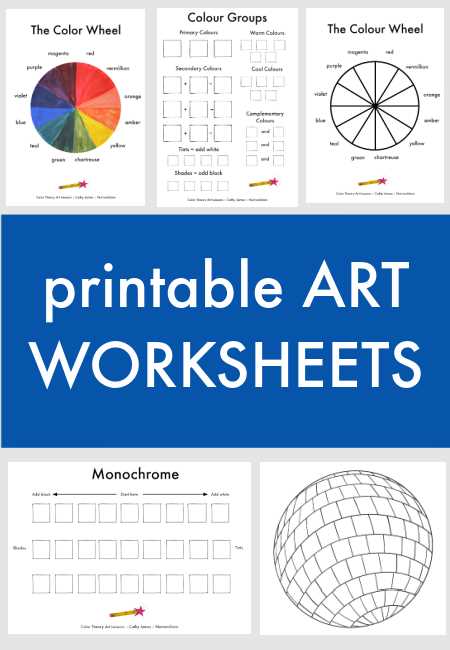
To begin using these visual tools, first identify the goal of your project. Whether it’s for a painting, a website design, or interior decoration, understanding how different shades relate to each other will make your work more cohesive and visually appealing.
Focus on the primary and secondary shades first. These fundamental colors form the base of any scheme. They are the most useful in creating harmony and balance in your designs, especially when paired with one another.
For a more advanced approach, explore tertiary tones. These are combinations of primary and secondary shades, and using them can help create a more complex and nuanced look. Try experimenting with them to add subtle depth to your work.
One of the most powerful ways to use these tools is by working with complementary combinations. These pairings of opposing hues, such as blue and orange, create contrast and visual interest. Use them to highlight certain elements of your project.
Analogous schemes, on the other hand, are composed of adjacent hues on the color spectrum. This creates a more serene, blended look, perfect for projects where you want a smoother, more unified feel without harsh contrasts.
Consider the mood you want to evoke in your design. Warm tones like reds, oranges, and yellows create energy and warmth, while cooler shades like blues and greens promote calmness and relaxation. Choose your hues based on the emotional impact you want to convey.
For larger designs or projects, such as posters or websites, always test how the colors work together in a larger context. A design that looks great in isolation might not translate as well on a bigger scale, so it’s important to adjust as needed.
Lastly, always keep in mind the lighting and medium in which your design will be displayed. Colors can look different depending on the lighting conditions or the material they’re printed on. Test your combinations in various settings to ensure they have the desired effect.
How to Choose the Right Color Tool for Your Creative Projects
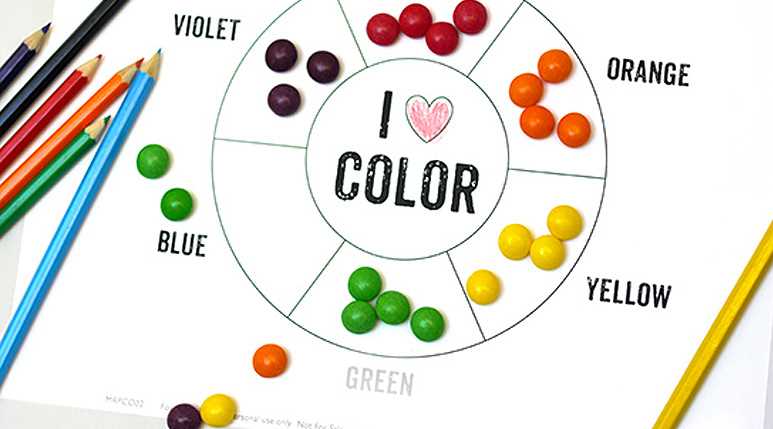
Start by identifying the type of project you’re working on. If you’re creating a piece of art, look for a tool that highlights both primary and secondary hues, as these will provide a solid foundation for your palette. For graphic design, consider using a version that also includes complementary and analogous shades for more flexibility in your designs.
For a more sophisticated design, opt for a tool that includes tertiary hues. These mixed colors will allow you to explore more nuanced combinations and give your project a more complex, professional appearance. This is particularly useful for high-end branding or artwork.
Consider the format of the design tool. Some tools focus on a simple spectrum, while others may provide a more detailed breakdown, with variations such as tints, shades, and tones. The more detailed tools will give you greater insight into how to manipulate each hue for the desired effect.
Take into account your level of experience. If you’re just starting out with design or painting, a basic, easy-to-read tool might be more appropriate. Advanced users may appreciate more detailed versions that allow for a deeper exploration of color relationships and theory.
Finally, assess the medium you’re working with. If you’re designing for digital media, select a tool that includes RGB or CMYK models, as these are commonly used for screen and print work. For traditional art projects, focus on tools designed around pigments and paint mixing.