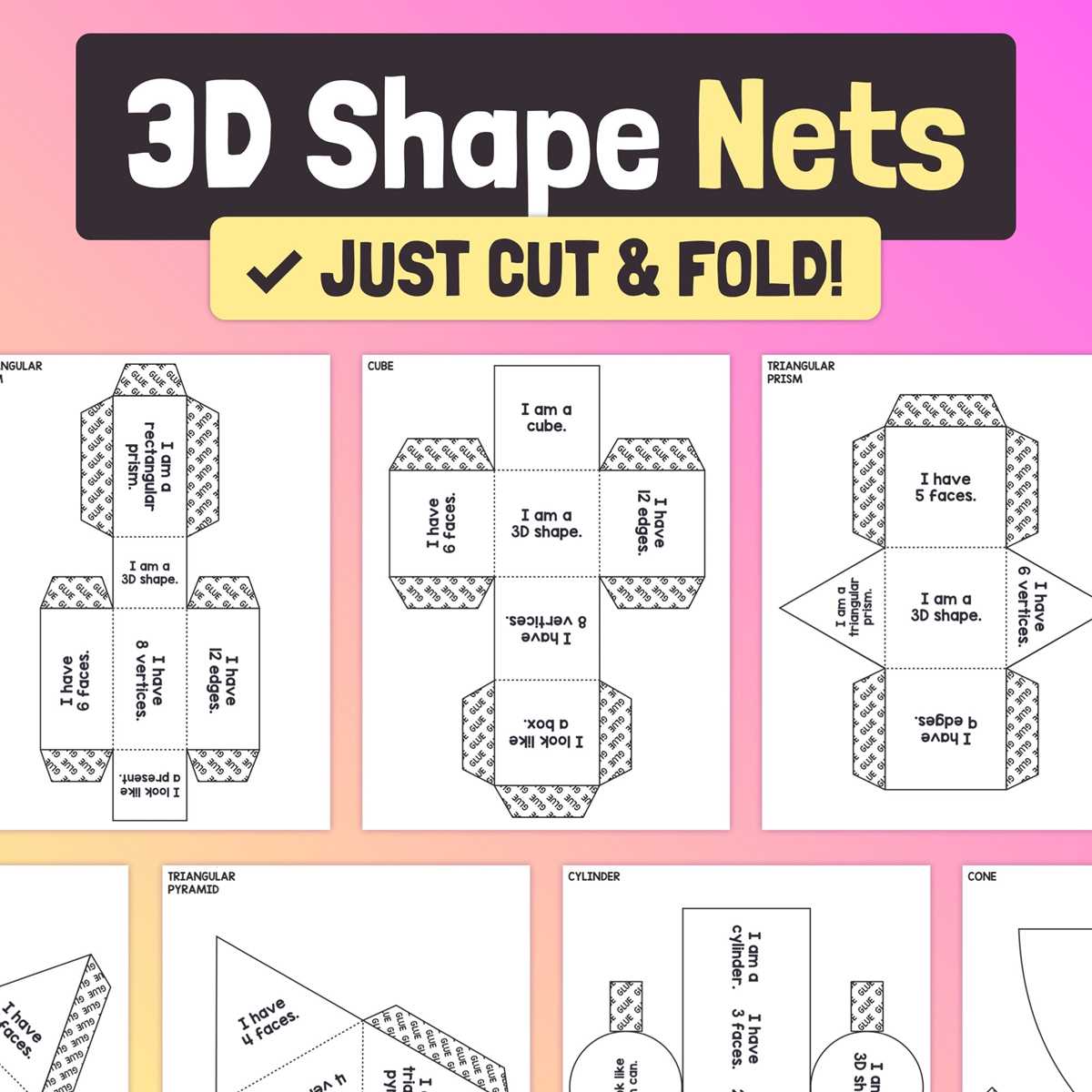
To construct a 3D object, the first step is to design a flat template that can be folded into the desired form. This template is often referred to as a “flattened version,” where each side of the solid is laid out in two dimensions. This technique ensures accuracy and ease when assembling the object by hand. You’ll need to focus on precise measurements, ensuring that each face aligns properly once folded.
When preparing a template, it’s crucial to measure all sides carefully. If any angle or side length is off, it can disrupt the folding process, making it impossible to create a perfectly aligned structure. A good practice is to start with a square or rectangular shape, as these are the building blocks of most three-dimensional forms. Once you have the correct proportions, you can begin to cut out the faces and arrange them in the appropriate pattern.
Use a ruler or straight edge to draw straight lines, ensuring each piece fits together seamlessly. A pair of scissors or a precision cutter can be used to carefully trim the edges, but a craft knife may be more useful for fine details. After cutting, label each face to prevent confusion during assembly. Once all pieces are cut and labeled, it’s time to fold and glue the template into the final structure.
This process allows for quick prototyping and testing of new designs without the need for complex tools or expensive materials. By focusing on precision, you can create clean, functional models that accurately represent the intended 3D shape.
Designing a 3D Shape Template for Crafting
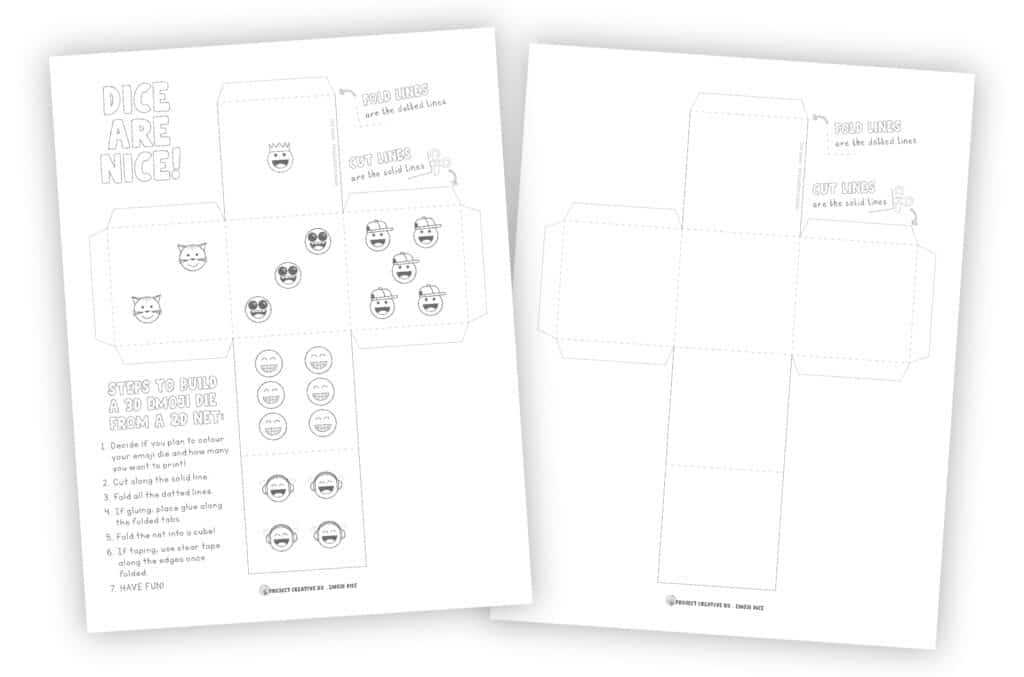
To create a straightforward template for a 3D figure with square faces, arrange six identical squares into a specific layout. This method can simplify the process for both educational purposes and hands-on activities. The arrangement should minimize paper wastage while ensuring that all edges can be folded neatly into the final shape.
Start by placing four squares in a straight line. Attach two more squares–one to each side of the second square in the sequence. This will result in a cross-like design, which is a well-known pattern for assembling such objects. Make sure each square’s edges align properly for easy folding without extra trimming.
Consider the dimensions of each square carefully. A typical size of 3 inches per side ensures that it is both large enough for easy handling and small enough to be practical for crafting. If you are working with children or beginners, choosing a size that fits within standard printer paper dimensions will make it even easier to use the template.
Once printed, cut out the pattern carefully along the edges, then fold along the lines to form the shape. Secure the edges with glue or tape, depending on the material you’re working with. The result should be a solid, three-dimensional figure ready for further decoration or educational use in geometry lessons.
HTML
How to Create a Cube Net for Paper Folding
Begin by drawing six square shapes of equal size. Ensure each side measures between 5 cm to 10 cm, depending on the final dimensions you prefer. Position these squares on paper in such a way that they are connected by edges, forming a specific pattern. A common layout is to arrange them in a T-shape or cross pattern, with four squares in a row and two placed on opposite sides of the middle square.
To make the folding process easier, number each square from 1 to 6. This will help guide you during assembly. The squares will be folded up into the final form, so it is important to think ahead about which sides will be glued or taped together. Plan the arrangement of the numbers to ensure that matching sides are aligned when the paper is folded into a three-dimensional object.
Once the squares are positioned, add small tabs around the edges where the folds will occur. These tabs will make it easier to secure the edges when folding. You can cut slits along these lines, but be cautious not to cut too deeply–just enough to allow for easy bending.
For a more precise result, you may want to use a ruler or straight edge to ensure all the lines and edges are straight and even. Accuracy is key when cutting and folding to avoid distortions in the final form. Use a craft knife or scissors for sharp, clean cuts to keep the structure neat.
After cutting out the shape, carefully fold along the marked lines. Once folded, glue or tape the edges together, making sure the numbers align and that the faces of the shape fit snugly. Allow the glue to dry completely before handling the object to maintain its shape. The end result will be a robust, paper-based three-dimensional object.