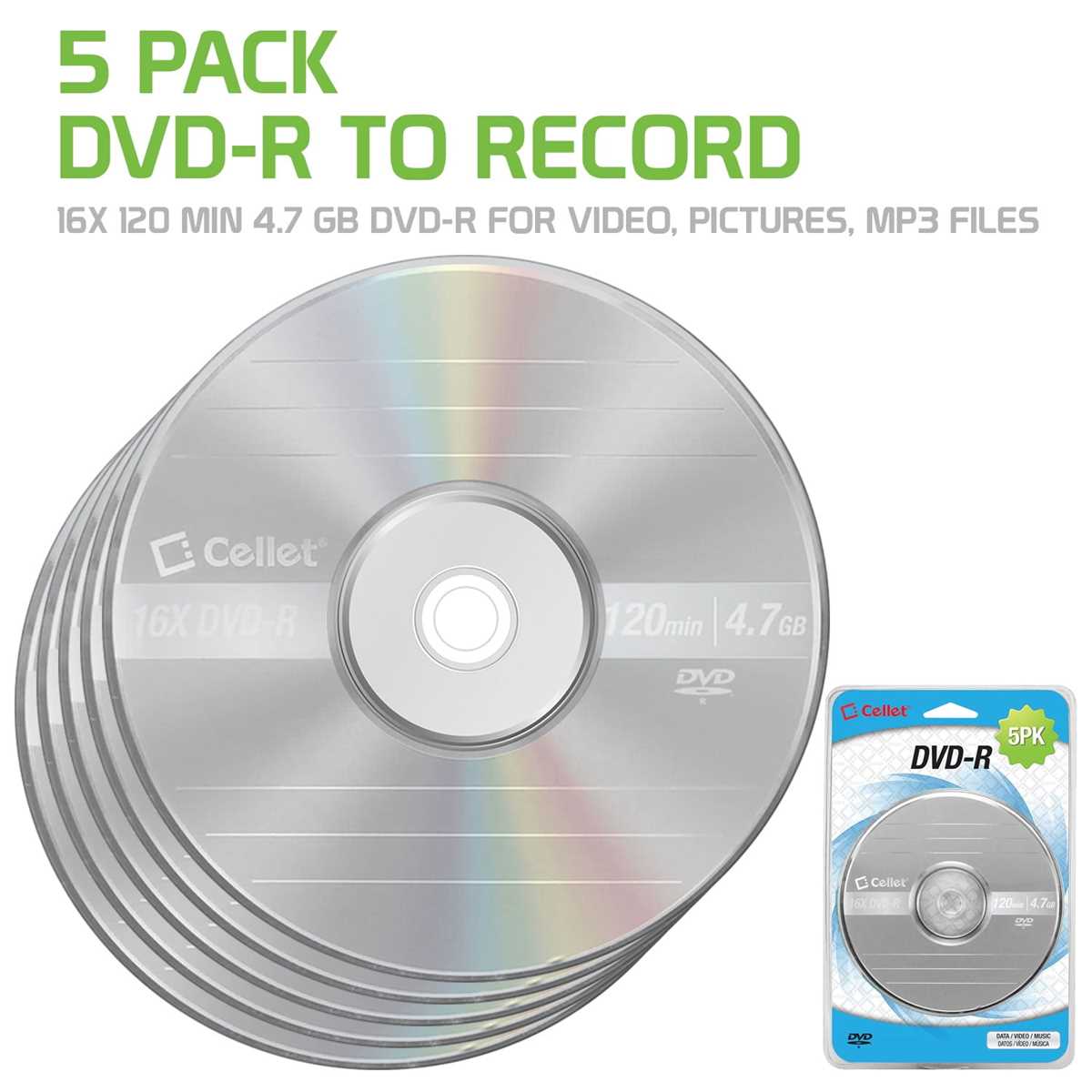
To design your own media labels, start by choosing the right software. Tools like Adobe Illustrator, Canva, and Microsoft Word offer user-friendly interfaces to create personalized labels. Make sure the design template you select matches the dimensions of your storage medium, typically 4.7 inches in diameter for most formats. You can either use pre-made templates or start from scratch to craft something unique.
Steps to Customize Your Media Labels
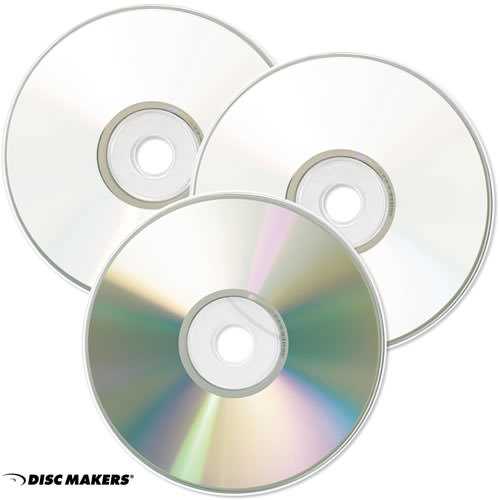
First, select the key information you want on the label. Most commonly, this includes the title, content type (e.g., movie, music, or backup files), and any relevant dates or special notes. Include the artwork, logo, or a relevant image that represents the media’s content. This can be an image from the movie, a graphic design, or a logo for your brand. Make sure the design isn’t too cluttered; leave enough white space around the text for clarity and visual balance.
Once your design is ready, it’s time to adjust it to fit the label size. Ensure that the text and images are centered and scaled correctly for the format. A few simple tweaks–like adjusting margins or repositioning text–can prevent alignment issues when printing.
Printing and Applying Your Custom Labels
For the best results, use high-quality adhesive paper specifically designed for media labels. These are available online or at office supply stores. Ensure your printer settings match the label paper dimensions and that you select the highest print quality for crisp text and vibrant images. If you’re using a laser printer, this will ensure longevity, as ink won’t smudge as easily as on regular paper.
Once printed, carefully peel the label from the backing paper. Align the label carefully with the center of the medium. Slowly press from the center outward to avoid air bubbles. A steady hand ensures that the label sticks smoothly and evenly without wrinkles. If you have a label applicator tool, it can help ensure a perfect alignment.
Additional Tips for a Professional Finish
- Use glossy paper for a shiny, professional look or matte paper for a more subdued, elegant finish.
- If you expect frequent handling, consider laminating the labels for added durability.
- Test print on regular paper to avoid wasting adhesive sheets.
Once your labels are applied, you’ll have professional-quality discs ready for storage or distribution. Whether for personal use, gifts, or organizational purposes, creating custom labels ensures your media collection stands out and stays organized.
How to Create Custom Media Labels
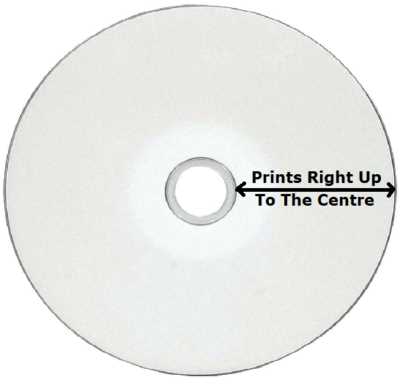
To start making your own labels for media, choose a software program that suits your needs, such as Microsoft Word, Canva, or Adobe Illustrator. Many of these tools offer ready-made templates that can be easily customized to fit your content. Once you select a design, adjust the text fields to include important details like the title, release date, and genre, and insert relevant artwork or logos.
Make sure the label size matches the standard dimensions for the type of medium you’re working with, usually around 4.7 inches in diameter. Double-check the alignment of text and images before printing, as incorrect scaling can lead to a misfit or unsightly results. Keep the design clean and balanced with minimal clutter, making it easier for others to read and understand.
For printing, invest in high-quality label paper. Look for materials that are specifically designed for use with media, as these types will provide the best durability and print quality. Select the highest print settings on your printer to ensure the details come out sharp and the colors remain true to your design.
Once your labels are printed, carefully apply them to the media. Start by aligning the label in the center and press from the middle outwards to avoid air bubbles. If you need precision, a label applicator tool can help achieve a flawless application. Afterward, your media is ready to be stored, distributed, or gifted with a polished and personalized look.