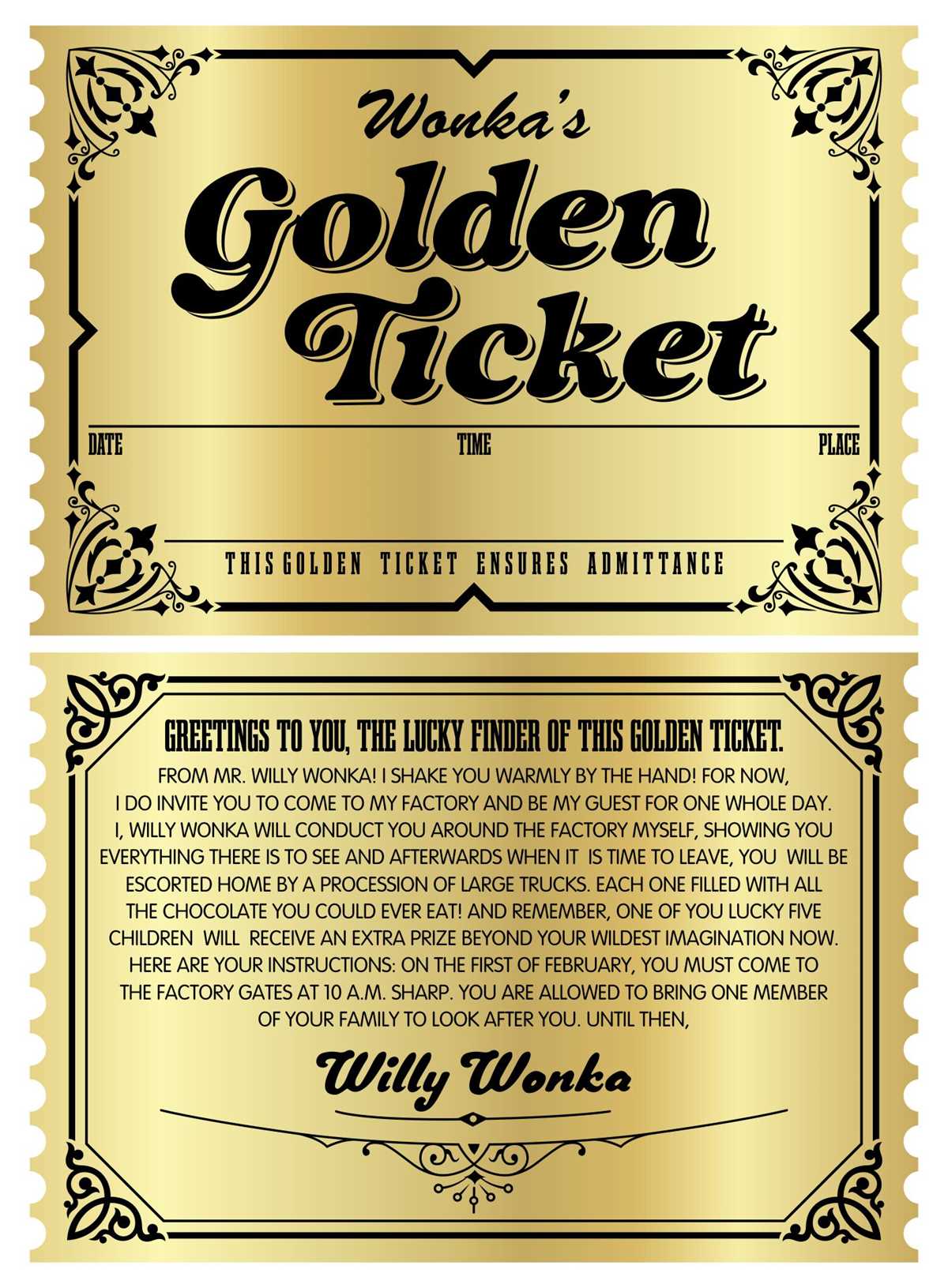
Use thick cardstock with a density of 250–300 gsm and a metallic foil texture overlay to create premium-looking admission passes that stand out at events and promotions. Set your document size to 3.5 × 8 inches or 2 × 5.5 inches, add 0.125-inch bleed on all sides, and keep text at least 0.25 inches from the edges to avoid trimming errors.
Choose a deep yellow or warm metallic gradient (for example, #D4AF37 to #F6E27A) combined with high-contrast black or dark brown text for readability. Serif fonts such as Playfair Display or Garamond convey a classic prize aesthetic, while bold sans-serif options like Montserrat work well for modern promotions. Keep font sizes above 14 pt for main details and 10–12 pt for fine print.
For home printing, select the “Heavy Paper” setting and disable toner-saving modes to maintain color saturation. If using an inkjet printer, allow at least 10 minutes of drying time before stacking sheets to prevent smudging. A manual paper feed slot reduces bending and improves alignment on thicker stock.
Add serial numbers, QR codes, or unique codes generated in a spreadsheet to manage entry control and prevent duplication. Perforation lines can be created at 0.5-inch from one edge for tear-off stubs. Lamination with 3–5 mil pouches increases durability for multi-day events or keepsake giveaways.
Printable Golden Tickets for Parties Promotions and Gifts
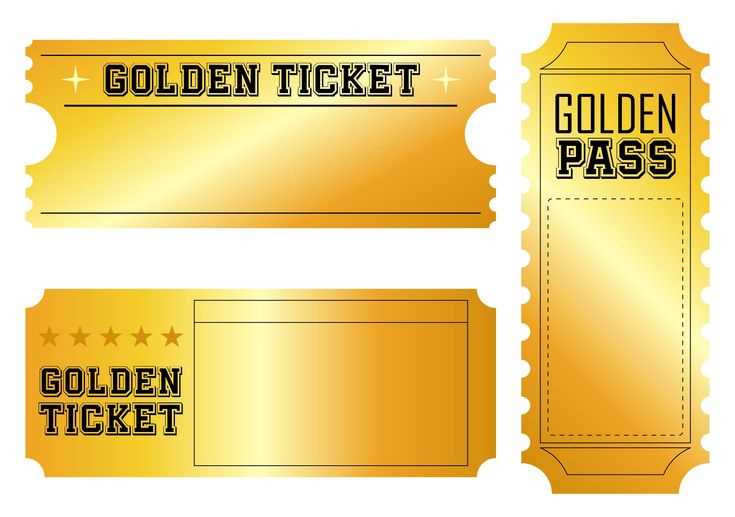
Create metallic invitation passes sized 2 × 6 inches on 300 gsm cardstock and add sequential numbering for raffles, birthday entries, or store campaigns. Use a foil-style background with a dark border frame (3–5 pt stroke) and include event details in bold 16–18 pt type for clear visibility under indoor lighting. For children’s parties, add a tear-off stub for prize redemption; for retail promotions, integrate a QR code linked to a discount page and set a unique code per pass to track usage.
For gift presentations, place the voucher inside a small envelope sealed with a wax stamp or holographic sticker, and specify redemption terms directly on the card to avoid confusion. At corporate events, print batches with different color accents to separate VIP access from general admission, and laminate selected copies for multi-day entry control.
How to Design a Printable Golden Ticket Layout in Canva or Photoshop
Set the canvas to 3.5 × 8 inches at 300 dpi with CMYK color mode and 0.125-inch bleed on all sides to avoid white edges after trimming. Add guides at 0.25 inches from each border to define a safe zone for text and numbering.
Build the metallic effect using layered gradients and texture overlays:
- Apply a linear gradient from #C9A227 to #F5D76E at a 45° angle for a foil-like base.
- Add a subtle noise layer (3–5%) or paper texture set to Overlay at 20–30% opacity.
- Insert a thin inner shadow (distance 0, size 8–12 px) to create depth around the frame.
- Place a rectangular border with a 4 pt stroke aligned inside the canvas to keep trim accuracy.
Use two contrasting typefaces: a decorative serif for the headline at 28–36 pt and a clean sans-serif for details at 12–14 pt. Align the headline centrally and position event data in a structured block with consistent line spacing of 120–130%. For serial numbers, create a text placeholder linked to a data source in Canva’s bulk create tool or Photoshop’s Data Merge feature.
Prepare the file for output by flattening effects, converting text to outlines if required by the print shop, and exporting as PDF Print with crop marks enabled. Check color coverage below 300% total ink to prevent smudging, and run a single proof on the chosen cardstock before producing the full batch.