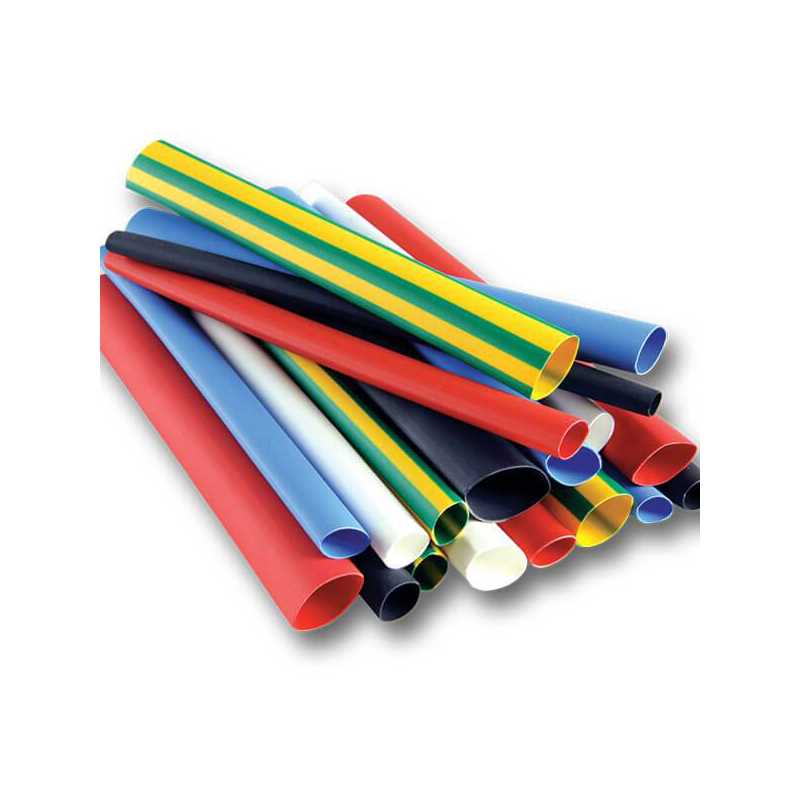
Choose polyolefin sleeves with 2:1 contraction ratio and inside diameter 3–4 mm for common signal cables; export label layouts as vector PDF at 300–600 DPI to keep characters sharp after tightening.
Material and Size Selection
- Polyolefin: flexible, operating range −55°C to 125°C, suitable for electronics and vehicles.
- Fluoropolymer: higher chemical resistance, operating range up to 200°C, used in industrial panels.
- Diameter rule: sleeve inner width before tightening should be 20–30% larger than cable outer width.
- Wall thickness: 0.3–0.6 mm balances durability and readability.
Label Design Parameters
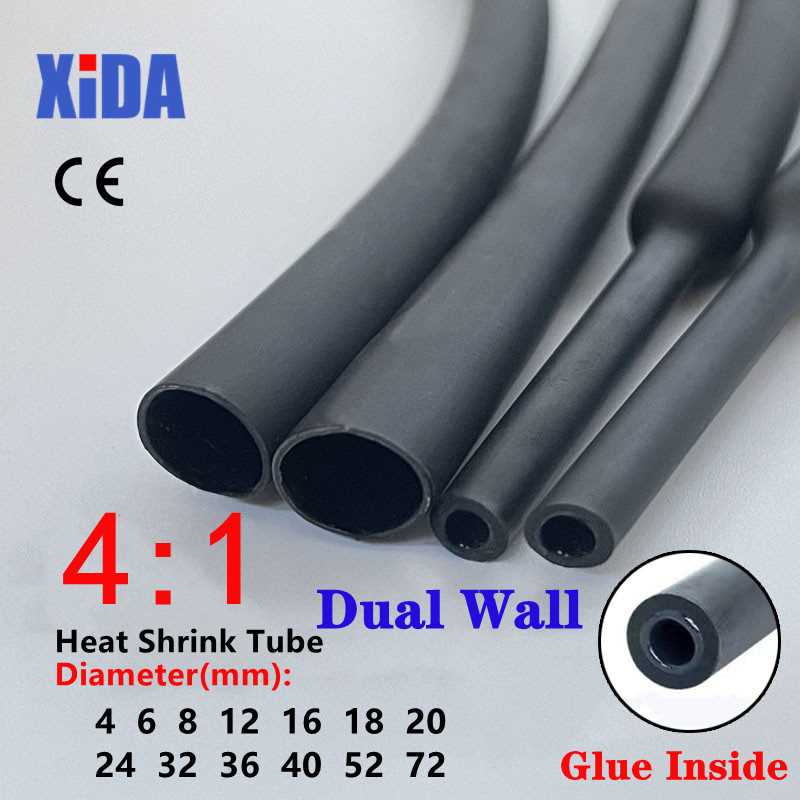
Font size 6–9 pt works for diameters under 4 mm, while 10–12 pt suits thicker harnesses; black text on white or yellow background provides strong contrast and reduces misreading during maintenance.
Printing and Application Steps
- Use laser devices or thermal transfer printers; inkjet output may smear on polymer surfaces.
- Set page scaling to 100% and disable “fit to page” to preserve dimensions.
- Cut segments 20–30 mm long for short codes and 40–50 mm for serial numbers.
- Apply hot air gun at 120–200°C from 5–7 cm distance, rotating cable for uniform tightening.
Common Mistakes
- Oversized sleeves that wrinkle after contraction.
- Low resolution raster images that blur small characters.
- Dark backgrounds that consume excess toner.
- Uneven air flow causing bubbles and distorted text.
Store master layouts in vector format so cable codes, font sizes, and segment lengths can be changed quickly without rebuilding each sheet.
Cable Sleeve Labels and Wire Identification Guides
Select polyolefin sleeves with 2:1 contraction ratio and inner diameter 25–30% larger than cable width; this prevents wrinkling and keeps text aligned after tightening.
Use laser or thermal transfer printers at 300–600 DPI with pure black text on white or yellow surfaces; inkjet output often smears on polymer coatings and reduces legibility during maintenance.
Cut segments 20–30 mm for short codes and 40–50 mm for serial strings, leaving 3–5 mm clear margins on both sides; narrow margins cause characters to distort when the sleeve compresses around thicker insulation layers.
Apply hot air at 120–180°C from 5–7 cm distance while rotating the cable slowly; uneven airflow creates bubbles, tilted text, and weak adhesion near connector joints.