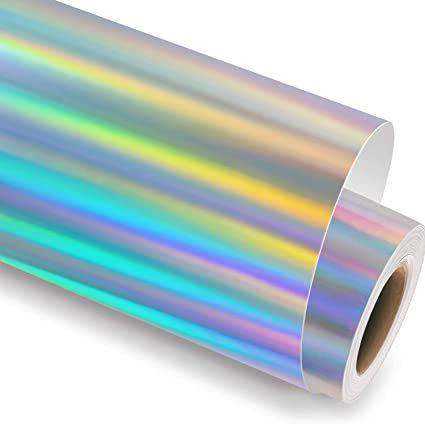
If you want to add a shiny, multi-colored effect to your designs, consider using reflective adhesive sheets. These materials are perfect for creating personalized items with an eye-catching finish. Follow these simple steps to ensure you get the best results from your reflective sheet projects.
Choosing the Right Material
Start by selecting the right reflective sheet for your project. Look for a material that works with your printer type and the surface you’re applying it to. Here are the main options:
- Adhesive Films: Ideal for creating decals for items like laptops, water bottles, or phone cases. These can easily stick to smooth surfaces without the need for extra adhesive.
- Transfer Sheets: Best for applications on fabric, such as T-shirts, bags, or hats. These sheets can be transferred onto the fabric with heat, giving a durable, glossy effect.
- Non-Adhesive Sheets: Use these if you need a material that you can sew or incorporate into scrapbooking projects.
Make sure you select the appropriate type based on the material and project you are working on. This will ensure a smooth application and help you avoid any issues during the process.
Preparing the Design for Printing
Once you’ve selected your reflective sheet, it’s time to prepare the design. Use software like Adobe Illustrator or CorelDRAW to create or modify your artwork. Here’s how to ensure the best results:
- Design Resolution: Create your design at a high resolution (300 dpi or higher) to avoid pixelation when printed.
- Test Print: Before printing on the final material, test your design on regular paper. This allows you to check color accuracy and overall composition.
- Printer Settings: Check your printer’s manual to ensure it’s set to print on specialty films. Adjust the settings for high-quality output.
By following these steps, you can ensure that the design you print will transfer well onto the reflective material.
Application Tips and Techniques
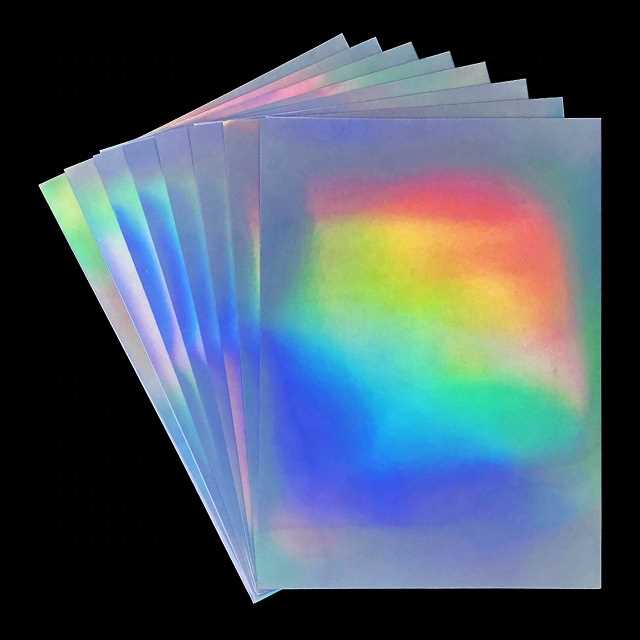
Now that your design is printed, it’s time to apply the reflective sheet. Whether you’re using it for a small decal or a larger fabric design, here are some tips:
- Cut Carefully: Use a sharp pair of scissors or a craft knife to cut the design precisely. If you’re using an electronic cutting machine, adjust the settings to accommodate the material.
- Apply Heat: If you’re working with transfer sheets, use an iron or heat press to apply the design to fabric. Follow the heat and pressure guidelines for the best results.
- Allow Cooling Time: After applying the design, let the material cool down before handling to avoid smudging or distortion.
With the right application methods, you’ll have durable and striking custom designs that stand out and last.
Using Reflective Adhesive Sheets for Custom Projects
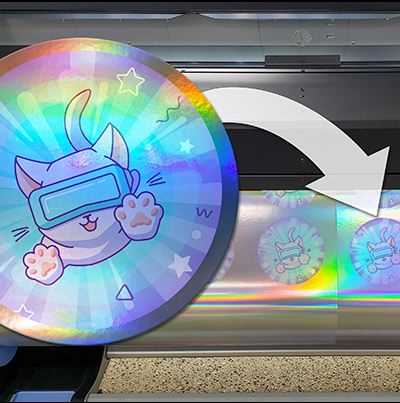
For creating unique, shiny designs, it’s crucial to select a suitable material that enhances the visual impact of your projects. Opt for a sheet with a reflective surface that can easily adhere to a variety of items. This option works well for crafting, decorating, and personalizing different surfaces like notebooks, mugs, or even clothing.
Begin by carefully choosing a material that matches your printer’s capabilities and the desired finish. Make sure it works with your specific printer type–whether inkjet or laser–and the surface you plan to apply it to. This will ensure the design prints smoothly and the final result is long-lasting.
To get started, design your artwork using a high-resolution graphic program such as Adobe Illustrator or CorelDRAW. Ensure your design is at least 300 dpi for the best quality when printed. This will allow fine details and smooth edges to appear clearly when you apply them to the surface.
Once your design is prepared, adjust your printer settings to accommodate specialty materials. Ensure the printer is set to handle thicker sheets or glossy finishes if needed. This will prevent ink smudging and ensure the best transfer of color onto the reflective surface.
Before applying the design, conduct a test print on a normal piece of paper to confirm that the colors and layout are as you want them. This extra step can save time and materials if something needs adjusting.
For transferring the design to fabric or other surfaces, apply heat using a heat press or iron. Ensure that you follow the temperature guidelines for the material to prevent damaging the design or the surface. Allow the design to cool before handling to avoid smudging or shifting.
Using these steps, you can achieve striking, customized designs that stand out with a brilliant shine. Whether for creating personalized gifts, promotional items, or craft projects, reflective adhesive sheets are a versatile and visually appealing choice. Keep in mind to choose the right surface and adjust your process for best results, ensuring your design stays intact and looks polished for longer periods of use.