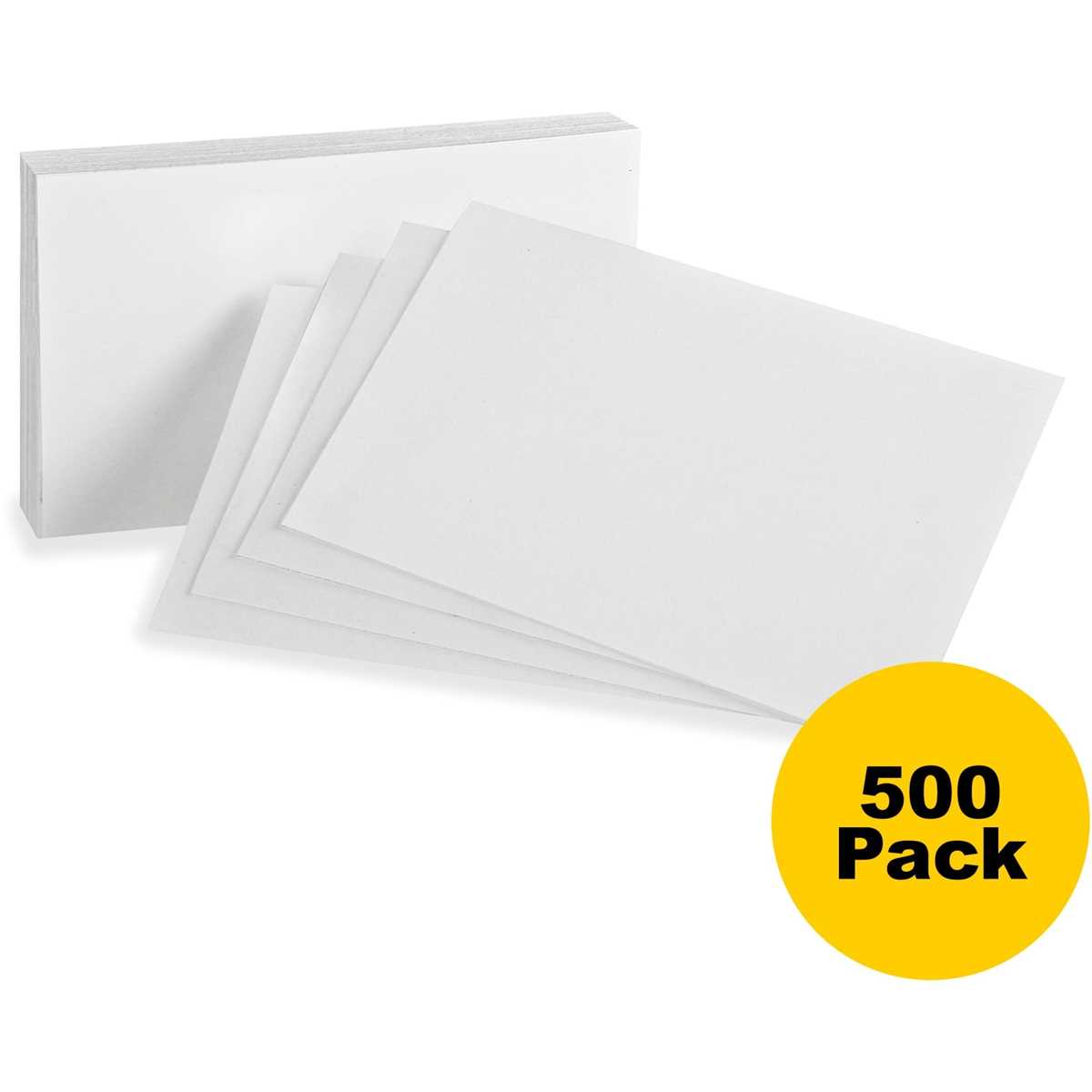
Set the page layout to match the final note size before printing. For most study uses, 3×5 inch and 4×6 inch formats cover nearly all needs. Align margins to zero and arrange multiple note panels per sheet so cutting lines remain straight and consistent across batches.
Use 65–90 lb cover stock if the sheets will be handled often. Thin copy paper bends quickly and shows ink bleed from markers. Choose a clean sans-serif font at 12–16 pt for typed content, or leave wide blank areas if the notes will be handwritten. Keeping at least 0.25 inch spacing between panels prevents trimming errors.
Always run a single test sheet first. Measure the width and height with a ruler and confirm your printer does not apply automatic scaling. Lock the size setting at 100 percent once the sample matches the target dimensions, then produce the full set for study drills or quick reference notes.
Printable Index Cards Templates for Flashcards Study and Quick Notes
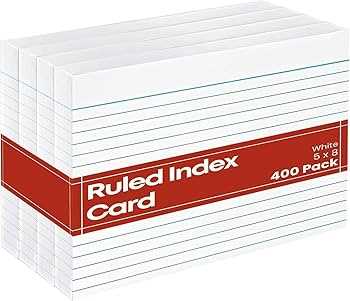
Choose a layout with clear cut guides and wide writing space. For study drills, the most practical formats place two to four note panels per letter sheet with thin divider lines. This keeps trimming straight and gives enough room for short definitions, formulas, or prompts.
Use standard dimensions that match common storage boxes. The most widely used sizes include:
- 3×5 inch: quick review facts and vocabulary
- 4×6 inch: detailed summaries and diagrams
- 5×8 inch: extended notes or speaking cues
Keep text areas uncluttered. Leave at least 0.3 inch inner margins so handwritten notes do not run into the edges after cutting. If typing content, set line spacing to 1.15–1.3 for better readability during rapid review sessions.
For double-sided study sheets, print the front page first, flip the paper according to your printer’s feed direction, then run the back layout. Always test alignment with one sheet; even small shifts can misplace borders and make trimming uneven.
Store finished note slips in labeled dividers by subject or topic. Consistent sizing allows quick shuffling during practice sessions and keeps stacks neat inside standard study boxes or rings.
How to Set Up Index Card Templates in Standard 3×5 and 4×6 Sizes
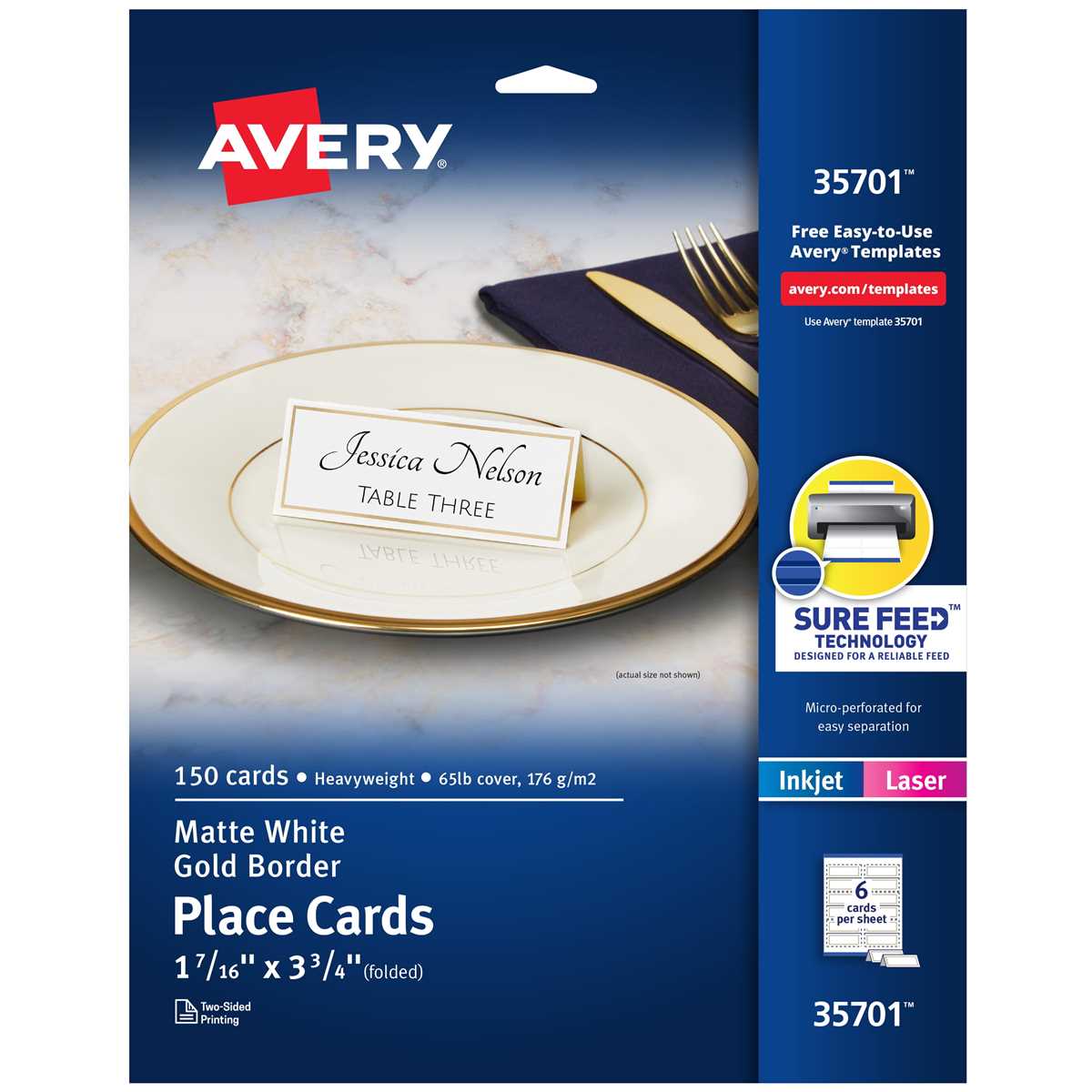
Set the document size and grid before adding any text. For 3×5 inch notes, place four panels on a letter sheet in landscape orientation; for 4×6 inch formats, use two panels per page. Turn margins to zero or the lowest allowed value and add thin cut lines at 0.5–1 pt so they remain visible without interfering with content.
Create guides that lock spacing between panels. Leave at least 0.25 inch gutters to allow safe trimming with scissors or a paper cutter. Use a simple table layout or drawing grid rather than freehand positioning; this keeps every piece identical and prevents drift during editing. Save the file as a reusable master so future batches keep the same measurements.
Print one sample at 100 percent scale and measure both width and height with a ruler. If the size is off by more than 1–2 mm, disable any “fit to page” or automatic scaling in the printer settings. Once the sample matches the target dimensions, duplicate the layout for bulk production.