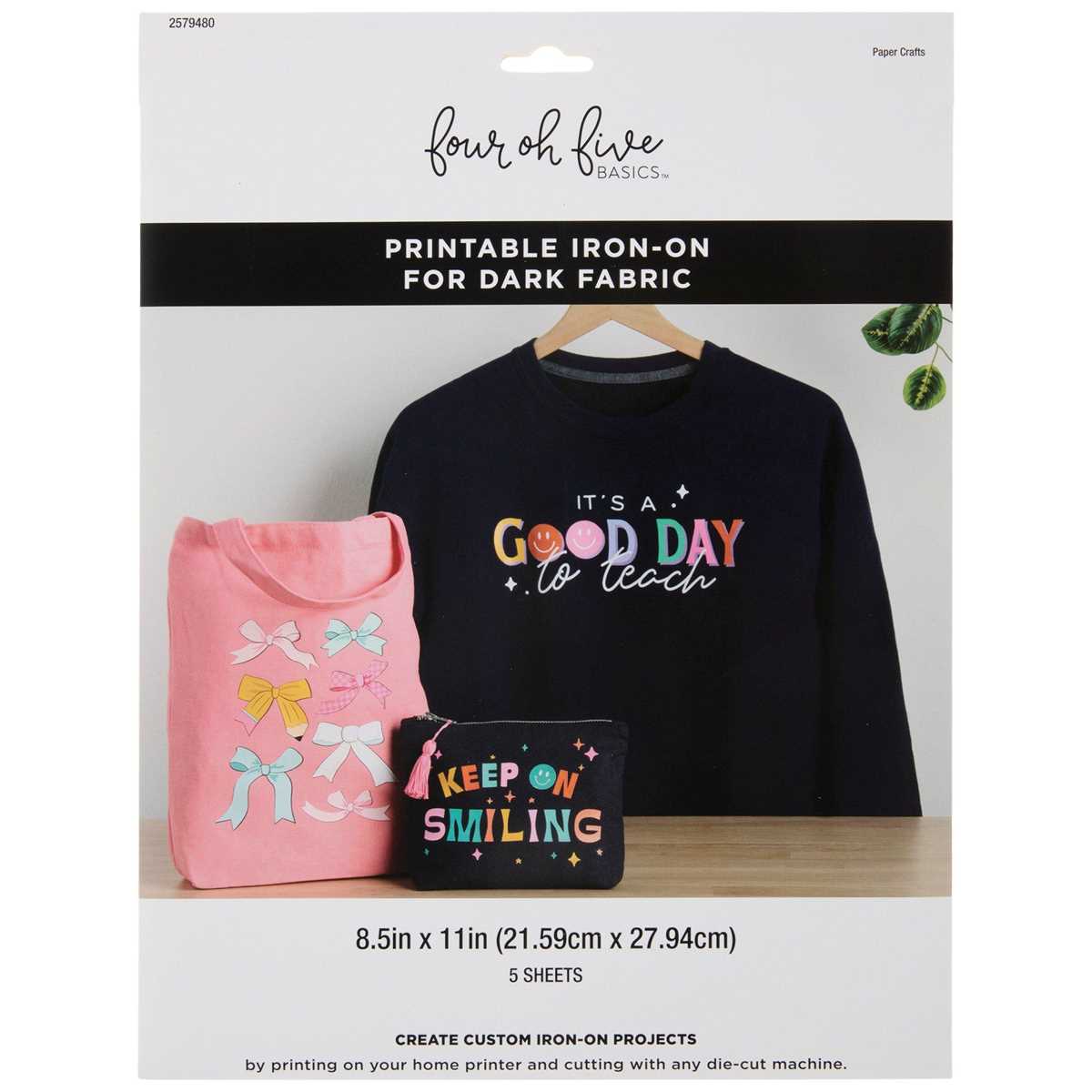
Choosing the Right Transfer Material for Your Design
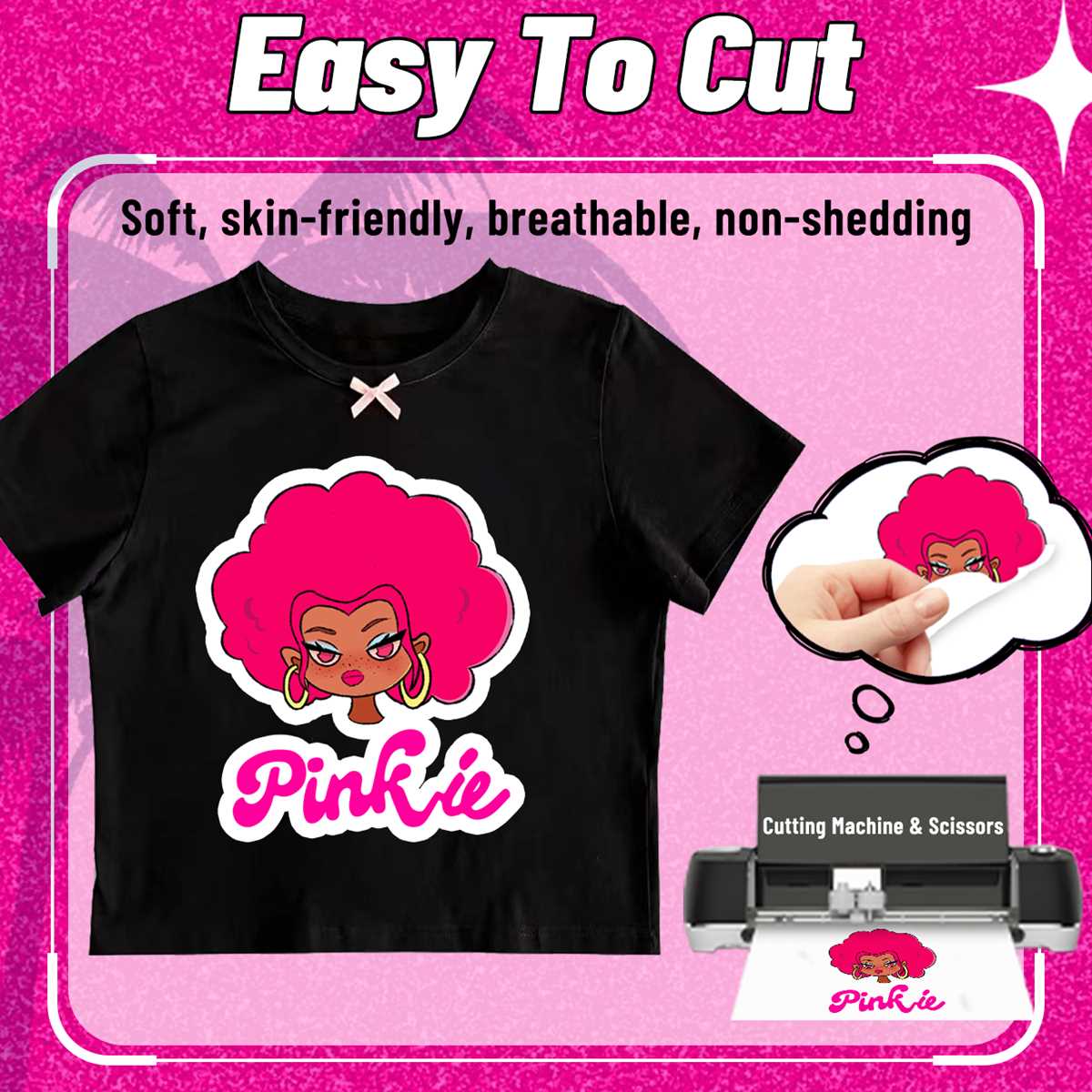
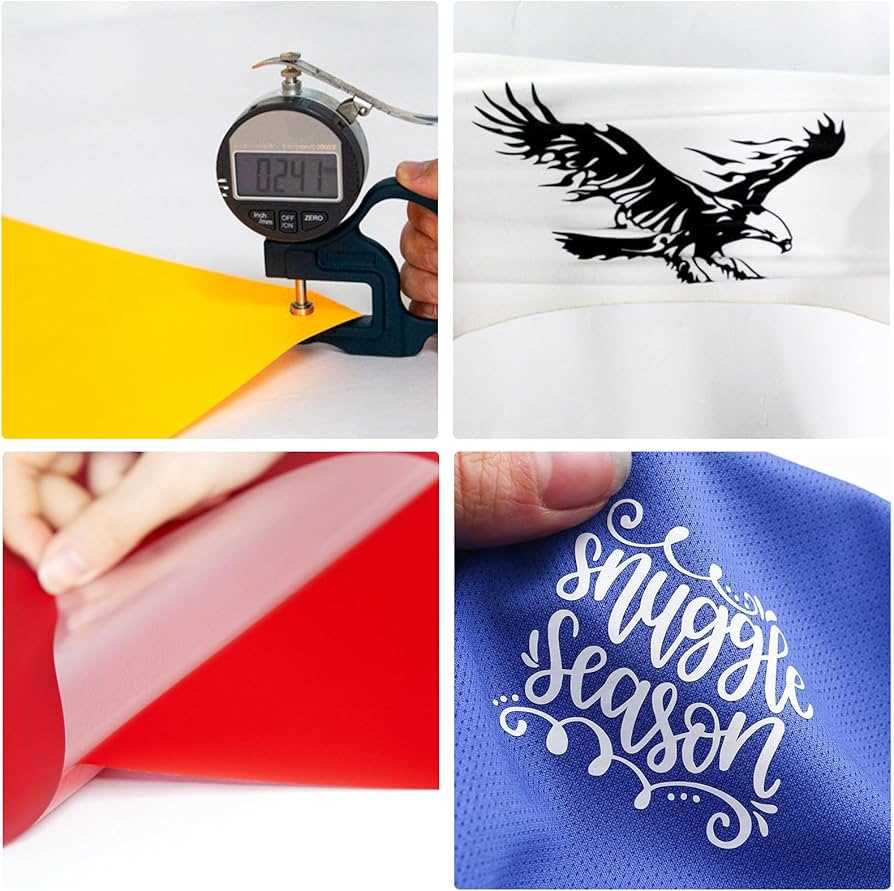
When working on custom fabric designs, selecting the right transfer material is key to achieving the best results. Opt for a material that is compatible with your fabric type. For example, if you’re working with cotton or polyester, ensure that the transfer sheets you choose are suitable for these materials to guarantee durability after washing.
Consider the finish you want for your project. Some transfer sheets provide a matte finish, while others offer a glossy appearance. The design’s complexity also plays a role; intricate patterns may require a higher quality sheet that can capture fine details clearly. Look for options that are compatible with your printer and ensure they come with easy-to-follow instructions for application.
Step-by-Step Guide to Printing and Applying Your Design
To get started, you’ll need a few key items: transfer sheets, your design file, a computer with design software, and a heat press or iron. Start by creating or selecting a design that is the correct size for your project. Use design software like Adobe Illustrator or Canva to ensure your image fits the fabric correctly.
Once your design is ready, load the transfer sheet into your printer, making sure the correct side is facing up. Adjust your printer settings based on the material’s requirements. After printing, let the design dry for a few minutes before cutting out any excess transfer material. Make sure your cut lines are as close as possible to the design to avoid excess material on the fabric.
To apply the design, preheat your fabric with a heat press or iron to eliminate any wrinkles and ensure the surface is warm. Place the transfer sheet face down on the fabric, align it as needed, and press down firmly for the recommended amount of time. Be sure to follow the manufacturer’s guidelines for temperature and time to avoid damaging the fabric or the design.
After pressing, let the material cool down before carefully peeling away the backing sheet. If the design appears to be lifting or not fully adhered, you can re-apply the heat for a few more seconds to secure it properly. Once done, your custom fabric project will be ready to showcase!
Always follow the care instructions provided with the transfer material to ensure longevity. Most custom designs are machine washable but should be turned inside out and washed with cold water to preserve the transfer’s quality.
Guide to Using Custom Fabric Transfer Sheets
To begin, select the correct transfer material designed for your project. These materials come in different finishes such as matte or glossy, and it’s important to choose one that matches the fabric you plan to use. For light fabrics, opt for a transfer material made for such fabrics, while dark fabrics require a specific type of transfer material for best results.
Ensure that the transfer material you’re using is compatible with your printer. Most transfer sheets are designed to work with inkjet printers, so double-check the manufacturer’s instructions for the specific sheet type you’re using. Be sure to also adjust your printer settings for photo-quality printing to achieve crisp and clear images.
Prepare your design file before printing. Use graphic software to adjust the image to the desired size. If you’re working with text, remember to mirror the design horizontally before printing, especially if you plan to apply it onto fabric with words or intricate graphics. This ensures the design appears correctly on the fabric after application.
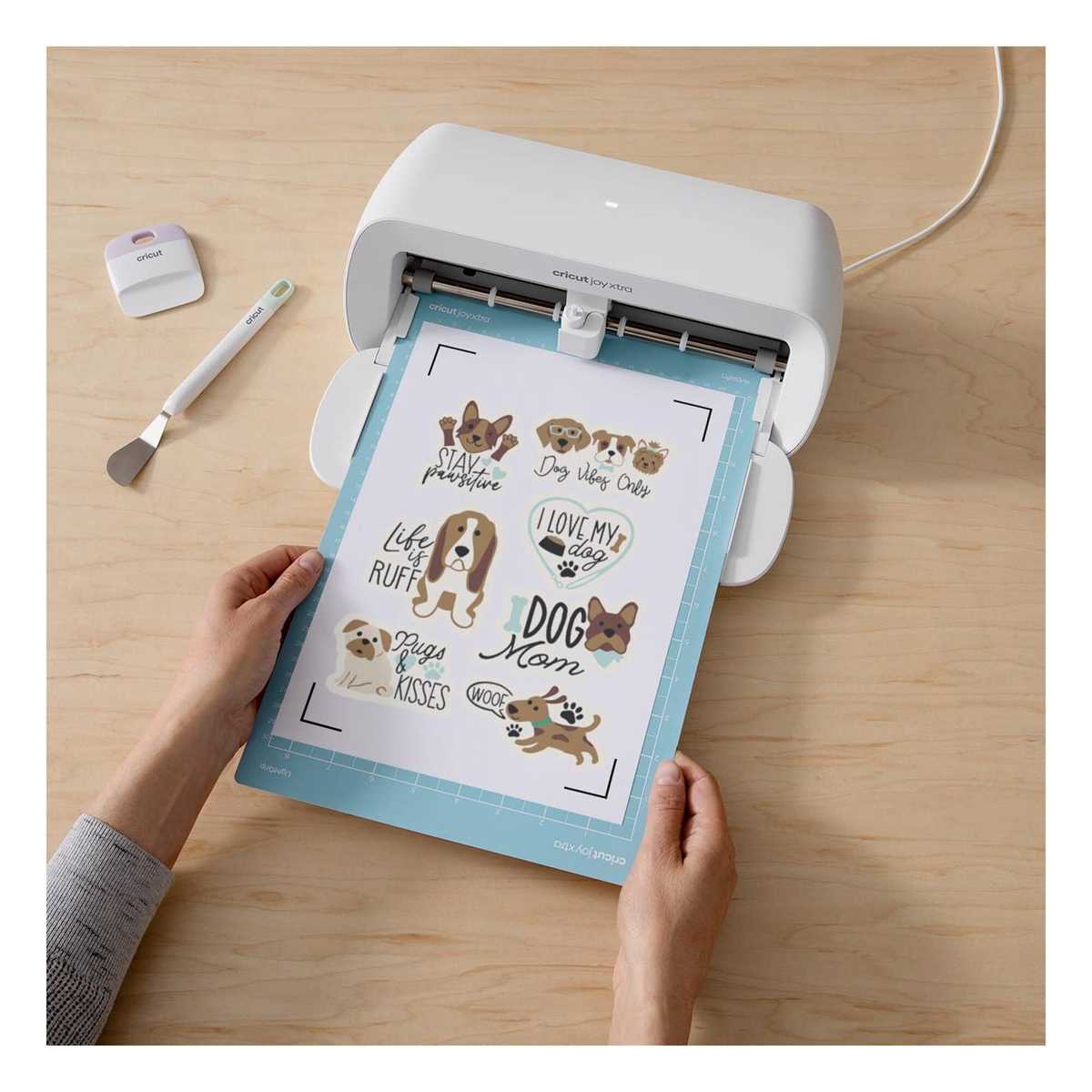
Once your design is printed, let the sheet dry for a few minutes to avoid smearing. Carefully trim around the design to remove excess transfer material. If your design includes intricate details, use a pair of sharp scissors or a cutting tool for clean edges. Precision is important to ensure that the excess material does not interfere with the final result.
Now, it’s time to prepare your fabric. Pre-wash the fabric to remove any dirt, oils, or chemicals that may interfere with the transfer. Be sure to dry and iron the fabric flat to remove any wrinkles before application. This will help the design adhere better and create a smoother, more professional finish.
Apply the design using a heat press or iron. Set the temperature according to the manufacturer’s instructions on the transfer material packaging. If using an iron, make sure it’s set to the cotton or linen setting, which is typically the appropriate heat for most materials. Press the transfer evenly onto the fabric and apply firm pressure for the recommended time.
Once the transfer is applied, allow the fabric to cool before peeling off the backing paper. Be gentle when removing it to avoid damaging the design. If any parts of the design didn’t fully adhere, simply reapply the heat for a few seconds, but ensure that you don’t overheat the fabric to prevent burns or damage.
After applying the design, follow the care instructions for the transfer material. Most transfers are machine washable, but it’s best to wash the fabric inside out in cold water and air dry it to ensure the design lasts longer. Proper care will keep your custom design intact through multiple washes.