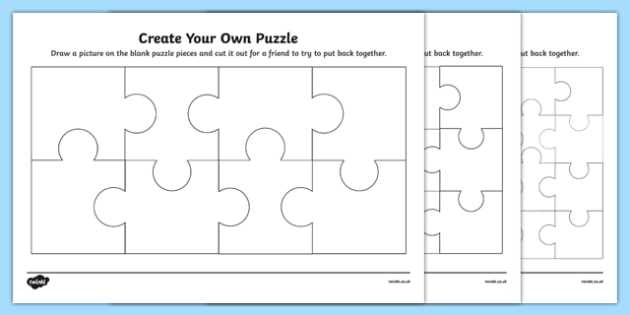
Choose an image with a minimum resolution of 300 DPI and at least 2400×3000 pixels for an A4 or US Letter sheet to avoid blurry cuts and mismatched tabs. High-contrast photos with clear subject separation produce cleaner piece borders and reduce confusion during assembly.
Set the grid layout based on age and skill level. For children ages 4–6, use a 4×5 or 5×5 layout with large interlocking shapes. For ages 7–10, increase complexity to 8×10 or 10×10 sections. Adults can handle 12×12 or higher with varied knob patterns and rotated pieces.
Export the template as a PDF file at 100% scale and disable page scaling in printer settings. Print on 200–250 gsm cardstock for durability, then mount the sheet onto 1–2 mm chipboard using glue spread evenly with a roller to prevent air bubbles.
After drying for at least 2 hours under weight, cut along the contour lines using a precision craft knife and metal ruler. For reusable sets, laminate before cutting or apply clear adhesive film to the surface to reduce edge wear during repeated assembly.
Printable Jigsaw Puzzle Maker
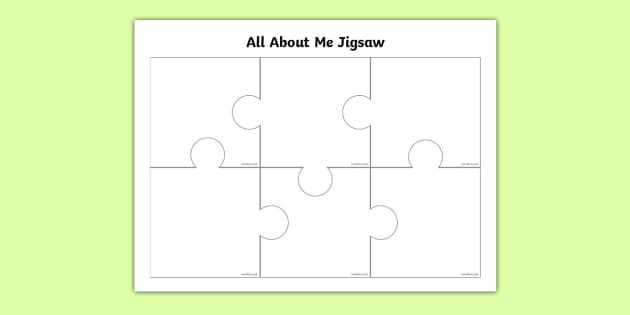
Select a platform that exports files in PDF format at 300 DPI and allows custom grid sizing such as 4×4, 6×8, or 10×12 segments. This ensures sharp cut lines and consistent piece alignment after printing. Tools that support adjustable tab shapes and random rotation patterns produce more challenging assemblies compared to uniform square grids.
Upload images with a minimum width of 2000 pixels for standard A4 or US Letter output. Photographs with distinct color blocks and defined edges reduce visual confusion during assembly. Avoid low-contrast images; muted gradients make piece matching unnecessarily difficult and increase assembly time.
Adjust piece count according to age group and purpose. For early learners, 12–20 large interlocking sections improve motor coordination. For classroom use in grades 3–5, 48–80 segments provide moderate challenge. Adult brain-training activities often range from 100 to 144 sections per page.
Print on 200–250 gsm cardstock and disable automatic scaling in printer settings to maintain exact proportions. After printing, adhere the sheet to 1 mm chipboard using even glue coverage and press under weight for at least two hours. This prevents warping and keeps interlocking tabs intact during repeated handling.
Store finished sets in labeled envelopes with a small reference image attached to the front. For repeated classroom use, laminate the sheet before cutting or apply a transparent adhesive film to protect the surface from edge wear and moisture damage.
How to Choose Image Resolution and Grid Size for Clean Puzzle Cuts
Use images at 300 DPI with a minimum dimension of 2000 × 3000 pixels for full-page output on A4 or US Letter paper. Lower resolutions produce blurred edges and imprecise cut lines, especially along curved interlocking tabs. Check the file properties before uploading and avoid screenshots compressed below 150 DPI.
Match grid density to page size and intended difficulty. A standard 8.5 × 11 inch sheet supports:
- 4 × 5 layout for large beginner pieces
- 6 × 8 layout for mid-level challenge
- 10 × 12 layout for advanced assembly
Increasing segment count without increasing image resolution reduces clarity per section and makes fine details harder to distinguish.
Calculate average piece width by dividing page width by column count. For example, 8.5 inches divided by 10 columns yields 0.85 inch per piece before accounting for tabs. Segments smaller than 0.7 inch become difficult to cut cleanly with standard scissors and may tear along narrow connectors.
Disable automatic image scaling in the print dialog and set output to 100 percent size. Enable crop marks or light cut guides if available. Test one sheet on standard paper before printing on cardstock to confirm alignment accuracy and edge sharpness.