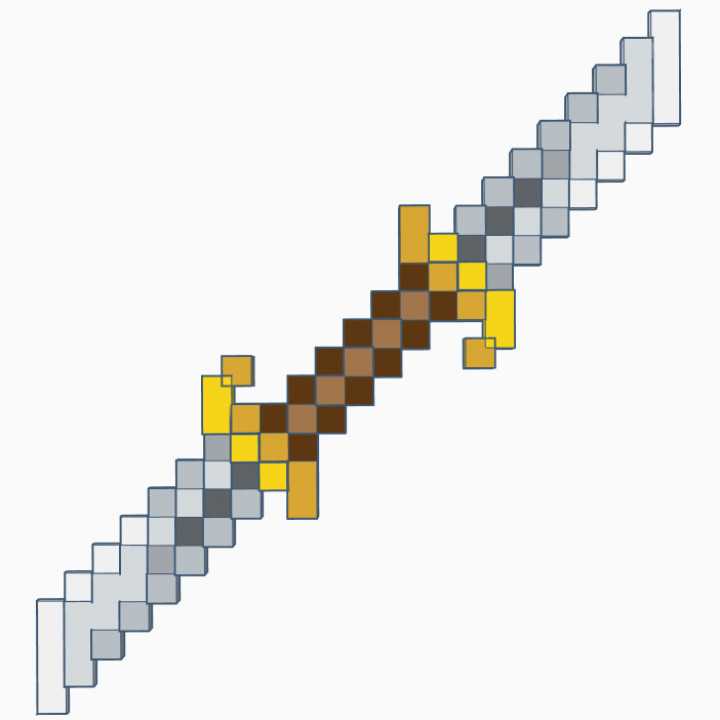
Choose a high-resolution pixel blade template and scale it to 100% before sending it to your home printer. This keeps the block pattern sharp and avoids blurry edges that ruin the final prop. For best results, use files at least 300 DPI and check that the full length fits your chosen paper size.
Use thick matte cardstock between 200–250 gsm to give the pixel weapon proper rigidity. Standard office paper bends too easily during play. After printing, glue the sheet onto lightweight cardboard or foam board about 3–5 mm thick to create a sturdy core without adding too much weight.
Cut along outer pixel lines with a precision craft knife rather than scissors. Straight edges look cleaner and match the blocky aesthetic better. Apply double-sided tape or a thin layer of glue stick to avoid wrinkles, then press under a heavy book for 10 minutes to keep the surface flat.
Easy Printable Minecraft Sword Template for DIY Pixel Craft Projects
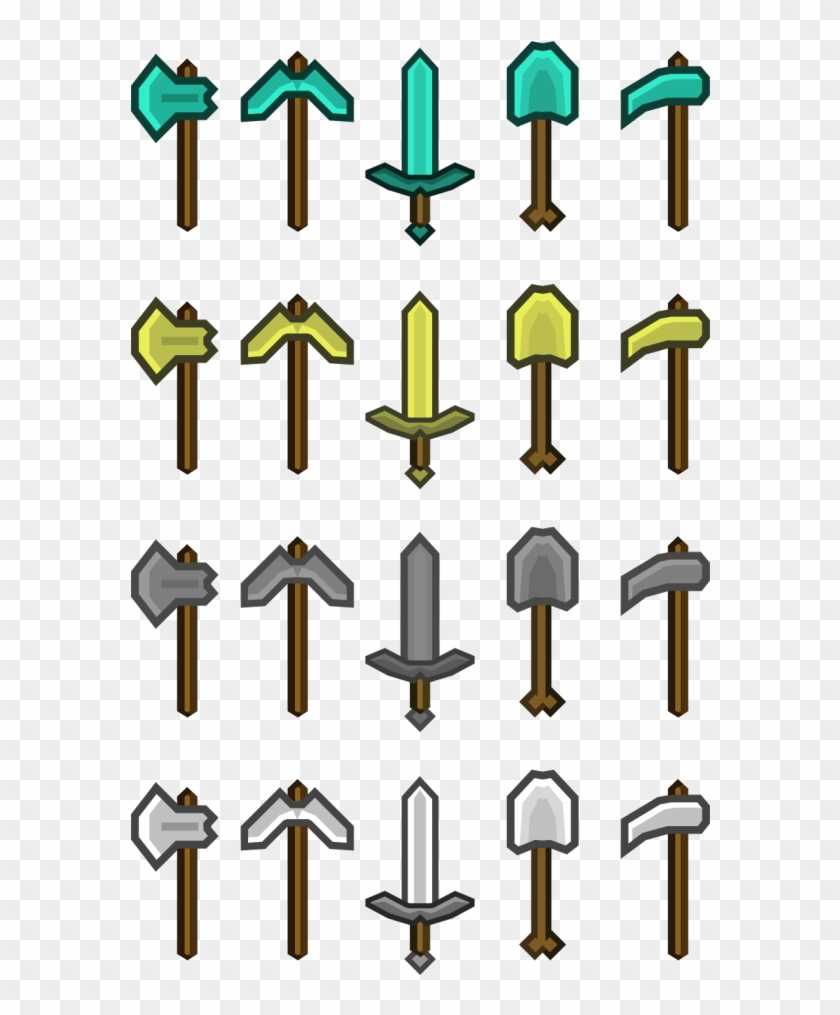
Select a pixel blade pattern sized to about 45–55 cm in length for a comfortable handheld prop. This range fits most home printers when split across two or three sheets. Check preview settings and keep scale at 100% so the block grid stays proportional.
Use 200–250 gsm cardstock or photo paper for the outer layer, then mount the design onto 3–5 mm foam board or corrugated cardboard. This combination keeps the prop light while preventing bends during play. Apply glue stick in thin, even strokes to avoid bubbles.
Cut the block edges with a sharp craft knife and a metal ruler rather than scissors. Straight cuts preserve the pixel look and reduce jagged corners. Replace the blade after every two projects to maintain clean lines.
Reinforce the handle area with an extra cardboard strip about 2–3 cm wide on the back side. Wrap the grip with colored tape or paper to improve comfort and hide seams, producing a sturdy prop ready for costume use or themed play.
How to Choose the Right Minecraft Sword Template Size for Your Build
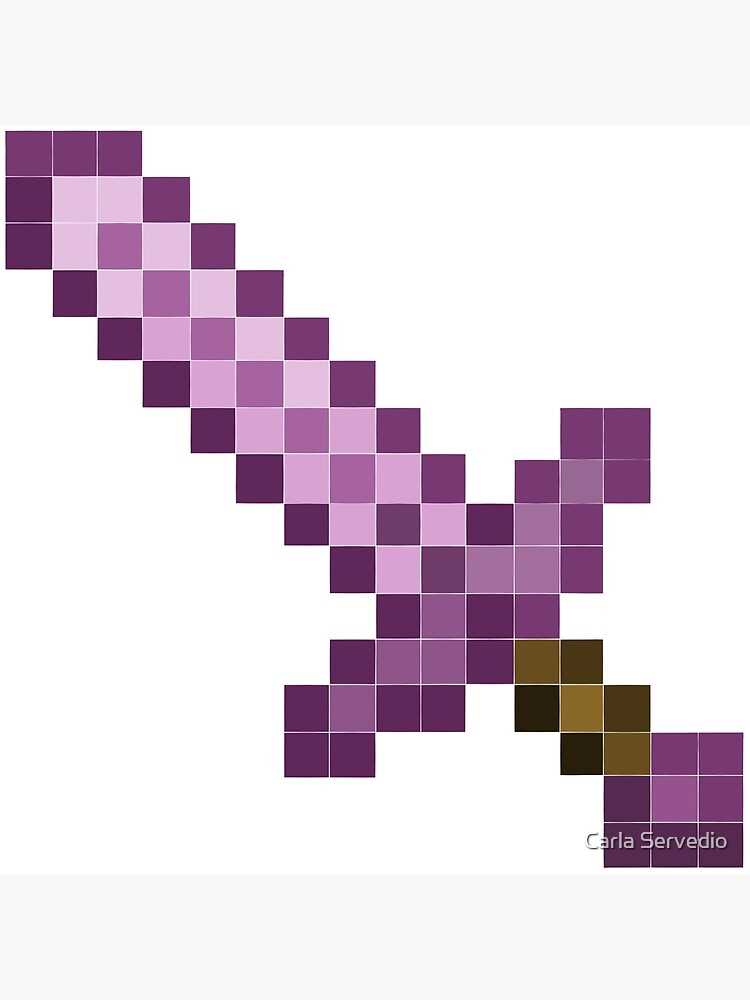
Measure the user’s forearm from wrist to elbow and aim for a prop length about 1.2–1.4× that distance. This proportion keeps the pixel weapon comfortable to hold and visually balanced for costumes or play.
For small children under 6 years old, keep the total length between 35–40 cm. Older kids usually handle 45–55 cm without strain. Teen and adult builds can extend to 60–75 cm, but only if reinforced with foam board or double cardboard.
Check your printer limits before choosing a pattern. Standard home devices handle A4 or Letter sheets, which usually require the block blade design to be split across multiple pages. If you want fewer seams, pick a version labeled for tiled output.
Scale accuracy matters. In print settings, disable “fit to page” and keep scaling at 100%. Automatic resizing distorts the square grid and makes assembly misaligned.
Consider the purpose of the prop. Lightweight paper builds work for photo booths or quick crafts, while costume accessories benefit from thicker backing and slightly larger dimensions for visibility from a distance.
If storage space is limited, choose a compact pattern under 50 cm and add a detachable handle tab. This allows the prop to fit in drawers or school bags without bending.
Before final assembly, cut one test section of the blade and compare it to the user’s grip width. Adjust the scale by 5–10% if the handle feels too narrow or bulky, then print the full set only after confirming the fit.