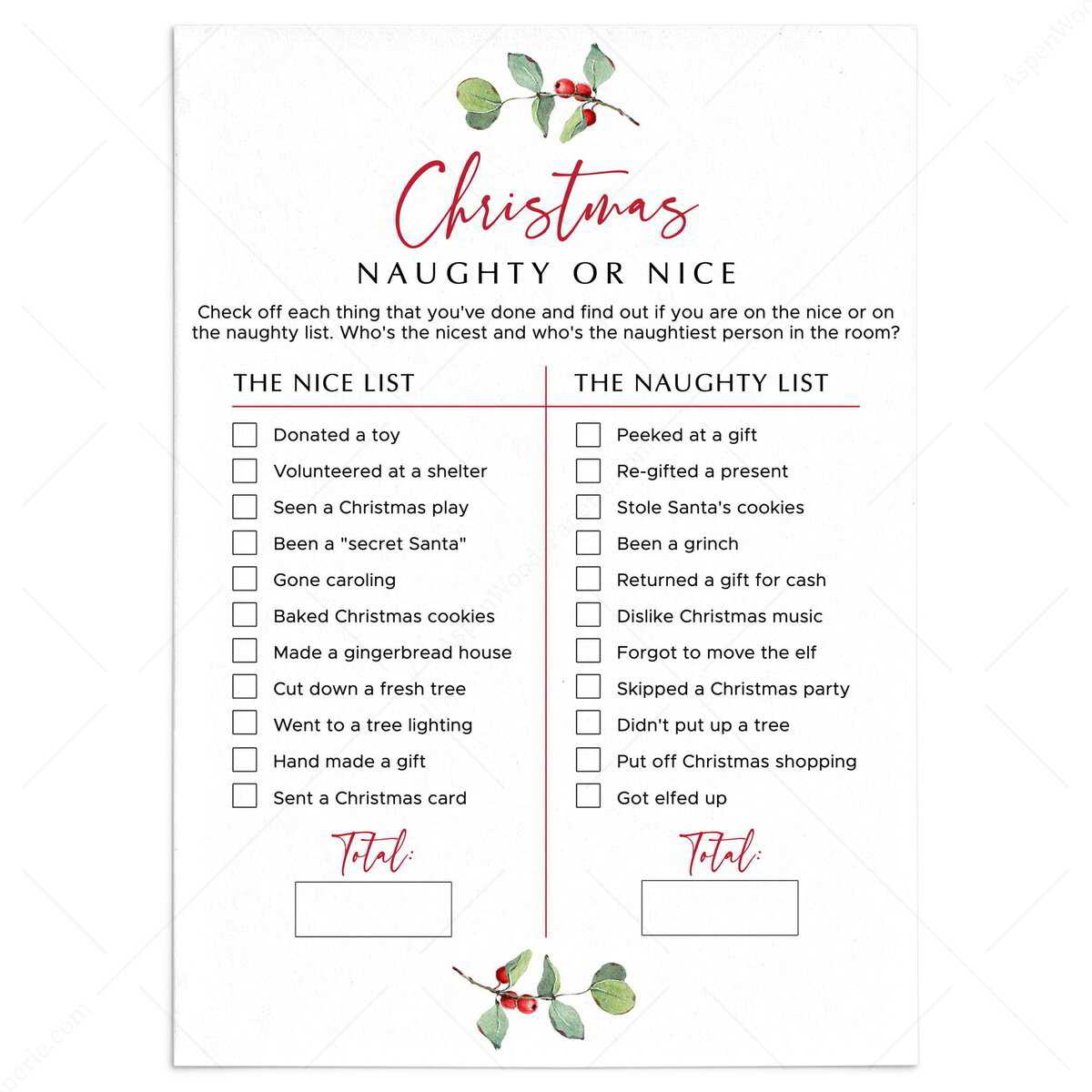
Start by designing a simple tracking system that helps you monitor actions and behaviors throughout the holiday season. Instead of relying on memory, create a sheet that allows you to easily record whether someone’s actions have been positive or negative. This tool can be used to determine whether they’ve earned rewards or need reminders to improve their conduct.
Customize Your Template to reflect the behaviors you want to see. You can include categories like helpfulness around the house, acts of kindness, or even meeting deadlines for schoolwork. By personalizing the criteria, you make the system more relevant and motivating for everyone involved.
Add visual elements like checkmarks for positive actions and crosses for areas that need improvement. This makes the process visually engaging and helps individuals track their progress. The more interactive and fun you make the system, the more likely it is to motivate better behavior and bring holiday cheer to everyone involved.
How to Use Your Holiday Behavior Tracker
To make the most of your behavior tracking sheet, set clear rules for what qualifies as positive or negative actions. For example, reward helpful chores like setting the table or being respectful to others, while marking actions such as arguing or not completing tasks on time. This helps create a measurable system that everyone can follow and understand.
Make it a regular part of your routine. Update the tracker daily or weekly, depending on how frequently behaviors occur. This ensures that the system stays relevant and up-to-date, making it easier to reward good actions promptly and address any issues as they arise.
Consider adding small incentives for consistent positive behavior, like a fun family outing or extra holiday treats. These rewards don’t have to be extravagant, but they should feel meaningful enough to motivate improvement and maintain interest throughout the season.
Finally, involve the whole family in creating the categories and tracking process. This inclusion ensures that everyone feels invested and encourages accountability. Make it a fun, collaborative activity that brings everyone together, fostering positive behavior while celebrating the season.
How to Create a Customizable Naughty or Nice List for Kids
Start by creating sections that highlight key behaviors, such as helpfulness, respect, and responsibility. Use a simple structure where kids can see exactly what they need to do to earn points for positive actions. For example, you can have columns for each day of the week or for specific tasks like “Did you help clean up?” or “Were you kind to your siblings?”
Make it interactive by allowing children to color in or check off each task once completed. This adds an element of fun and helps them take ownership of their progress. You can even assign point values to different actions, where a higher score equals a bigger reward at the end of the week.
- Be sure to set realistic goals
- Consider including a “bonus” section for extra helpful behaviors
- Have a conversation with your child about why certain actions are rewarded
Remember, the goal is to encourage positive behavior while keeping it fun. Involve your child in the process by letting them help customize their tracker or choose rewards they would like to earn. This increases engagement and makes the experience more meaningful for them.