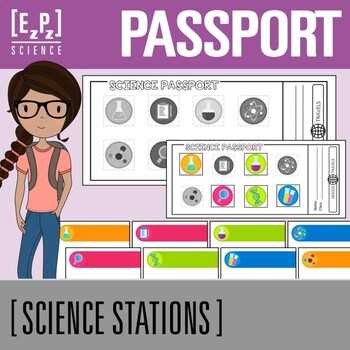
If you’re organizing a large event, giving your guests personalized access cards adds a touch of sophistication and helps streamline the check-in process. Here’s how you can create custom cards that serve as entry tickets or fun interactive items for your gathering.
How to Design Custom Access Cards for Your Guests
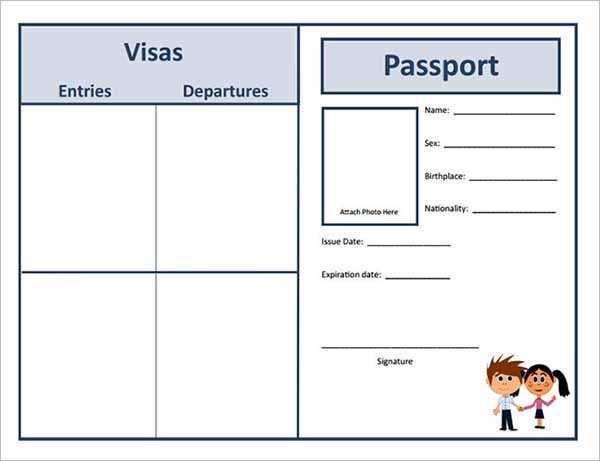
Start by selecting the format and size for your cards. Standard ID card dimensions (3.375″ x 2.125″) are popular and easy to print on regular paper or card stock. You can either choose a simple design or a themed template that matches the event’s atmosphere.
Once the size is decided, choose a design platform like Canva or Adobe Spark. Both offer templates that can be fully customized. Include elements like your event’s logo, the guest’s name, and space for any special instructions or barcode/QR code for scanning. Keep the design visually appealing yet simple, focusing on clarity.
For extra personalization, add unique codes, ticket numbers, or even a small map showing the venue’s layout. If you want to make the cards more interactive, consider including a scratch-off feature for guests to reveal prizes or special offers at the event.
Tools for Creating and Printing Access Cards
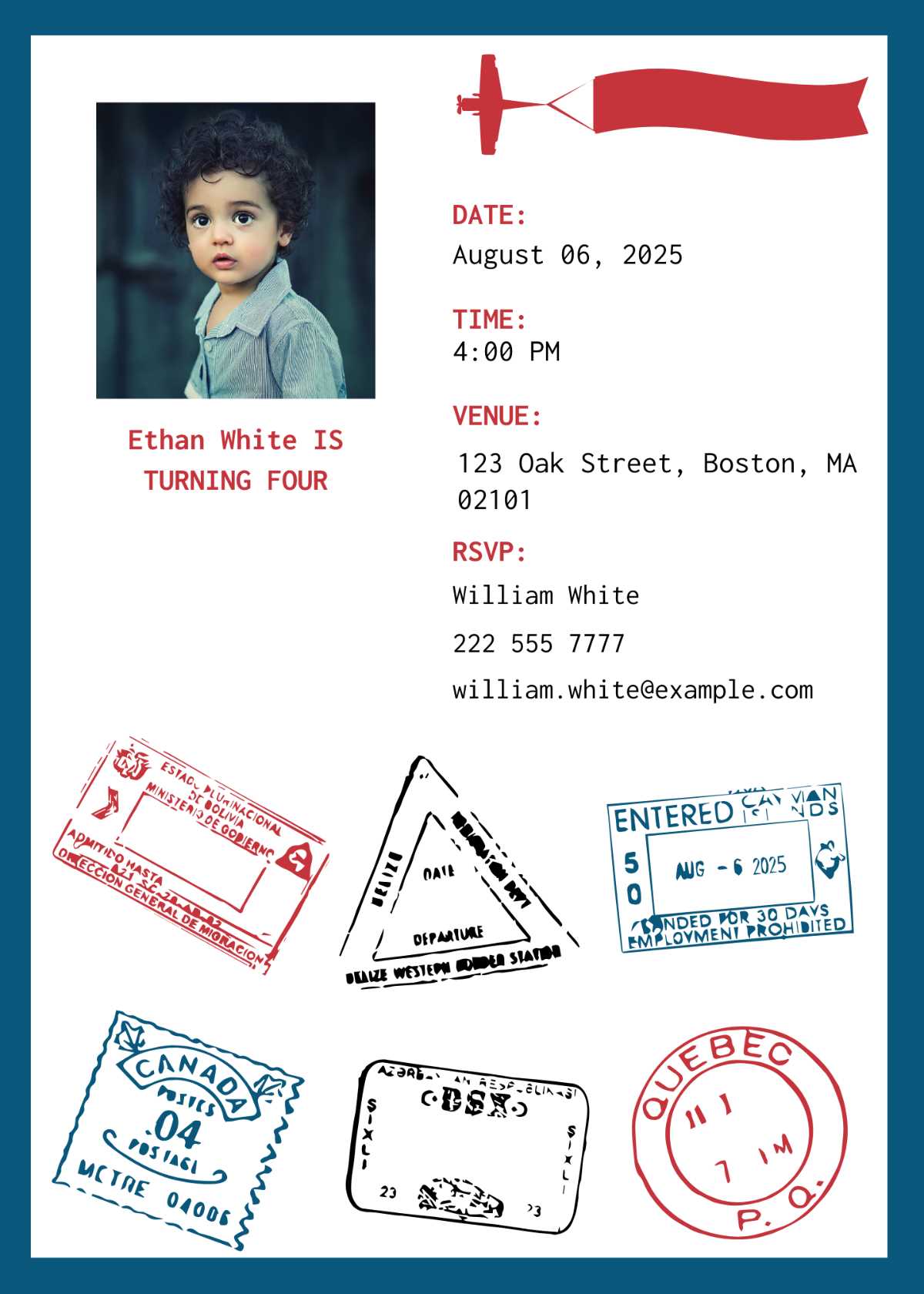
Several online platforms make the creation and printing process seamless. Tools like Microsoft Word and Google Docs allow you to create templates for cards. However, for professional-quality cards with detailed designs, it’s best to use specialized software such as Adobe Illustrator or online design services like Vistaprint and Zazzle.
If you’re printing at home, ensure you use high-quality card stock and a good printer. If you’re not printing in-house, online services can handle both design and printing. They also offer options to laminate cards or use thicker materials for a more premium look. Be sure to double-check the print settings for the right resolution and dimensions to avoid any distortion or misalignment.
After printing, consider adding finishing touches like a lanyard or ribbon attachment for easy carrying. These accessories not only make the access cards easier to wear but also help guests stand out at the event.
Designing Custom Access Credentials for Your Gathering
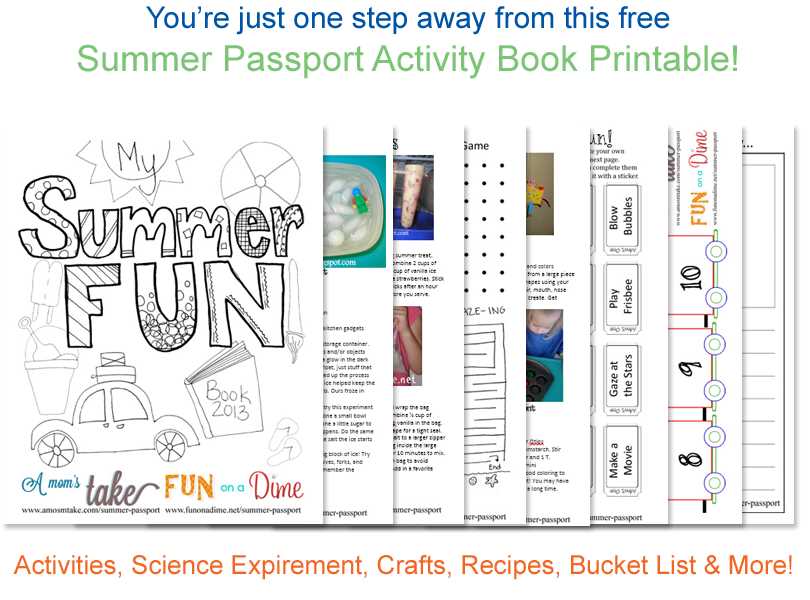
To create personalized entry cards, select a template that suits your gathering’s theme. Use tools like Canva or Adobe Spark to customize designs with your event’s logo, guest details, and any special instructions. Ensure the text is clear and legible, and consider adding a barcode or QR code for easy check-in.
If you’re printing at home, choose heavy-duty paper or card stock for durability. For a polished finish, use a printer that supports high-quality color printing. You can also explore online services such as Vistaprint or Zazzle to print professionally designed cards. These platforms offer various options, including lamination and custom shapes, which can elevate the overall experience for your guests.