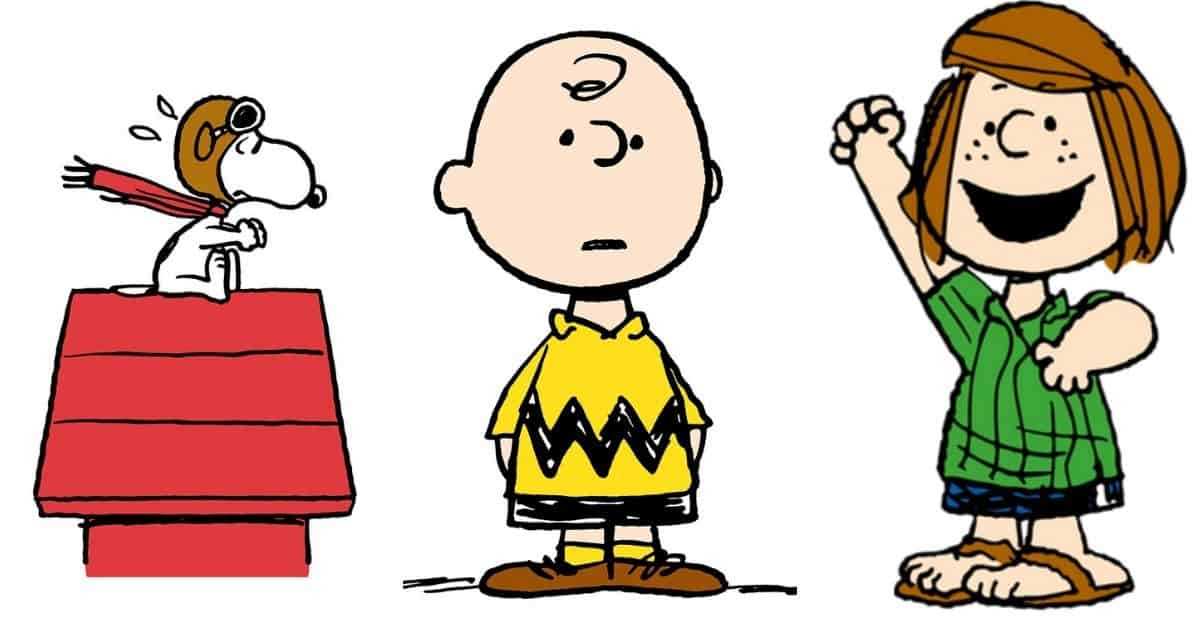
Choose high-resolution PDF templates featuring Charlie Brown, Snoopy, and Lucy sized for US Letter 8.5×11 inches with 0.5 inch margins to avoid trimming during home printing. Set output quality to 300 dpi and select “actual size” in printer settings so proportions remain accurate for cutting and display.
For classroom crafts, select simplified outline versions with bold 2–3 pt strokes that are easy to cut with child-safe scissors. For party decor or wall displays, use full-color illustrations on 200–250 gsm cardstock to prevent bending. Laminate pieces intended for repeated handling, especially table centerpieces or photo booth props.
Offer multiple layout formats such as full-page portraits, half-page pairs, and small 3–4 inch icons for cupcake toppers or labels. Keep backgrounds minimal to reduce ink usage and allow space for adding names, speech bubbles, or themed captions. Store files in clearly labeled folders so specific comic figures can be located quickly for themed events or seasonal activities.
Printable Peanuts Characters
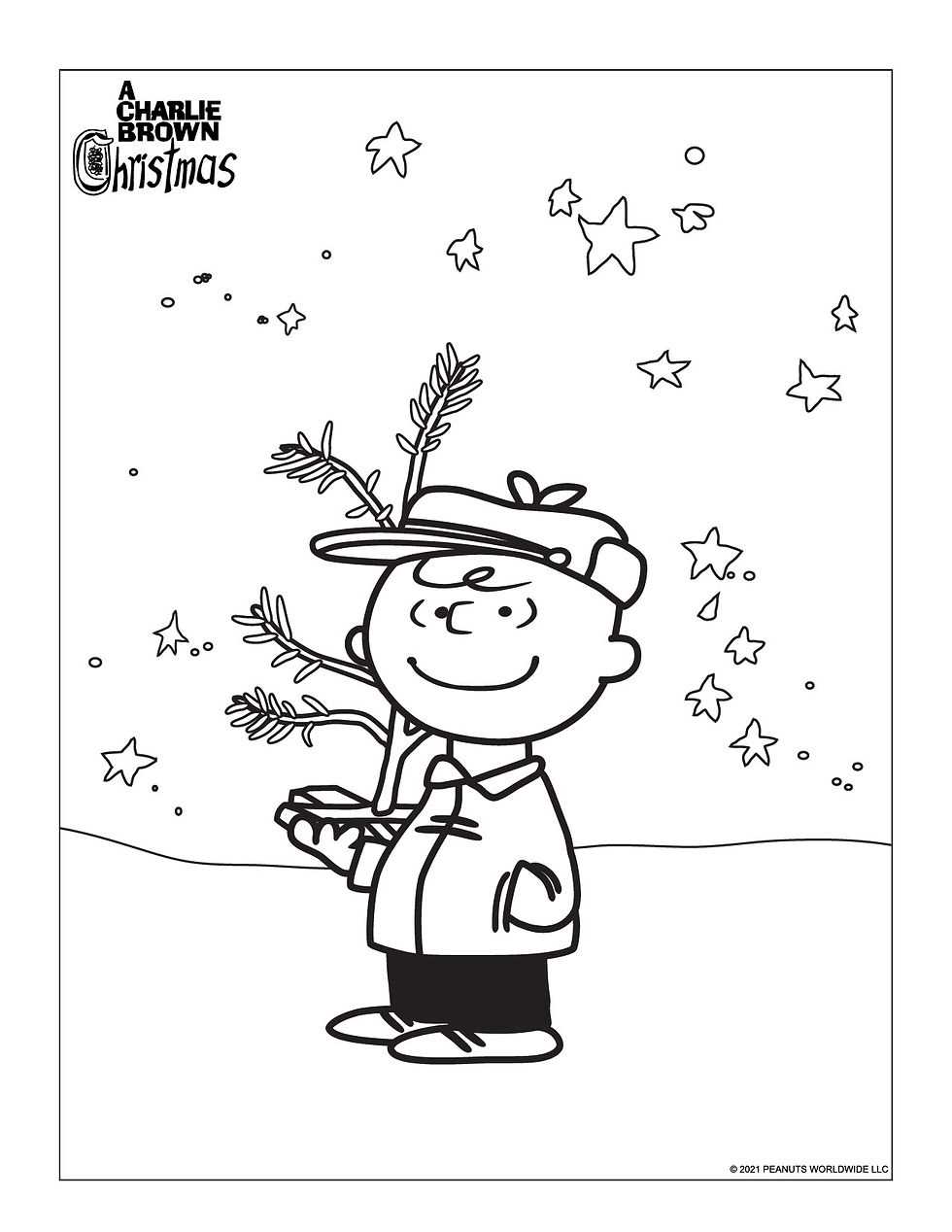
Select high-resolution PDF templates featuring Charlie Brown, Snoopy, Lucy, Linus, and Woodstock formatted for 8.5×11 inch paper. Use 300 dpi files to keep outlines sharp and colors consistent. Choose versions with clear cut lines and minimal background detail to simplify trimming.
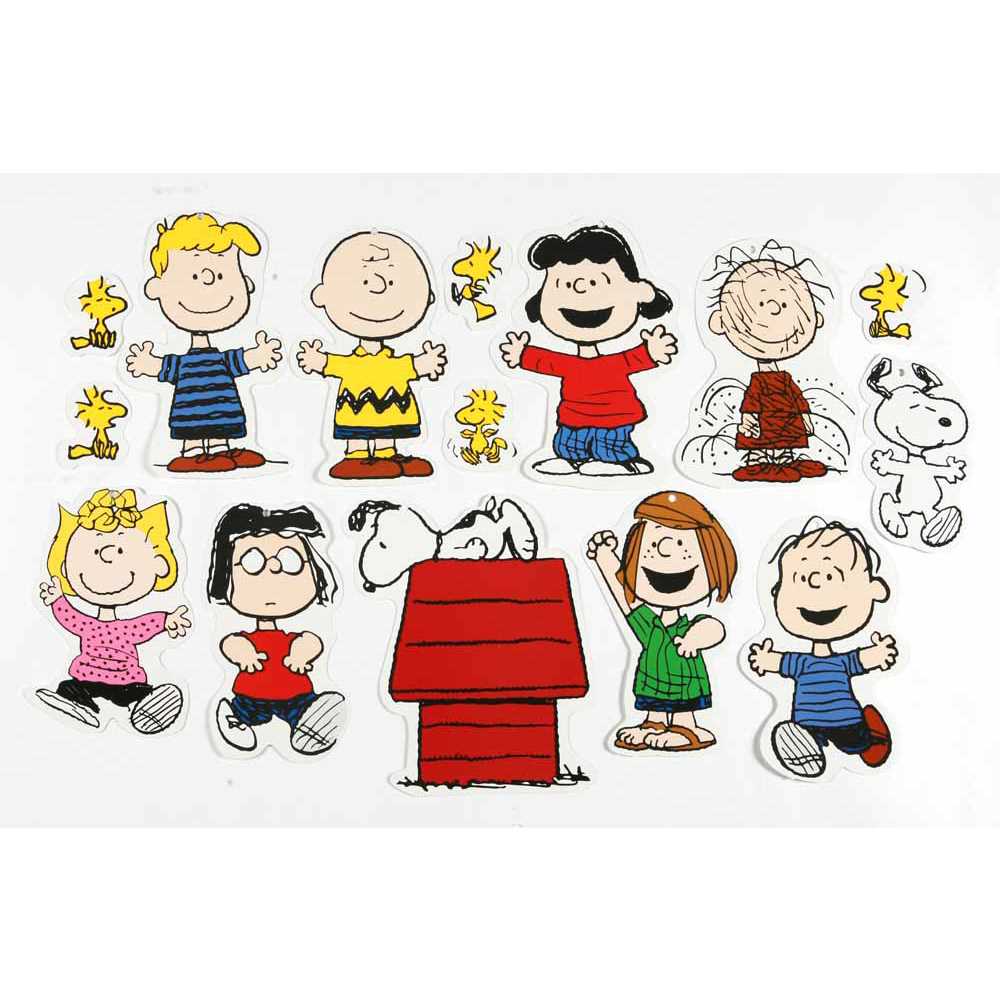
Match layout size to the intended use. For wall decor, use full-page portrait designs. For cupcake toppers or gift tags, resize artwork to 3–4 inches tall and place four to six images per page before printing. Maintain proportional scaling to avoid distortion.
Choose paper weight based on purpose:
- 20 lb copy paper for basic crafts and coloring activities
- 65 lb cardstock for party decorations and table displays
- 200–250 gsm matte stock for stand-up cutouts
- Adhesive label paper for stickers or favor bags
Adjust printer settings to “actual size” and disable automatic scaling. Set color mode to high quality for bright comic strip tones. Run one test page to check alignment and margin spacing before producing multiple copies.
For classroom use, select simplified outline versions with bold 2–3 pt lines. Younger children manage larger shapes with fewer small details, while older students can handle layered elements such as striped shirts or patterned backgrounds.
Organize files by theme to speed up preparation:
- Holiday scenes
- School-themed poses
- Sports and outdoor activities
- Speech bubble templates for custom text
Store finished cutouts in labeled envelopes or plastic sleeves to prevent bending. Laminate frequently handled pieces and attach craft sticks or foam backing for photo booth props. Proper storage extends reuse across multiple events.
How to Choose the Right Character Templates for Different Age Groups
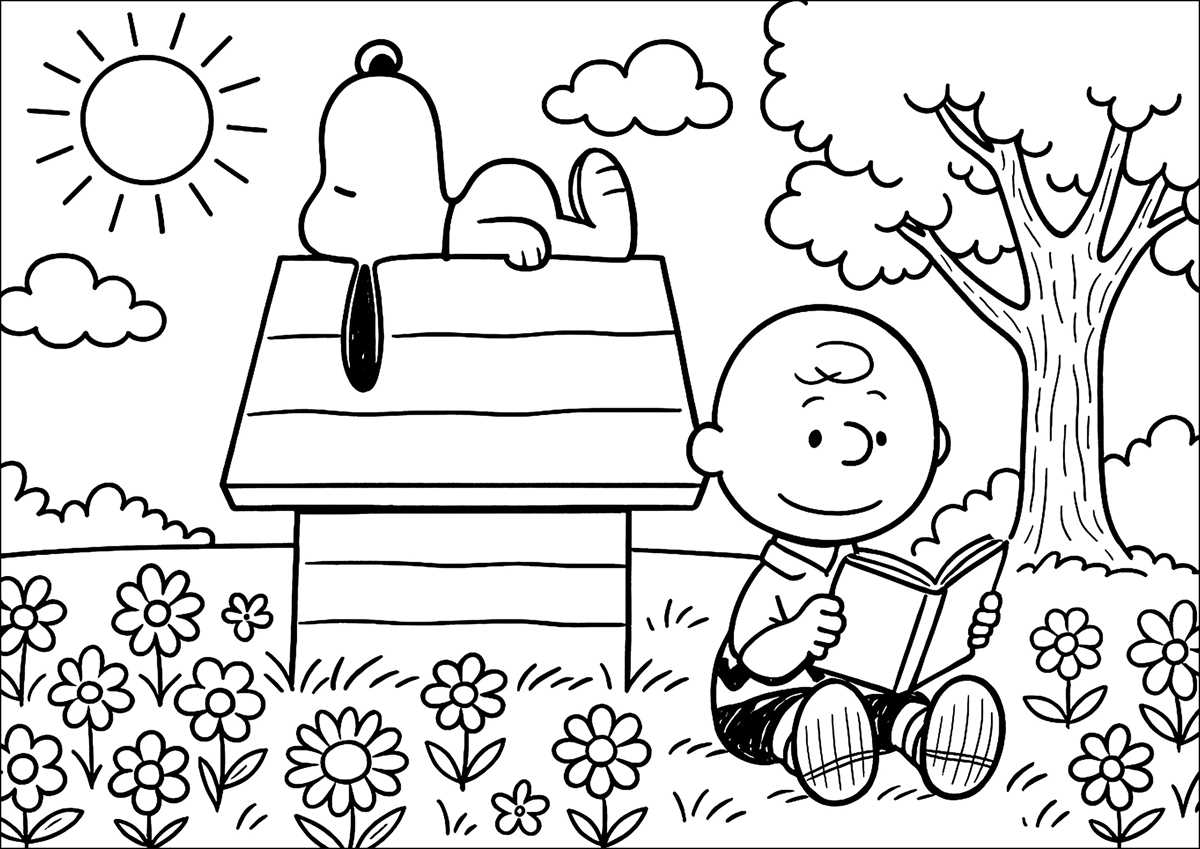
Select simple outline designs with large shapes and 2–3 pt thick lines for ages 3–6. Limit each page to one comic figure such as Charlie Brown or Snoopy without detailed backgrounds. Keep the height of the image at least 6 inches on a Letter-size page so small hands can color and cut without difficulty.
For ages 7–10, choose medium-detail illustrations that include clothing patterns, props, or short speech bubbles. Maintain clear section boundaries but allow smaller areas for improved motor control practice. Resize artwork to 4–6 inches tall when multiple figures appear on one page, ensuring spacing of at least 0.25 inches between outlines for clean cutting.
Preteens benefit from detailed line art featuring group scenes or seasonal settings. Use thinner strokes around 1.5–2 pt and include layered elements such as background trees or sports equipment. Offer both black-and-white versions for creative customization and full-color reference pages to guide accurate character depiction.