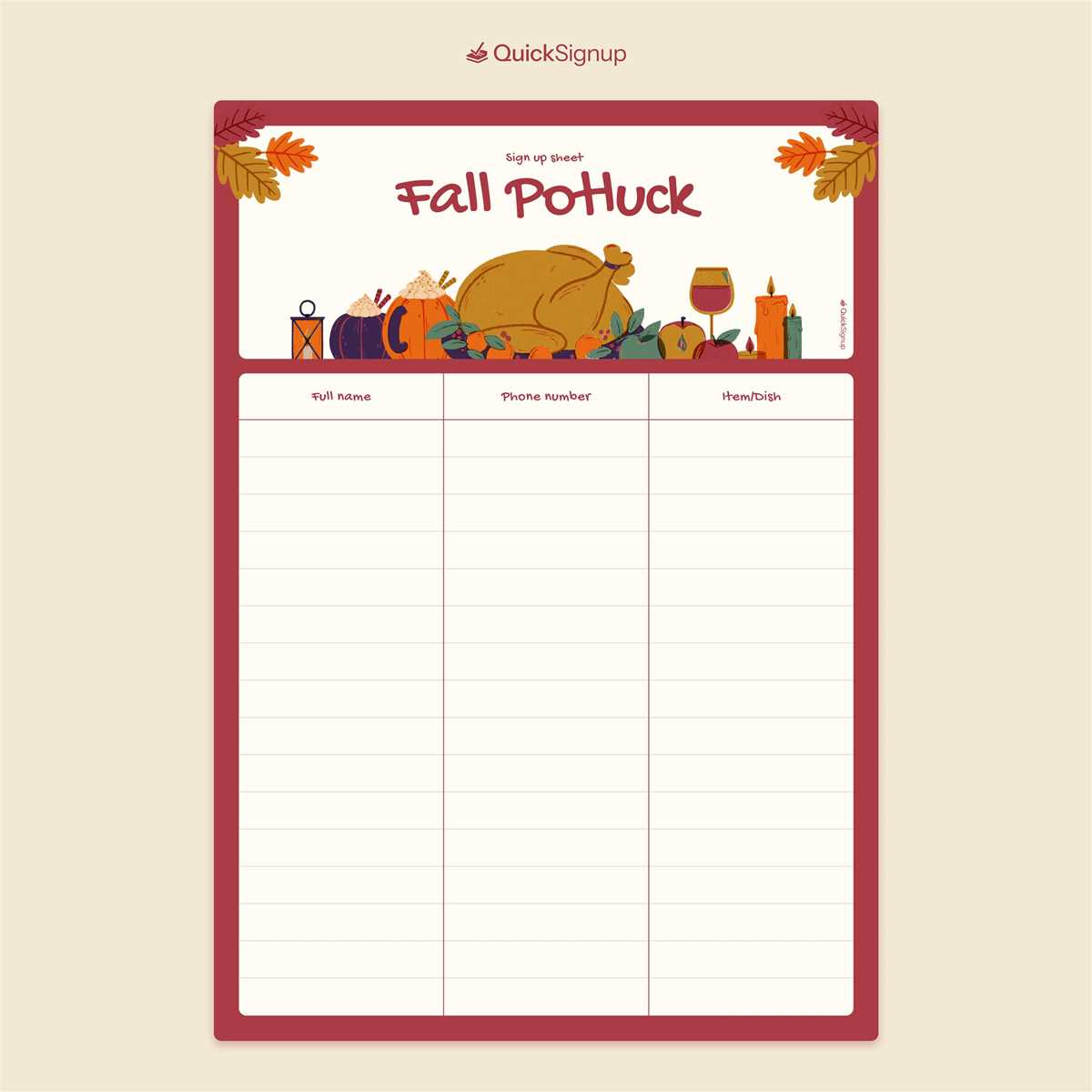
If you’re planning a group meal or gathering, setting up a clear list for guests to choose what they’ll bring is key to avoid duplication and ensure variety. A well-structured registration sheet helps participants commit to specific dishes and allows you to monitor who is attending. Using a simple template that can be printed and easily filled out will save time and keep the event organized.
Start by creating a document that includes spaces for each person’s name, the dish they’ll bring, and any dietary restrictions they might have. This can be done using any basic word processing tool, or you can find templates online tailored to such events. It’s helpful to leave room for comments, like ingredient lists or preparation notes.
Distribute the sheet digitally or print it out and post it where attendees can sign up. Digital options make it easy for people to quickly choose items from anywhere, while a printed list at a physical location allows for spontaneous sign-ups during the event.
How to Create a Sign-Up Sheet for Your Group Meal
To organize your event smoothly, start with a clear list that allows attendees to sign up for specific dishes. A good sign-up sheet should include spaces for names, the dish they will bring, and any dietary restrictions. Keep the options simple and concise so participants know what’s already covered and what’s needed.
Using a spreadsheet or a word processor can streamline the creation process. You can either create it from scratch or search for customizable templates online. Ensure there is enough space for everyone’s entries and leave a few extra slots for additional items that may be suggested later on.
Once the sheet is prepared, share it with your group either via email or print it out for display at a meeting point. Make sure to remind attendees to fill it out in advance, so you have enough time to adjust if any gaps appear or if additional items need to be requested. This helps maintain organization and ensures a balanced selection of food at the event.
How to Create a Simple Printable Potluck Sign Up Sheet
Start by deciding the structure of your document. A basic sign-up sheet should include columns for names, dishes, and additional notes such as dietary restrictions. This way, everyone knows who is bringing what and if there are any special requirements. Keep the layout clean and easy to read to ensure it’s user-friendly.
Next, choose the software you want to use for creating the sheet. Microsoft Word, Google Docs, or Excel are all good options. If you’re familiar with spreadsheet programs, Excel offers better control over columns and rows, but Word and Docs are more flexible for text formatting and adding extra notes. Choose whatever works best for your needs.
Once you’ve decided on the software, create the first column for names. This should be at the top of the sheet, where people can write their full name or family name. Follow that with the second column for dishes they plan to bring. You can list food categories like appetizers, main courses, or desserts to guide people in choosing a dish.
After the names and dishes columns, add a section for additional notes. This could include allergies, specific ingredient lists, or any other relevant details. Make it clear if there are any restrictions like vegetarian or gluten-free options, so guests are aware of what’s already covered or what’s still needed.
To make sure the list is accessible to everyone, you can distribute it digitally and as a printout. For a printed version, leave a few blank lines between each entry to allow enough space for people to write legibly. If you choose to distribute it digitally, a shared Google Doc or spreadsheet works well for easy editing and updates.
Finally, once the sheet is ready, print a few copies and share them with your guests. If you opt for a digital version, ensure that everyone has access and knows how to fill out the sheet. You might also want to send out a reminder a few days before the event to ensure that all spots are filled and everything is organized.