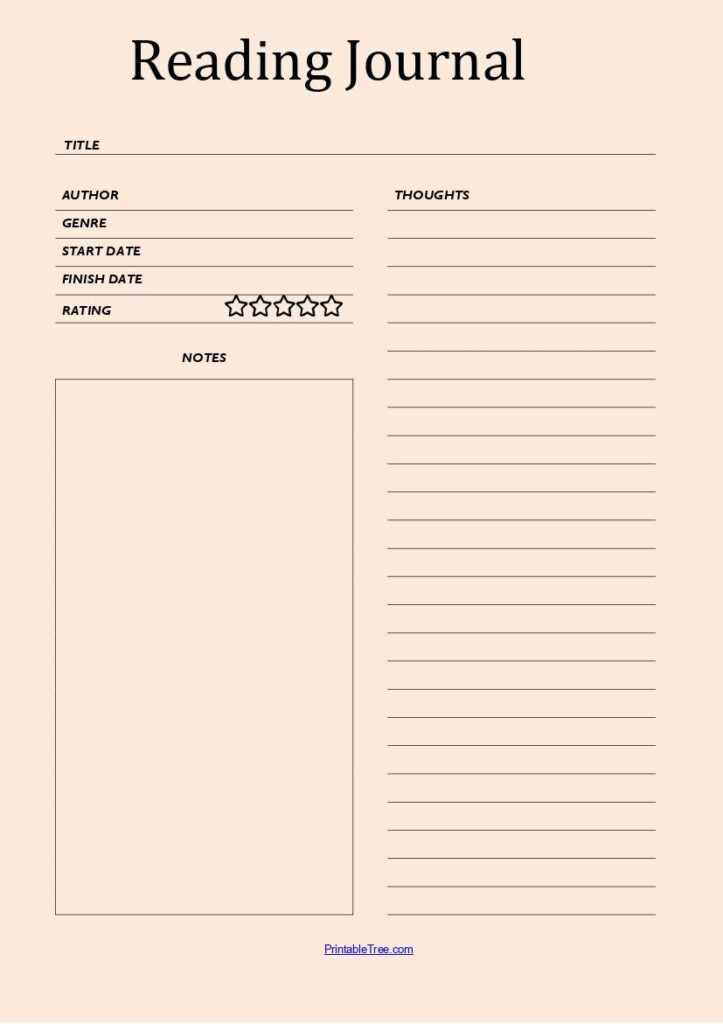
If you want to stay organized and motivated while finishing your books, using a simple chart to monitor your progress can be incredibly helpful. By jotting down the titles, dates, and pages you’ve completed, you’ll gain a clear view of your reading habits and set achievable goals for the future.
Look for a design that suits your style–some prefer a minimalist approach, while others might enjoy adding colorful decorations or stickers. Choosing a template that matches your personal preferences will keep the process enjoyable and increase your chances of sticking with it.
Make sure to print a copy that’s large enough to be easily readable but not too big to clutter your workspace. You can place it on your desk or inside your reading journal. This allows you to update it frequently without taking up too much space, while also making it easy to track your accomplishments over time.
How to Organize Your Book Progress
Choose a layout that suits your preferences, such as a simple list or a more detailed chart. Include columns for the title, author, dates of completion, and personal ratings or notes. This will help you keep track of your current projects and remember what you liked or disliked about each book.
For added motivation, set specific goals like reading a certain number of pages per week or completing a genre challenge. Mark milestones or rewards for meeting these targets. This method makes it easier to stay engaged and feel a sense of accomplishment as you progress through your list.
How to Choose the Best Book Progress Template for Your Needs
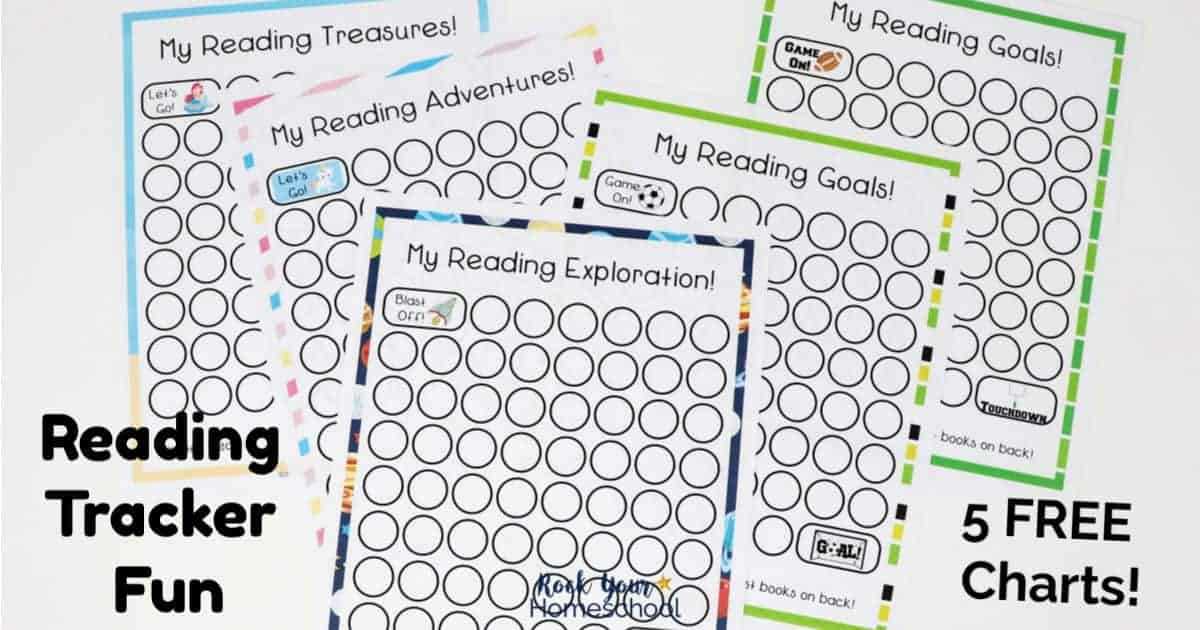
Start by deciding what information you want to track. If you prefer a simple system, choose a design with space for book titles and completion dates. For more detailed tracking, look for templates that allow space for ratings, personal notes, or quotes from each book.
Consider how frequently you plan to update the document. If you’re tracking a large number of books, a spreadsheet-style template with columns for each piece of information may be the best choice. This way, you can quickly scan your progress and filter by specific categories, such as genres or authors.
Think about your reading goals. If you’re aiming to read a set number of books each month, look for templates that include space to set monthly or yearly goals. These can help you stay motivated by giving you a clear target to work towards.
For visual appeal, choose a template that fits your personal style. Some people prefer minimalist layouts, while others might enjoy templates with colorful designs or illustrations. Choose one that will keep you excited to use it regularly and add a fun aspect to tracking your progress.
If you’re a visual learner, consider a template with graphs or progress bars. These provide a quick overview of your achievements and can make tracking more interactive and motivating. Seeing your progress in a visual format may encourage you to keep reading and reach your goals faster.
Keep your habits in mind. If you read multiple books at once, a template with separate sections for each book or a way to track multiple ongoing titles may be more efficient. This will prevent your list from becoming cluttered and help you stay organized.
Look for templates that are easy to update. Whether you’re working on a digital version or a physical one, choose a design that allows you to make quick changes, add new books, or remove completed ones without much effort.
Lastly, test out a few templates before settling on the best one. Use each for a week or two to determine which one feels the most natural for your tracking habits. This way, you can be sure you’re choosing a template that aligns with how you read and organize information.