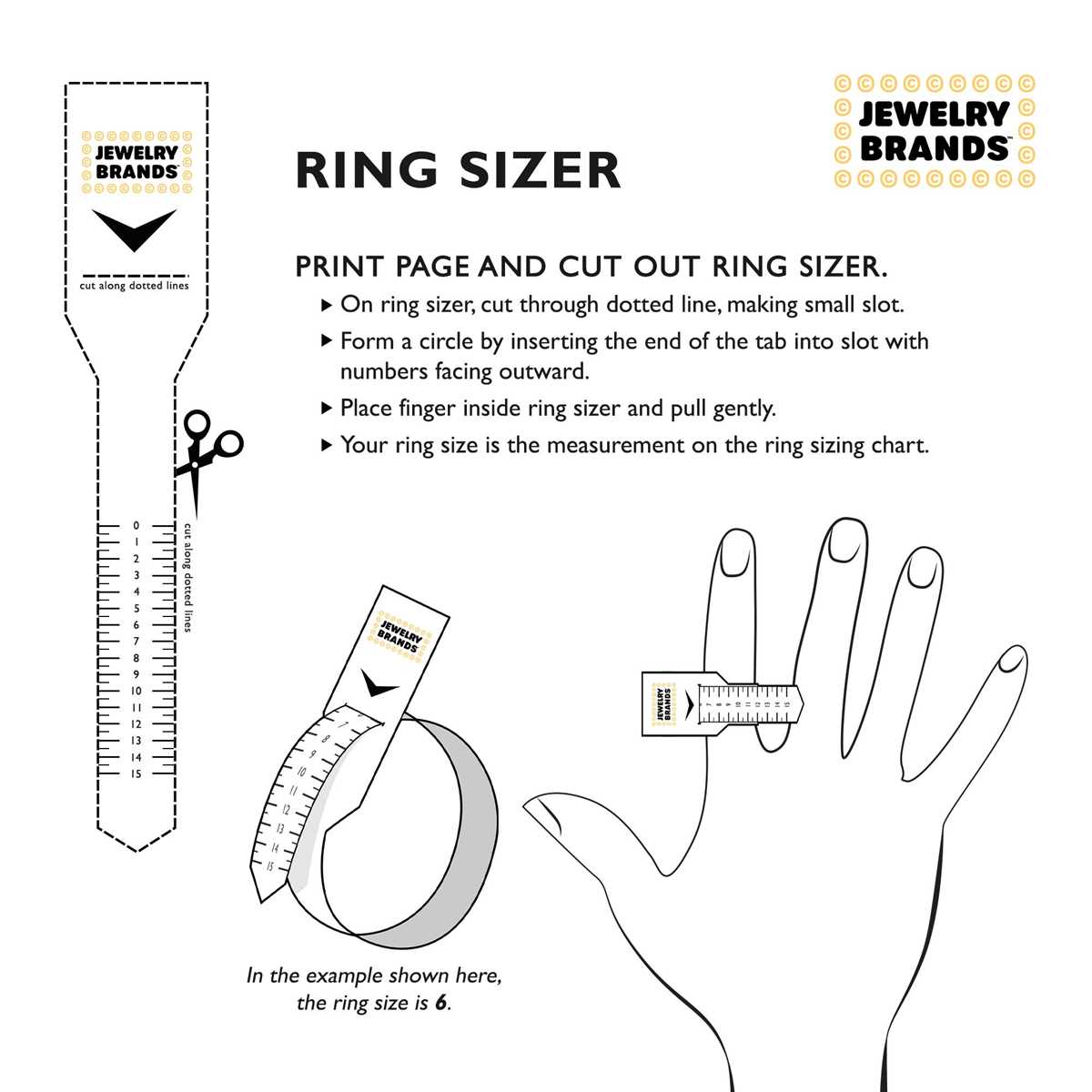
Download a finger measurement guide in PDF format and print it at 100% scale on 8.5×11 inch paper to obtain accurate sizing at home without visiting a jeweler.
Verify scale accuracy by measuring the reference line on the page; it should match exactly 1 inch or 2 centimeters depending on the template. If the line does not match a physical ruler, disable “fit to page” and reprint at actual size.
Use the cut out measuring strip by wrapping it around the base of the finger and aligning the marked arrow with the size scale. The strip should fit snugly without compressing the skin. For wide bands, add 0.5 size to improve comfort.
Measure at room temperature and repeat the process three times to confirm consistency. Finger circumference can vary by up to half a size during cold or hot conditions, so take the average result before selecting jewelry.
Printable Ring Sizer Free
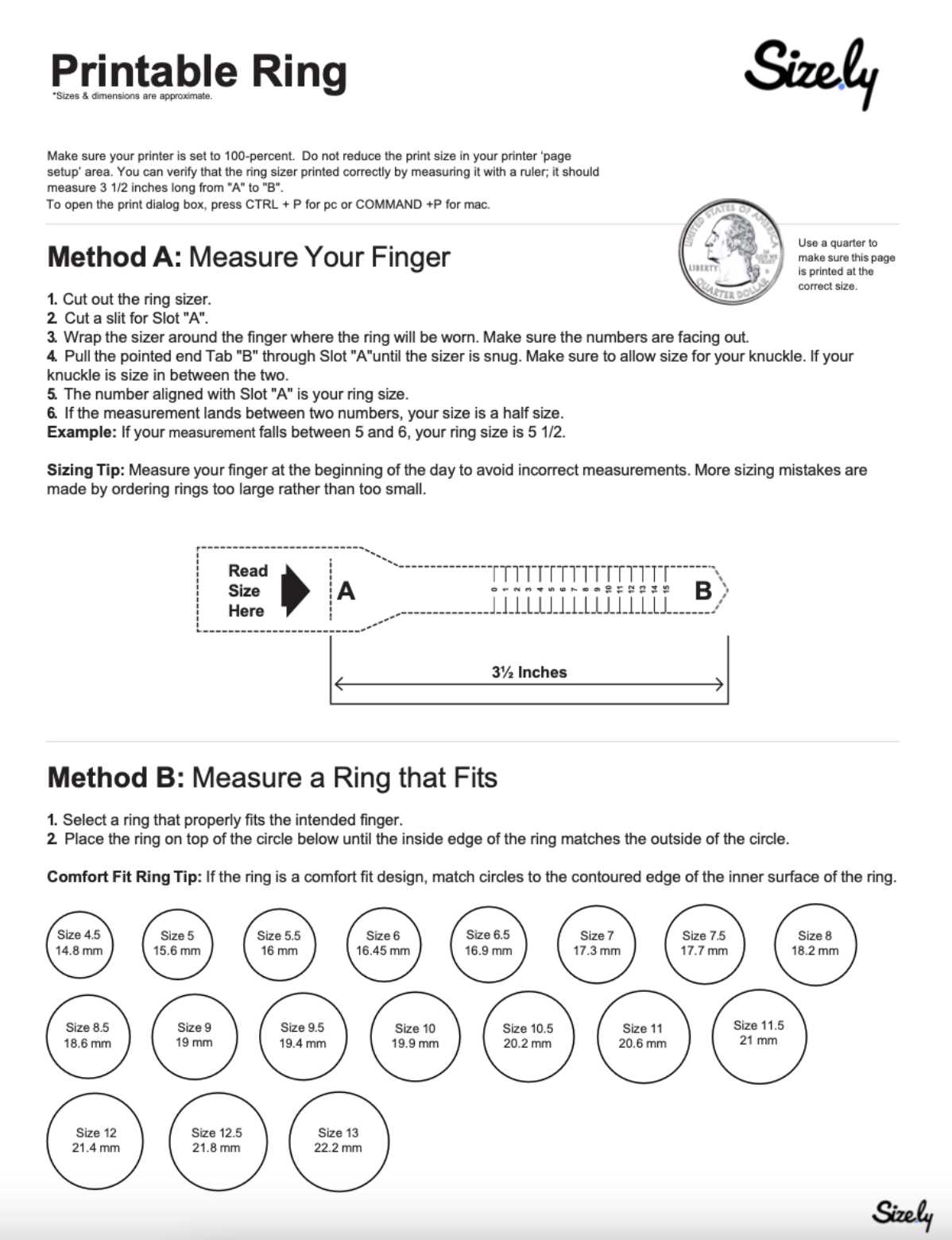
Print a finger sizing guide at 100% scale on 8.5×11 inch paper and confirm accuracy by checking the 1 inch reference line with a physical ruler before taking measurements.
Cut out the measuring strip along the marked outline and wrap it around the base of the finger. Slide the pointed end through the slit to form a loop, tightening until it sits snugly without pressing into the skin.
Read the size marking where the arrow aligns with the scale. If the indicator falls between two values, select the larger option for comfort, especially for bands wider than 6 mm.
Measure at the end of the day when fingers are slightly expanded. Cold temperatures can reduce circumference by up to half a size, while heat may increase it by a similar margin.
Repeat the process three times and record each result. Consistent readings confirm accuracy; if results vary, use the average value.
Compare the final number with US, UK, or EU sizing tables before ordering jewelry online to ensure compatibility with international standards.
How to Print a Ring Size Guide at Correct Scale on Letter Paper
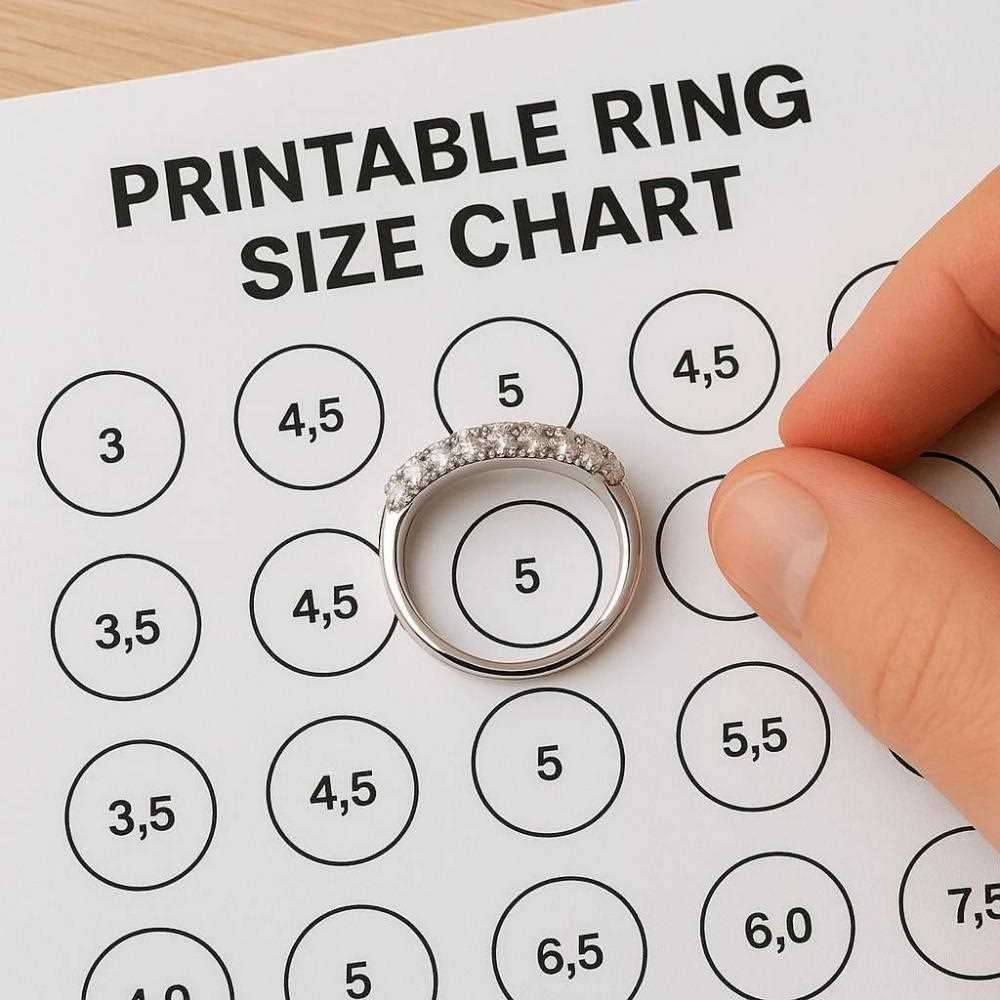
Select “Actual Size” or “100%” in the print dialog and disable options such as “Fit to Page” or “Scale to Fit” before sending the file to a Letter 8.5×11 inch sheet.
Open the PDF in a viewer that allows manual scale control. In the print settings, check the following:
- Page sizing: Actual size
- Scale: 100%
- Paper size: Letter (8.5 × 11 in)
- Orientation: Portrait, unless the guide specifies landscape
After printing, verify calibration using the reference line included on the page. Place a physical ruler against the 1-inch or 30-mm control bar. The measured value must match exactly; a deviation greater than 0.5 mm indicates incorrect scaling.
If the control line measures short or long, reprint with scaling manually set to 100% and ensure no automatic margin adjustments are active in printer properties.
For higher precision, use standard paper with a weight of 20 lb (75–80 gsm). Thicker stock can slightly alter alignment if the guide includes a wrap-around strip that passes through a slit.
- Print one test page.
- Check the calibration bar with a ruler.
- Confirm paper size and orientation.
- Reprint only after correcting any mismatch.
Store the verified sheet flat to prevent curling, as bent paper can shift alignment marks and affect finger circumference readings by up to half a size.