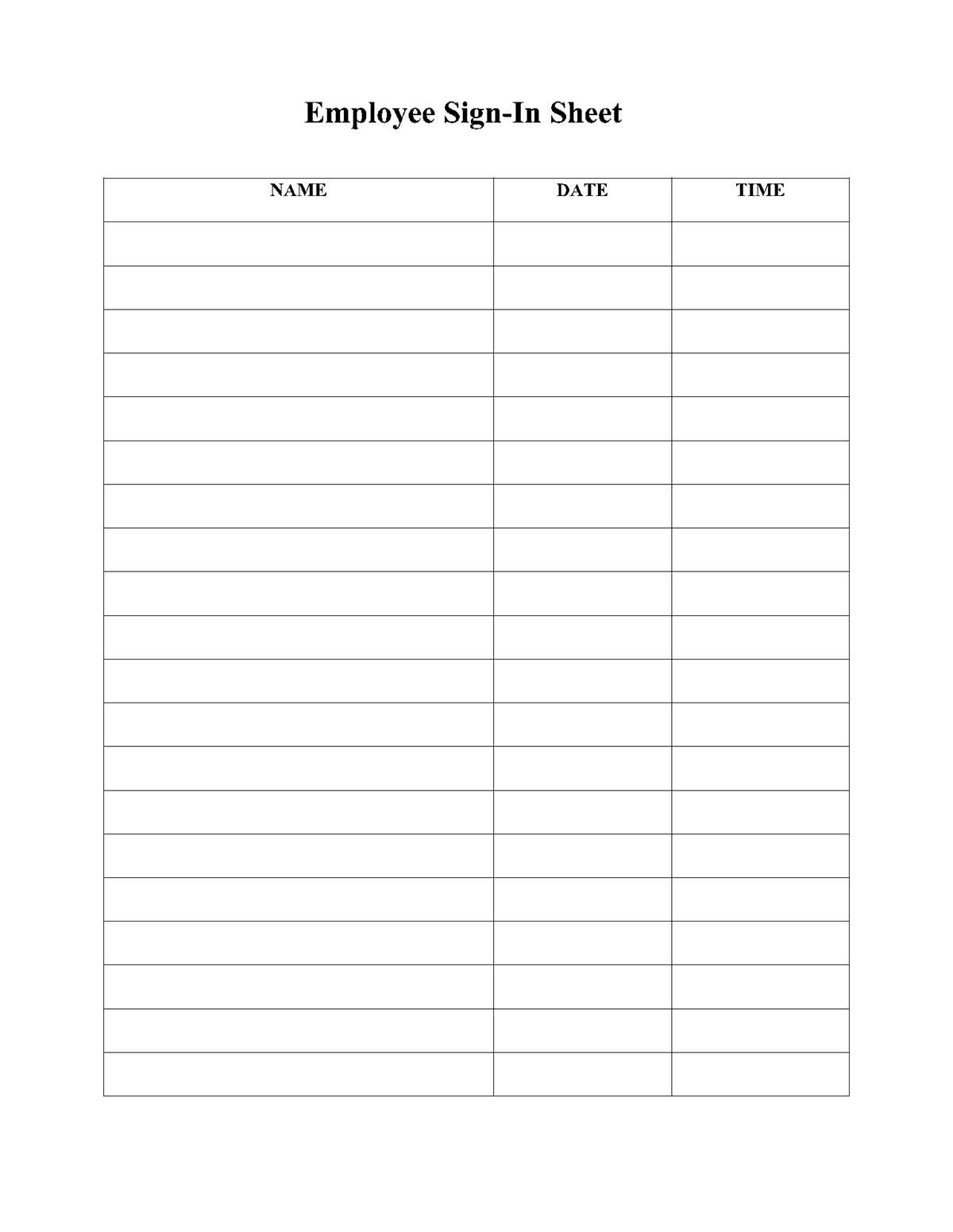
Use a clear attendance log with predefined columns for name, time, and contact details to avoid gaps in records. A structured check-in form speeds up entry flow at meetings, classes, and public gatherings while keeping participant data readable and easy to store.
For most situations, limit the table to 4–6 fields. Common practice includes full name, arrival time, organization or group, phone or email, and signature line. Forms with more than six columns often slow people down and increase incomplete entries. Leave enough horizontal spacing–at least 1.5–2 inches per name field–so handwriting remains legible after printing.
Paper-based attendance tracking still works well where internet access is unreliable or where quick walk-in registration is needed. Choose a layout with bold column headers, high contrast text, and margins of at least 0.5 inches to prevent clipping during printing. Preparing the form in advance reduces check-in time and keeps records consistent across events.
Printable Sign In Sheet Templates for Meetings Events and Attendance Tracking
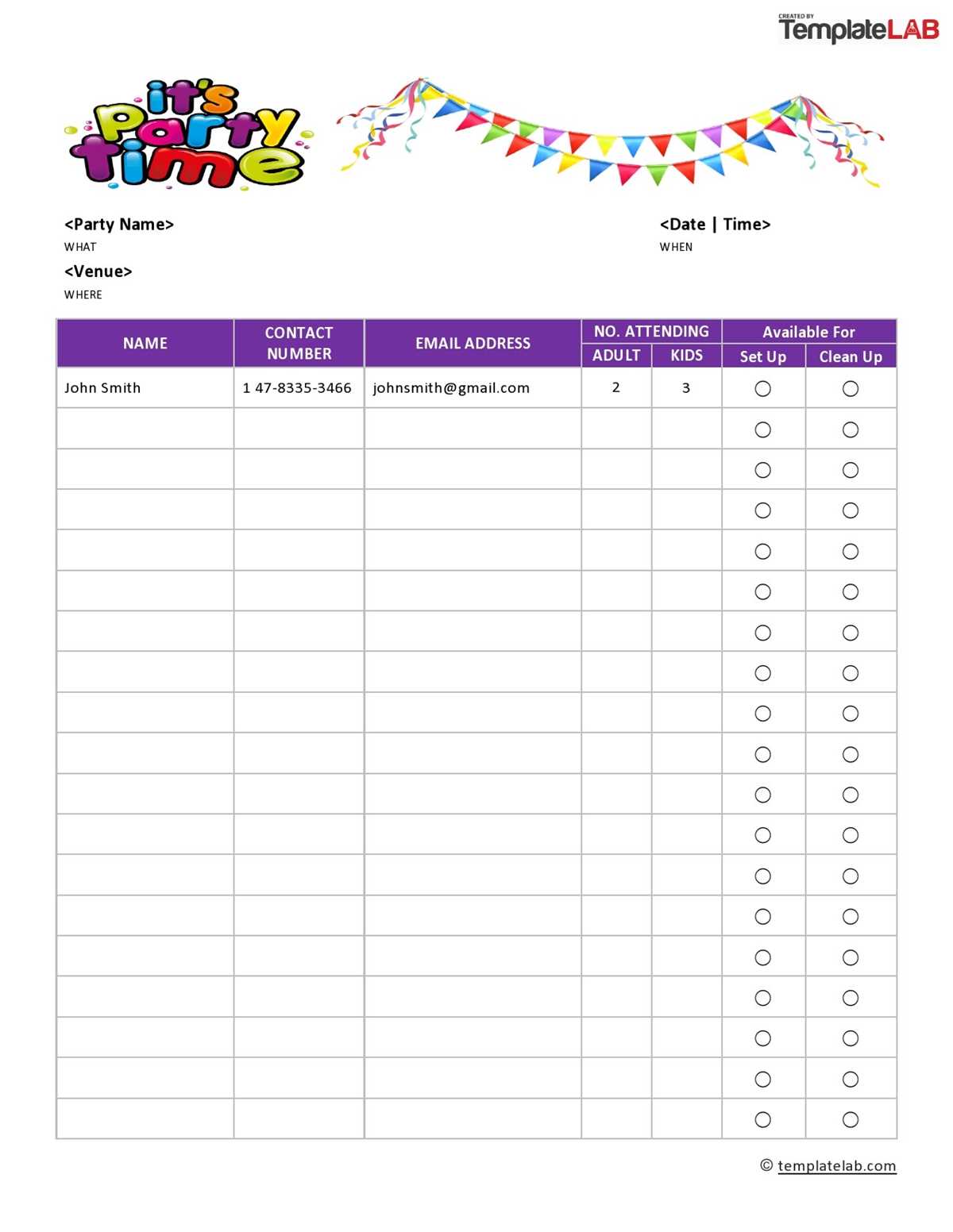
Select a clean attendance template with clearly separated columns to reduce entry mistakes at busy check-in tables. For meetings under 50 participants, use a single-page layout with 20–30 rows; larger events work better with multi-page logs organized by time slot or group.
Include only fields that serve a direct purpose. The most practical combination is full name, arrival time, organization, contact detail, and handwritten confirmation. Adding extra boxes such as full address often slows the line and leads to incomplete records. Keep header text bold and at least 11–12 pt so it remains readable after printing.
Adjust spacing based on writing behavior. Allocate wider rows–around 0.4–0.5 inches in height–for events where guests write quickly while standing. For seated classroom use, slightly tighter spacing is acceptable and allows more entries per page. Leave a left margin of at least 0.5 inches so hole punching or clipping does not cut into the table.
Store completed attendance forms in dated folders or scan them into labeled PDFs within 24 hours. This habit prevents data loss, simplifies follow-up communication, and keeps participation records consistent across recurring meetings or training sessions.
How to Choose the Right Printable Sign In Sheet Format for Your Needs
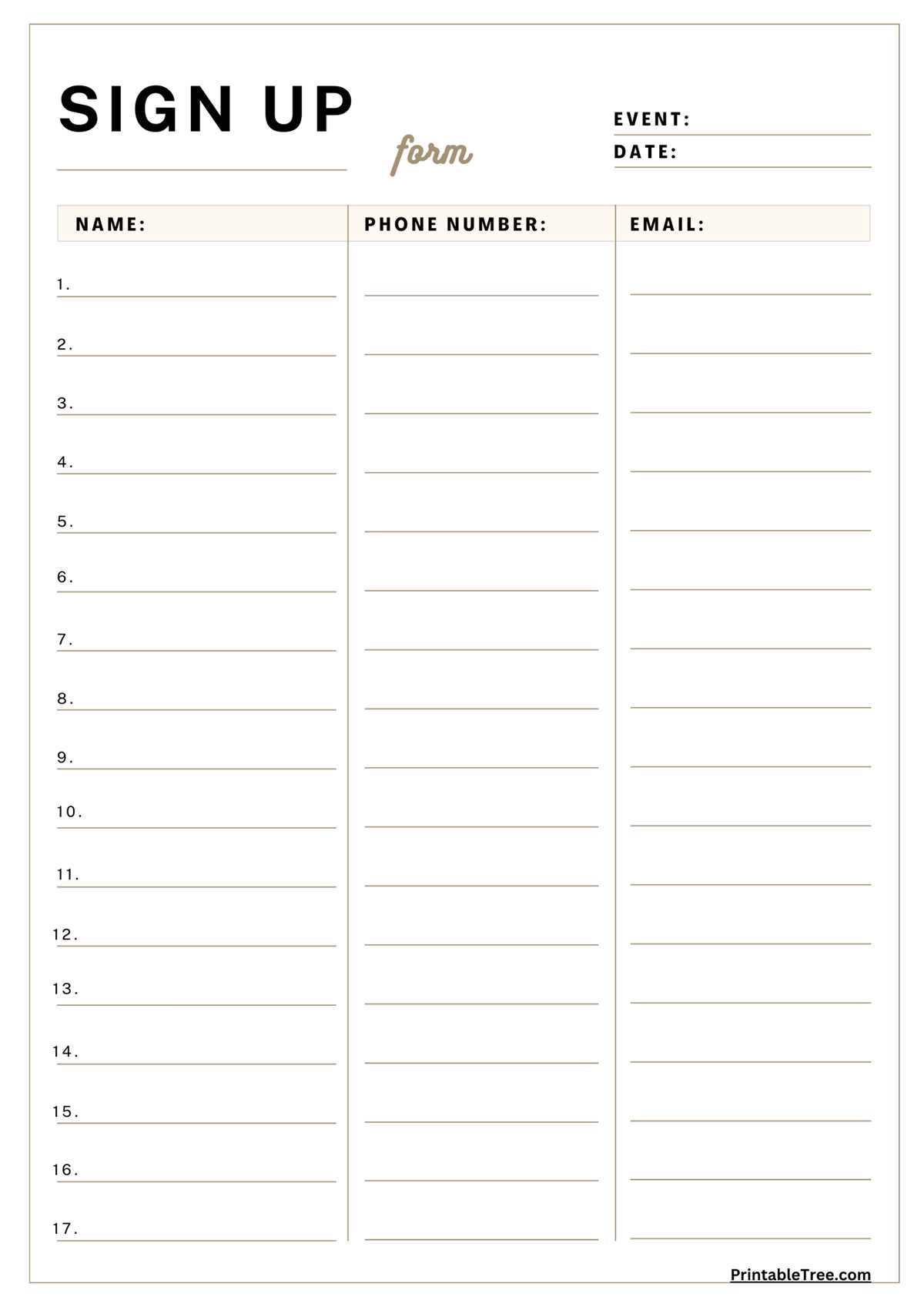
Match the attendance form layout to the type of event and expected traffic volume. Small meetings work best with a simple single-page table, while conferences and open houses require multi-page logs or grouped sections to prevent crowding at the check-in area.
Estimate headcount before selecting a format. Use this quick rule:
- Up to 25 participants – one-page roster
- 25–75 participants – two-page or double-column layout
- 75+ participants – segmented logs by hour, group, or alphabet
This prevents long queues and reduces incomplete entries.
Choose column structure based on how the data will be used later. For follow-up emails, include a clearly separated contact field. For compliance tracking, add arrival and departure time boxes. Avoid mixing multiple purposes into one crowded table.
Prioritize readability over density. Use these spacing targets:
- Name field width: at least 1.5 inches
- Row height for standing check-in: 0.45 inches
- Header font size: minimum 11 pt
- Page margins: 0.5 inches on all sides
Forms that ignore these measurements often produce messy handwriting and unusable records.
Consider the physical setup of the registration area. Clipboards favor portrait orientation, while wide registration tables handle landscape layouts better. If attendees will write while standing, pick fewer columns with larger writing space.
Use grouped versions for recurring sessions such as classes or weekly meetings. Pre-filling dates or session numbers saves time and keeps records consistent across weeks. Leave a blank notes column only if staff will actually review it later.
Test the layout by printing one sample and asking someone to fill it out quickly. If any field causes hesitation or crowding, adjust spacing or remove the column before full use.