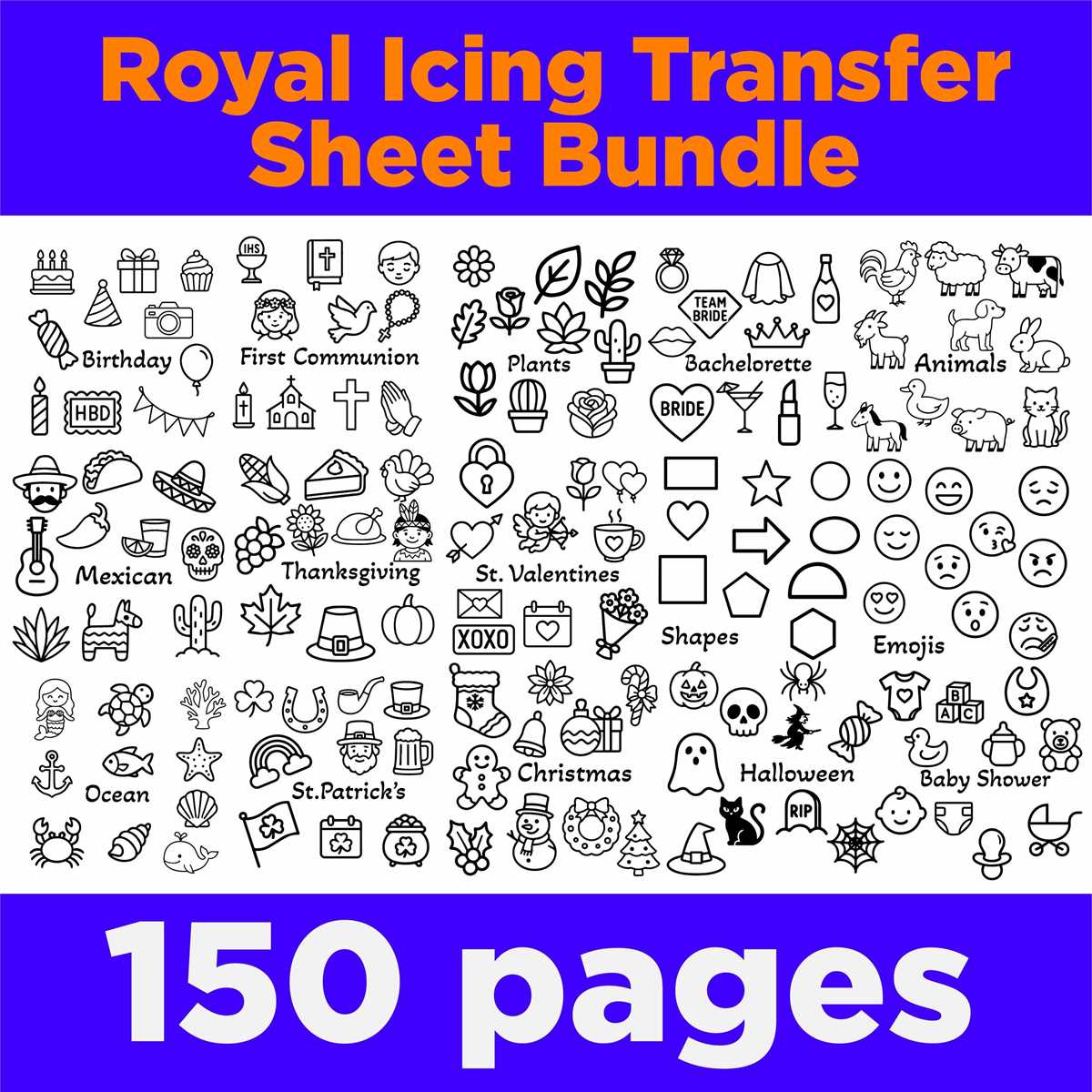
To get the best results when customizing items with images or text, start by selecting the right type of paper for your project. Different materials, like fabrics, ceramics, or wood, require specific types of sheets. For fabric-based projects, choose papers that are designed for textiles, while for mugs or other hard surfaces, opt for those made for non-porous materials. Always ensure that the paper type matches the surface you’re transferring to for the most vibrant and durable results.
Choosing the Right Paper for Different Surfaces
When you are selecting paper for your custom designs, it’s important to understand the surface you are working with. Here are a few guidelines:
- For Fabrics: Opt for heat-transfer papers designed for cotton or polyester fabrics. These papers have a special coating that bonds with fabric fibers when heat is applied.
- For Mugs and Hard Surfaces: Use transfer papers that are specifically made for ceramics or other hard materials. These papers often require a specific type of ink and transfer process to ensure long-lasting prints.
- For Wood or Metal: Choose papers that are made for non-porous surfaces. These are designed to work with hard, smooth surfaces like wood, glass, or metal and give a crisp, clear transfer.
Step-by-Step Process for Applying Custom Designs
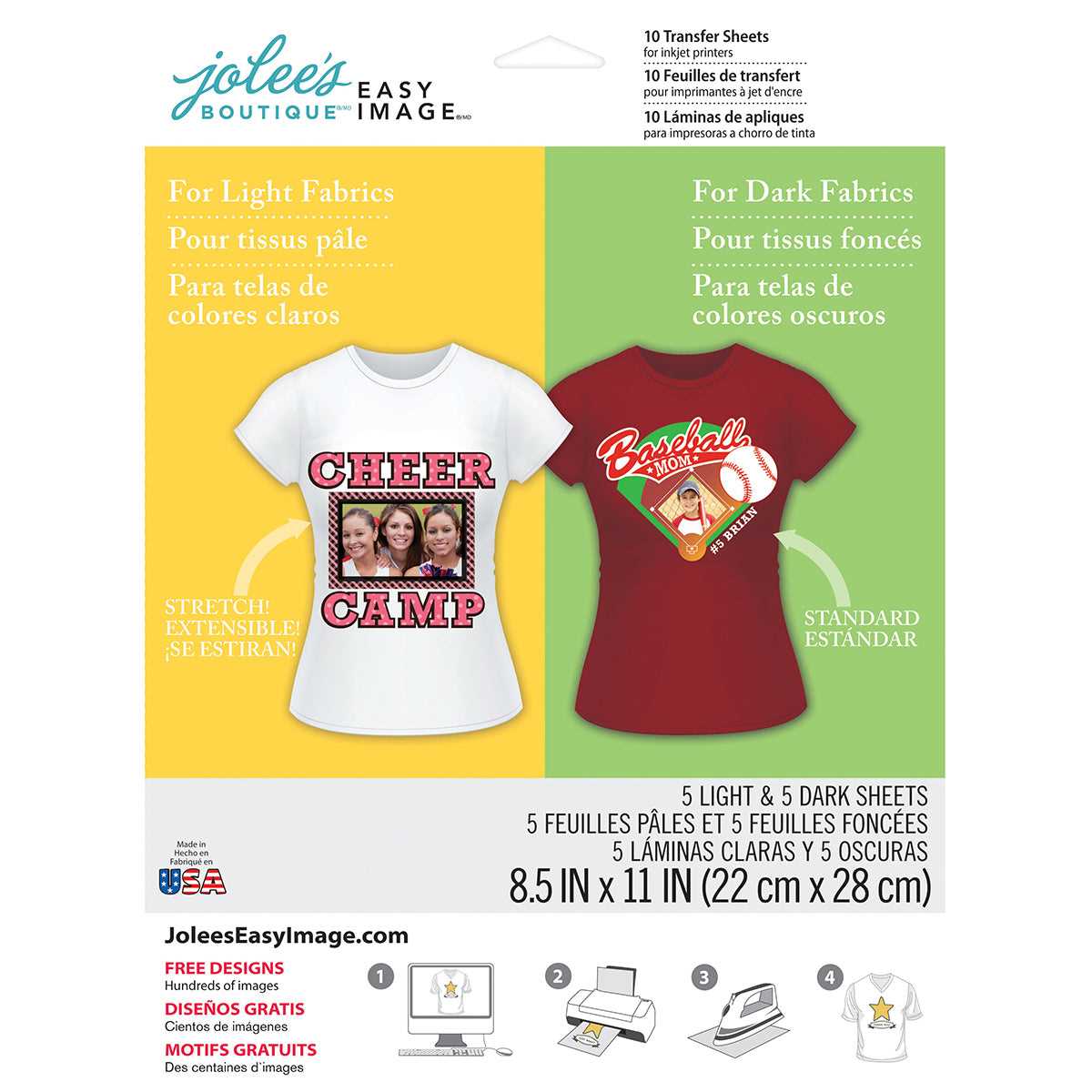
Once you’ve selected the right transfer paper, follow these steps for a clean and successful design transfer:
- Prepare Your Design: Create or choose your design and adjust it according to the size of the surface you want to decorate. Make sure it’s mirrored if it’s a text-based design.
- Print the Design: Print your design onto the transfer paper. For best results, use an inkjet printer that’s compatible with the paper. Make sure your printer settings match the type of paper you are using.
- Prepare the Surface: Clean the surface thoroughly to remove dust, oils, or residues. This ensures the design adheres properly.
- Apply the Transfer: Follow the instructions provided with the transfer paper. Generally, you will need to place the printed side of the paper onto the surface and apply heat using a press or iron. Be sure to use the correct temperature settings as recommended.
- Peel and Reveal: Once the transfer paper has cooled, carefully peel it off to reveal your design. Make sure there are no smudges or incomplete transfers.
With these steps, you can easily create custom designs on various items. Whether you are designing for personal use or to sell custom products, the right transfer sheets and technique are crucial for achieving the desired results. Keep in mind that practice and patience are key to perfecting the transfer process.
How to Use Transfer Paper for Custom Designs
For best results, select the correct type of transfer material based on your project’s surface. For textiles, choose fabric-specific papers that bond well with fabrics when heat is applied. For ceramics or glass, use transfer materials designed for non-porous surfaces, as they offer a smoother finish and better adhesion. Always check the product instructions for surface compatibility to avoid errors during application.
Printing your design on the right type of paper is critical. Ensure that your printer’s ink matches the material. For dark fabrics or colored items, use papers that work with pigment-based inks, while dye-based inks are typically better for light fabrics. Always ensure the design is printed in reverse (mirrored), especially when dealing with text.
Prepare the surface properly to ensure the best adhesion. Clean the object you are applying the design to, making sure it’s free of dust, oils, or any other contaminants. For fabric, iron out wrinkles before application to avoid uneven prints. For hard surfaces like ceramic, wipe them down with a damp cloth to remove any residue that could interfere with the transfer process.
Heat application is a critical step in the process. Use a heat press or an iron to apply the design. The temperature and pressure should be consistent with the transfer paper’s instructions. For fabrics, ensure the heat is distributed evenly across the entire design area. If you’re using an iron, avoid steam, and use a firm pressure to transfer the design cleanly.
Once the design has been transferred, let it cool for a few minutes before peeling away the backing paper. Start peeling slowly from one corner to ensure that the design doesn’t lift off with the paper. If parts of the design are left behind, reapply heat for a few more seconds, and carefully peel again.
Practice and patience will lead to better results. Start with smaller, less complex designs to familiarize yourself with the process. As you gain more experience, you can move on to more intricate projects. With time, you will achieve professional-looking results for both personal and business use.