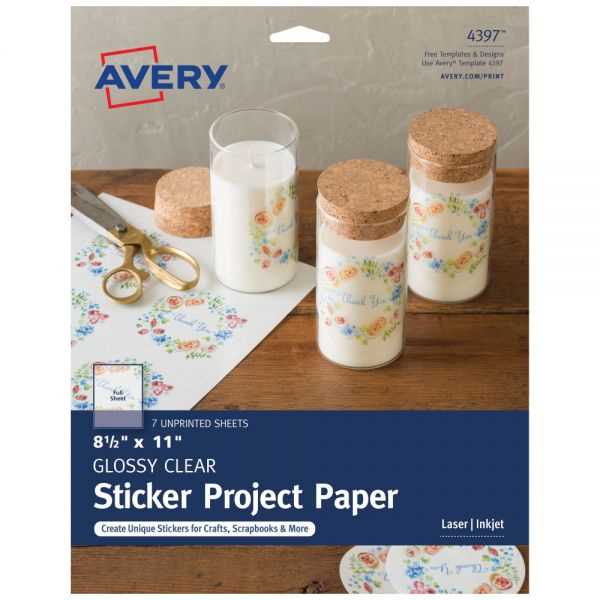
For high-quality custom designs, use a special film designed for home printing. This allows you to create detailed, durable visuals for personal or business use. Choose materials that are compatible with your printer, as some require inkjet-specific sheets for the best results.
Choose high-resolution images for your designs to ensure that small details remain sharp. Blurry graphics can become even more noticeable when printed on clear sheets, so work with vector files or high-res images that retain clarity when resized.
Test your printer settings before starting large batches. Adjust the ink density or paper type settings to match the film’s texture. If your printer allows, use a “glossy photo” or similar setting for more vibrant output.
Once printed, allow your design to fully dry before handling it to prevent smudging. Depending on the project, you might want to laminate your designs for added durability or scratch resistance, especially if they will be exposed to frequent handling or weather.
Printable Transparent Sticker Guide
Start by selecting the right type of clear film for your project. If you plan to use an inkjet printer, ensure the material is designed specifically for inkjet printing. Most transparent sheets have a coating that helps the ink adhere properly, preventing smudging and fading. For better results, choose a glossy finish to make colors pop and enhance details.
Once you’ve printed your design, cut it out carefully using a sharp tool. If your project requires intricate shapes, use a craft knife for precision. After cutting, give the design a few hours to fully dry, especially if you’re working with darker ink. For added protection, consider sealing the print with a clear, matte finish spray to preserve the quality and prevent scratches or peeling over time.