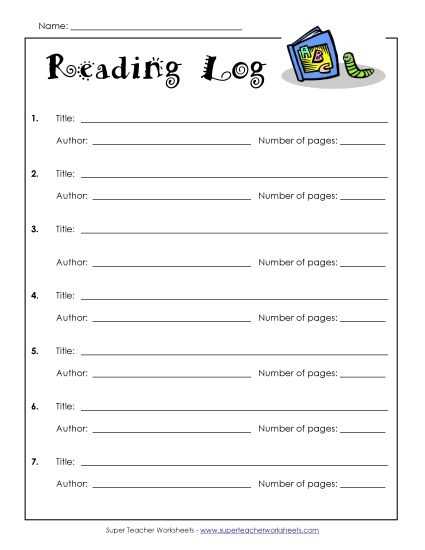
Print book tracking sheets at 100% scale on US Letter or A4 paper and confirm margins are not reduced in the printer dialog. Use 90–120 gsm paper for binder use, or 160–200 gsm stock for standalone pages that will be handled daily.
Include clearly labeled fields such as Book Title, Author, Date, Pages Read, and Minutes Spent. For younger students, limit entries to title and time spent to keep the layout simple. Older students can add a short 2–3 sentence summary section to build comprehension skills.
Choose a weekly tracker with seven dated rows for homework programs that require 15–20 minutes per day. For long term assignments, select a monthly chart with 20–25 entry lines to cover school days without crowding the page.
Leave space at the bottom for a parent or teacher signature and total minutes calculation. Add a small progress box where students can record cumulative pages or hours to monitor consistency over several weeks.
Free Printable Reading Logs for Kids and Classroom Use
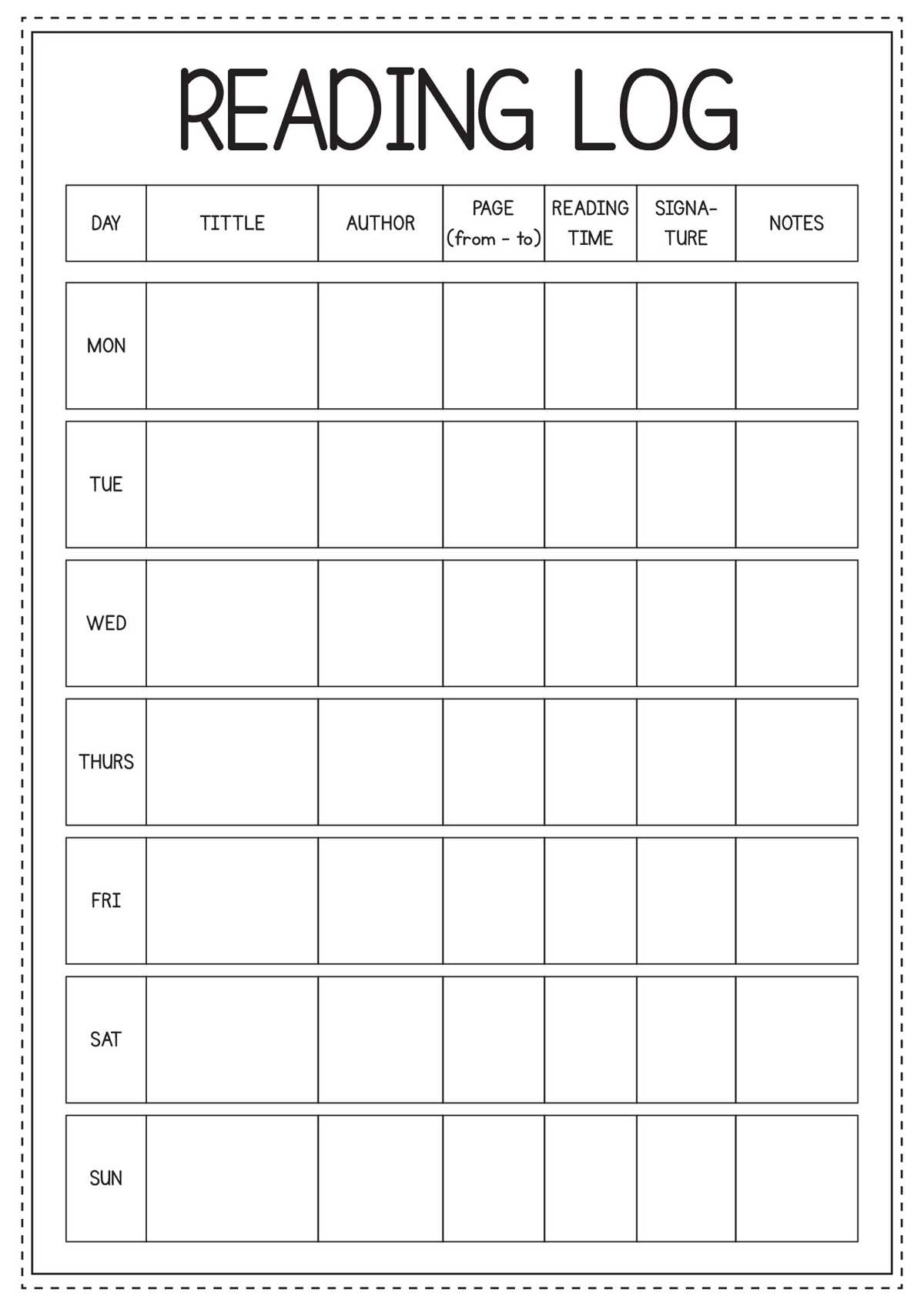
Download book tracking sheets in PDF format and print them at 100% scale on US Letter paper to maintain correct table alignment. Choose 100–120 gsm paper for binder storage or thicker stock for standalone classroom folders that circulate daily.
Include structured columns that match grade level expectations:
- Title of the book
- Author name
- Date completed or session date
- Pages covered
- Minutes spent with the text
- Short response or summary section
For elementary students, limit the layout to five or six entry rows per week with wide writing space. Middle school learners benefit from narrower lines and an added reflection box of 3–4 sentences to track comprehension.
Place a total minutes or total pages box at the bottom of the sheet to simplify weekly progress checks. Add a small signature field for parent or teacher verification to support homework policies.
Store completed trackers in a three ring binder divided by month. Review totals every four weeks to identify patterns in study time and adjust daily goals based on recorded data rather than estimates.
How to Print Reading Log Templates at the Correct Size for Binders
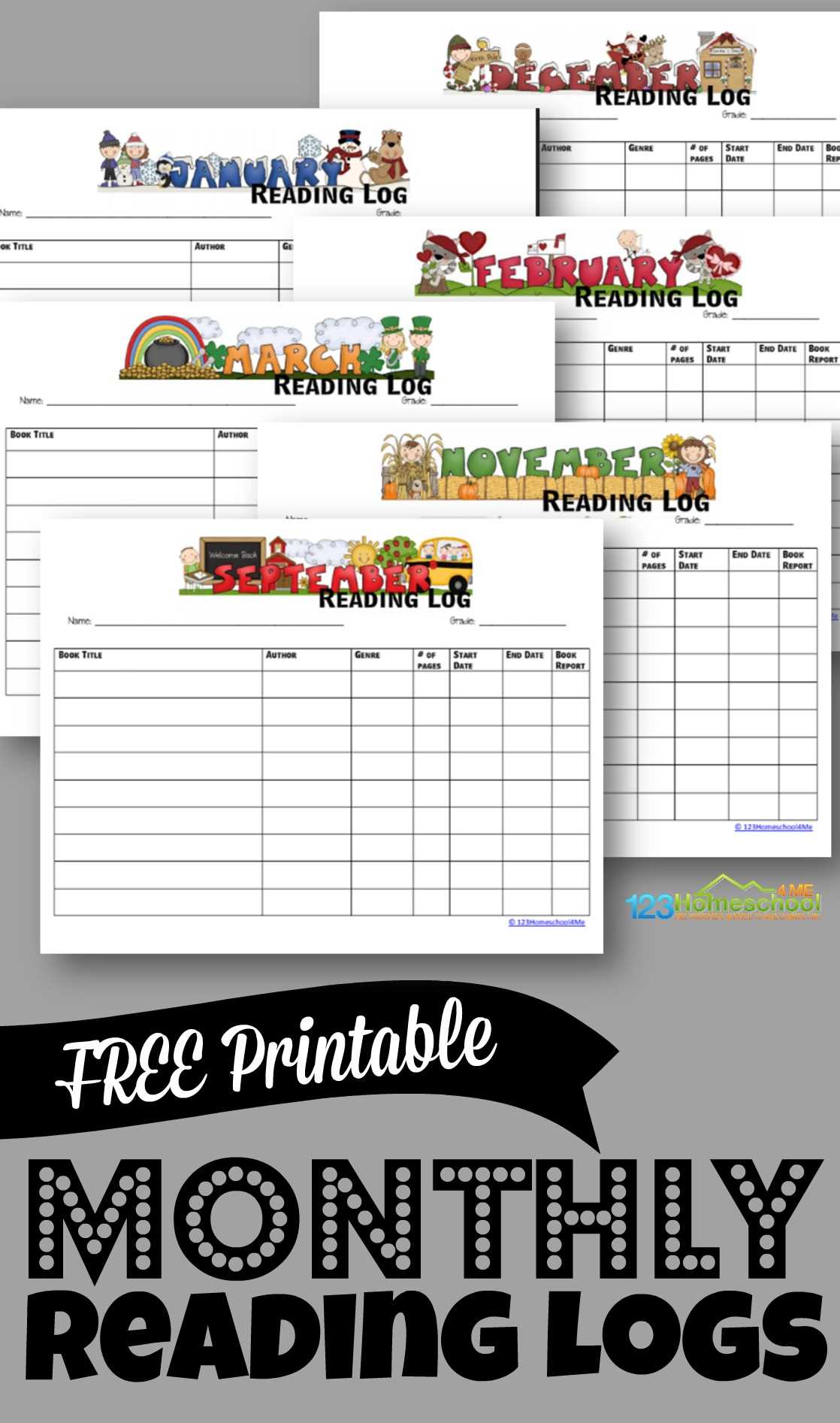
Open the PDF file and select Actual Size or 100% scale in the print dialog before sending the tracker sheet to the printer. Disable “Fit to Page” and automatic margin adjustments so hole punch spacing aligns correctly with standard three ring binders.
Choose US Letter format (8.5 x 11 inches) for most classroom binders and confirm the document setup matches this size. Print one test page first, then measure the top, bottom, and side margins; they should remain even and leave at least 0.5 inches on the left side for hole punching.
Use 100–120 gsm paper for daily use inside binders to prevent bulk buildup across a full semester. If durability is needed, increase weight slightly but avoid heavy cardstock, which makes page turning difficult when multiple sheets are stored together.
After printing, align the stack carefully in the hole punch guide and test one sheet before punching the entire set. Insert the page into the binder and close the rings to confirm smooth turning without catching along the punched edge.