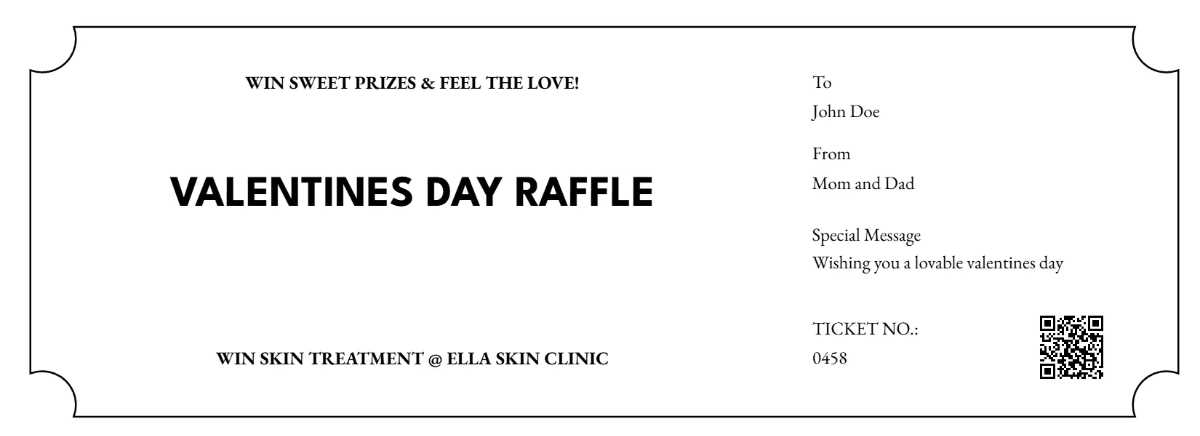
Choose a press-ready page with fixed dimensions, visible trim marks, and sequential numbering placed at least 6 mm from the cut line.
Layout and structure for admission passes
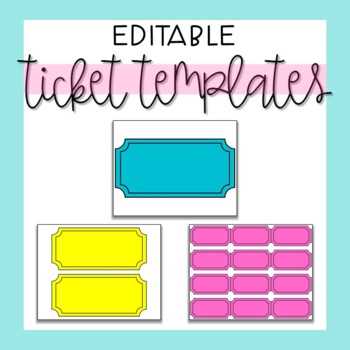
Page size, spacing, and cut accuracy
Use A4 or US Letter depending on the output device, then divide the page into equal blocks such as 4, 6, or 8 admission units. Keep internal gaps no smaller than 3 mm to avoid blade overlap during trimming. Add crop marks outside the content area and a 2–3 mm bleed if background color reaches the edge.
Sequential numbers and duplication control
Apply auto-increment values through layout software or spreadsheet merging. Place the number twice on each unit: once on the main stub and once on the detachable part. Lock the number layer to prevent shifts during edits.
Output and practical application
Paper choice, device settings, and real use cases
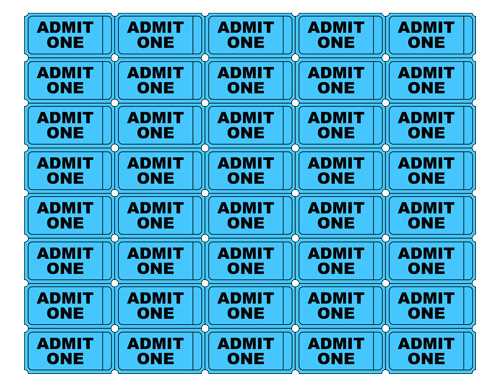
Select 160–200 gsm stock for single-use admission or 250 gsm for reusable vouchers. Disable page scaling in the output dialog and confirm “actual size” is active. Test one page, verify alignment after trimming, then proceed with the full run. This approach suits raffles, event access, meal vouchers, and cloakroom claims.
- Matte stock reduces glare under venue lighting
- Laser devices keep numbering sharp at small sizes
- Perforation wheels simplify tear-off sections
Admission Pass Pages for Press: Practical Guide for Use and Setup
Use a fixed page size such as A4 or US Letter and disable automatic scaling in the output dialog to keep each pass block at its intended dimensions.
Divide the page into equal sections like 2×4 or 3×3, calculate each block manually, and reserve at least 5 mm around every edge to prevent loss during trimming.
Apply sequential numbering through data merge or auto-increment fields, placing the number twice on each entry: one on the main portion and one on the tear-off stub.
Select paper density based on handling needs: 160–180 gsm works for short-term access control, while 250 gsm withstands repeated handling at multi-day events.
Add crop marks outside the content area and include a 2 mm bleed only when background color reaches the edge; omit bleed for white margins to reduce setup errors.
Run a single test page, cut it manually, and measure each unit with a ruler; adjust spacing if deviation exceeds 1 mm across the page.
Store the final layout as a locked master file to prevent accidental shifts, then duplicate it only for number range changes or language variants.