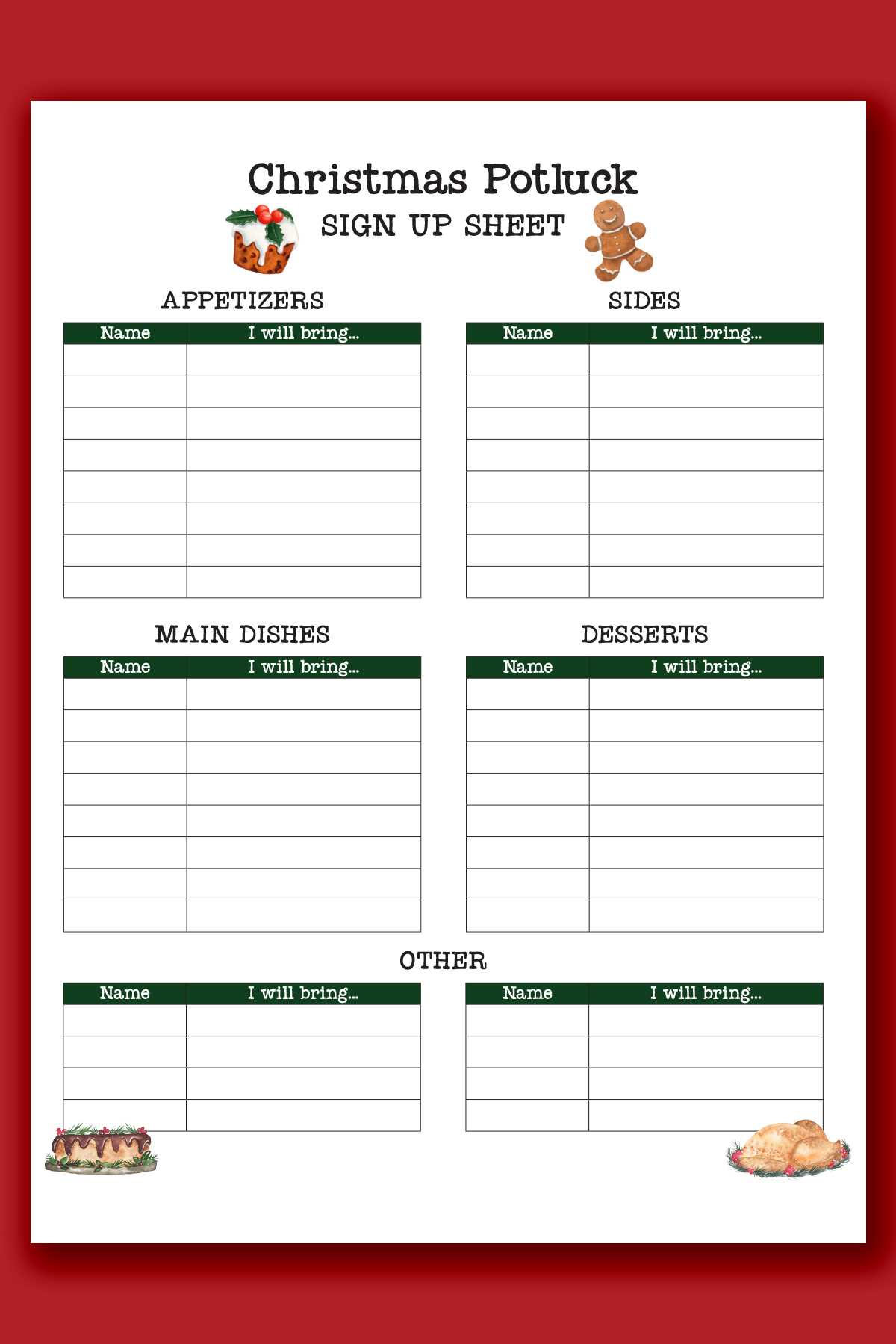
For any event or gathering, having a clear and easy-to-use registration form is crucial. A simple template allows you to organize participants and track their details without complications. Before printing, make sure the design fits your needs–consider adding columns for names, contact information, and specific roles or preferences if necessary. Keep the format straightforward to avoid confusion.
If you are hosting a small meeting or a large-scale event, customizing your document is a practical choice. Instead of using a generic template, create one that matches your event’s specific requirements. For instance, if you’re hosting a charity event, including a donation option alongside attendee information could be helpful. Adding checkboxes for various event activities or options allows you to gather all necessary data in one place.
Once your form is ready, make sure to print multiple copies or share the file digitally for easy access. Having a clear, printable version ensures that everyone can sign up smoothly, whether in person or online. Keep the registration form organized and accessible to avoid any last-minute issues before your event starts.
Printable Sign Up Sheet Guide
Start by selecting the right format for your registration document. If you are managing a small group, a simple two-column design with space for names and contact details will suffice. For larger events, you may want to include additional fields like ticket type, dietary preferences, or participation in specific activities.
Ensure that the text is legible. Use a clear font, such as Arial or Times New Roman, and keep the font size between 10-12pt for readability. Use bold for headings to differentiate sections, and make sure the spacing between rows is enough to avoid overcrowding the information.
Consider color-coding or shading certain rows if you have different categories of attendees. For example, use light grey for volunteers and white for general attendees. This adds visual clarity and makes it easier to quickly process the information.
Include clear instructions on how to fill out the form. Not everyone will be familiar with your document, so explain any fields that may require special attention. A brief note at the top can guide people on how to sign up correctly, such as “Please write legibly” or “Mark all applicable boxes.”
If you’re hosting an online registration, it might be useful to design the form to be easily shareable. Ensure the layout adapts well to email or digital formats without losing clarity. Make sure that the file size remains manageable, as large files can be difficult to open or print for some users.
After creating the registration form, test it by having a few people fill it out. This will help you identify any formatting issues and ensure that the document is user-friendly. If any sections are difficult to understand, revise them for simplicity before making the final version available to your attendees.
How to Customize a Printable Sign Up Sheet for Your Event
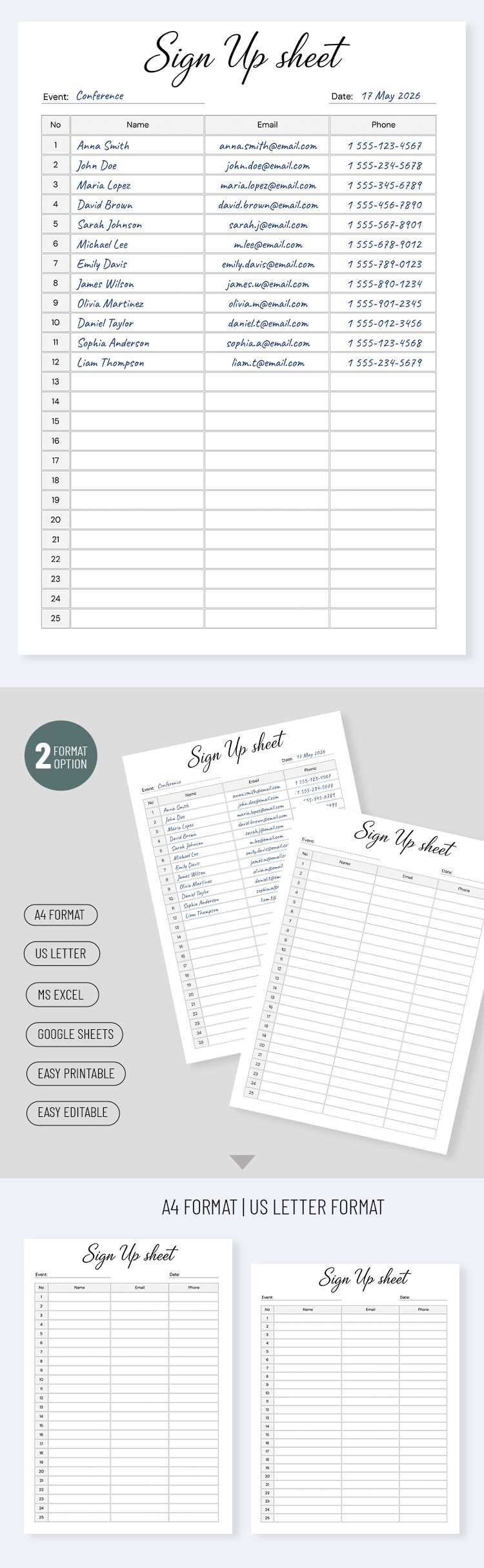
First, determine the information you need to collect. If it’s a simple event, names and email addresses may suffice. For larger events, include additional fields such as phone numbers, roles, or specific preferences. Tailor the sections based on what’s relevant to your event.
Next, choose a clear layout. For an organized document, divide the form into sections. For example, one section for general attendees, another for volunteers, and a third for special requirements like food allergies or transportation needs. This will help you easily manage the data after the event.
Make the form accessible. Consider the type of audience that will be filling it out. If it’s for a corporate event, use a professional tone and design. For a casual gathering, feel free to include some color or graphics that reflect the theme of the event. Keep the design simple and clean to avoid confusion.
For larger events, make the form more functional by adding checkboxes for different activities or timeslots. This can allow attendees to select their preferences or commitments in advance, helping you allocate resources and manage schedules more effectively.
Another way to customize is by adjusting the width of columns and rows. Ensure that there is enough space for people to write legibly. If there are many fields to fill out, consider making the form longer or breaking it into multiple pages for easy handling.
For virtual events or those requiring online registration, design the form with adaptability in mind. Ensure it’s easy to share via email or social media and that it’s compatible with various devices. If possible, provide both a fillable PDF and a printable version.
Before finalizing, review the form for clarity. Check that all instructions are clear and easy to follow. If possible, ask someone outside your planning team to test the form to spot any potential confusion or layout issues.
Lastly, remember to leave room for additional notes or a signature line if needed. This can be useful for any disclaimers or to confirm that participants understand event terms or conditions. Customizing your form helps ensure that you collect all the necessary details for a smooth experience on the day of the event.