
For your comics, presentations, or graphic designs, customizing dialogue shapes can give your work a professional touch. If you need editable, high-quality designs that you can quickly print, these tools will help you save time and get the results you’re aiming for.
Choosing the Right Tool for Customizing Text Shapes
There are several platforms that allow you to easily create and edit dialogue shapes. Here are some of the most useful ones:
- Canva: A popular design tool that offers templates for text shapes, which you can adjust, resize, and style to match your design theme.
- Adobe Illustrator: For more advanced customization, Illustrator gives you complete control over the shapes, fonts, and overall look of your graphics.
- PicMonkey: A simpler alternative to more complex software, offering a range of editable templates and an easy-to-use interface.
When choosing a tool, consider whether you need quick results or the ability to make fine adjustments. Canva is great for fast designs, while Illustrator is ideal for detailed and precise work.
Best Practices for Aligning Text Inside Dialogue Shapes
Proper alignment of text is crucial for clarity and readability. Here are a few tips to follow when placing text inside your customized shapes:
- Use clear, legible fonts: Choose fonts that are easy to read, even at smaller sizes. Comic Sans and Arial are commonly used for their simplicity.
- Adjust text size appropriately: Make sure the text is large enough to be easily read but doesn’t overcrowd the shape. Keep margins consistent around the text.
- Align text horizontally: For most designs, centering the text inside the shape works well. This gives a balanced and clean look.
Consider the overall design. If you’re working on a comic, playful fonts can add character, but they must remain readable. For presentations, professional and simple fonts are key to ensuring your message is clear.
Printable Dialogue Shapes for Creative Projects
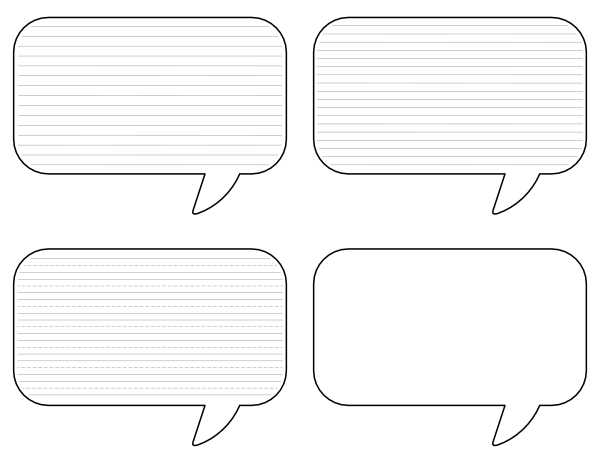
For quick and professional designs, use editable graphic tools that offer pre-made templates for dialogue boxes. Websites like Canva and Adobe Express provide free access to customizable options that can be downloaded and used right away. These resources allow you to tailor the look and size of your shapes to fit the tone and style of your work.
Consider downloading pre-made templates in formats like PNG or SVG, which maintain high resolution for printing. You can adjust the size or change the text box outline with ease, giving you more flexibility to fit these designs into different types of media, from comics to educational materials.
When working with custom designs, pay attention to the spacing and proportion of text boxes. Opt for shapes with slightly rounded corners for a softer look, or use sharp corners for a more modern feel. The shape style can set the mood for your overall project–choose accordingly based on whether you’re aiming for playful, serious, or informal tones.
Many online platforms allow you to change the color and outline thickness of your design elements. For example, using bold, thick lines can help your dialogue stand out against busy backgrounds, while lighter lines blend seamlessly in simpler settings. The right color contrast can make a huge difference in ensuring your text is legible.
If you’re working on a project that requires a variety of shapes, consider downloading a bundle of templates. This saves time and ensures uniformity across all elements, maintaining a consistent look throughout your design. Bundles often include different variations of dialogue containers with multiple styles to fit diverse needs.
For added creativity, try experimenting with different textures or drop shadows on your boxes. These small design tweaks can add depth and interest, enhancing the visual appeal of your work. Play around with opacity or gradient fills to make your shapes more dynamic without overcomplicating the design.