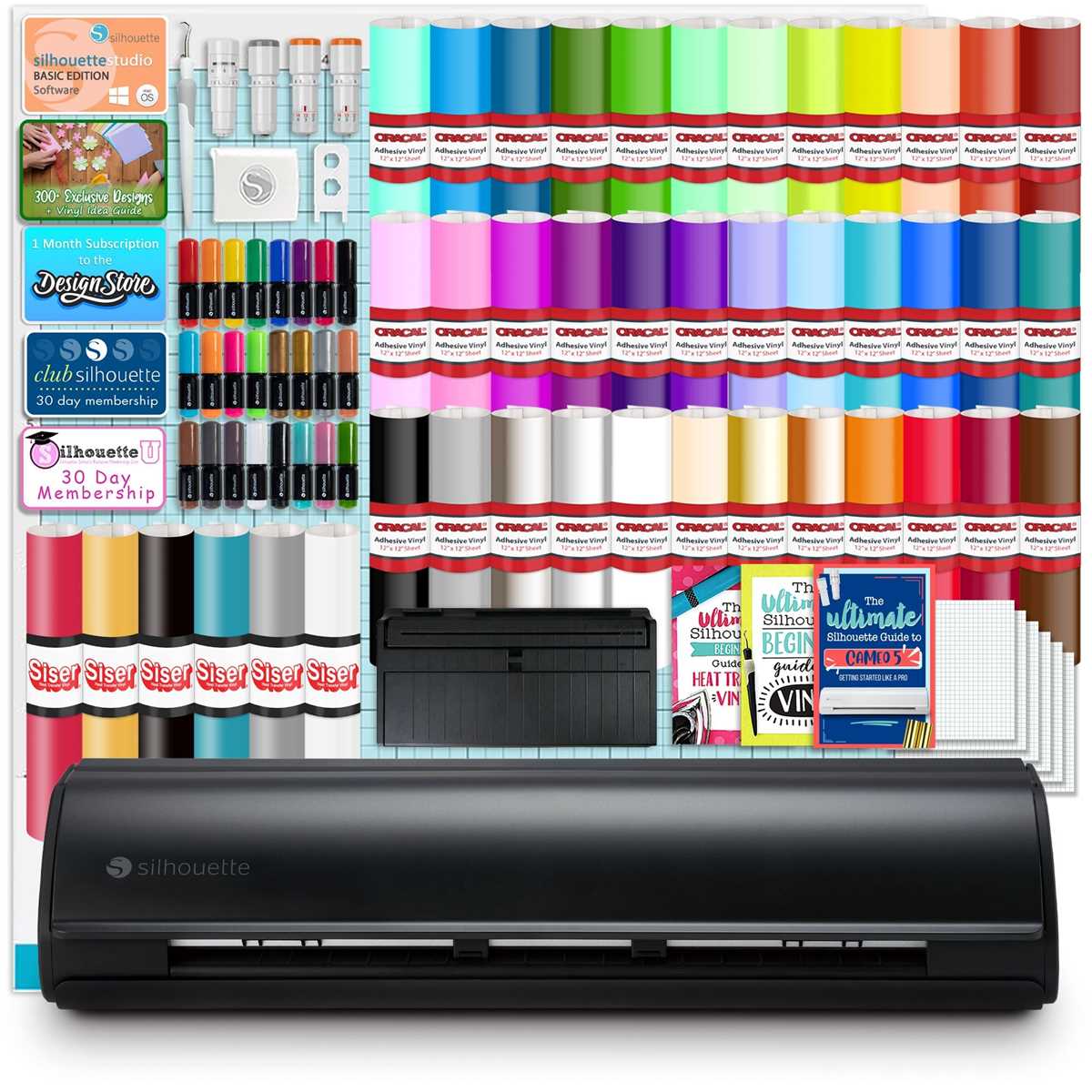
Use inkjet-compatible adhesive film sheets with pigment-based ink and set the printer to photo paper mode for dense, sharp graphics that resist smudging. Allow each sheet to dry for at least 15 minutes before handling.
Printer Setup and Material Selection
Select matte or glossy sticker media depending on the project. Matte reduces glare for indoor wall graphics and planner stickers. Glossy enhances color depth for product labels and tumbler decals.
- Resolution: 300–600 dpi for small text and logos
- Paper type setting: Photo Paper or Specialty Media
- Ink type: Pigment ink for water resistance, dye ink for brighter tones
- Sheet size: Standard 8.5 x 11 inches for home printers
Disable scaling in printer properties and confirm the design matches the physical sheet size. Print one test copy on plain paper to verify alignment before using adhesive media.
Cutting, Sealing, and Application
Load the printed sheet onto a standard grip cutting mat and select a “sticker paper” preset in Cricut or Silhouette software. Perform a small test cut in the corner to adjust blade depth and pressure.
- Blade depth: Low to medium for kiss cuts
- Pressure: Increase gradually if backing is not cut cleanly
- Speed: Moderate to prevent tearing
For outdoor use, apply a clear laminate sheet over the printed surface before cutting. This adds scratch and moisture protection and extends durability up to 2–3 years on smooth surfaces.
Clean application surfaces with isopropyl alcohol and allow them to dry fully. Apply decals from the center outward using a plastic scraper to remove air bubbles and ensure firm adhesion.
Storage and Longevity Tips

Store unused sheets flat in a cool, dry place away from sunlight. Finished decals last longer on non-porous materials such as glass, metal, and sealed plastic. Avoid dishwashers unless an additional waterproof sealant is applied.
Starcraft Printable Vinyl for Custom Decal Projects
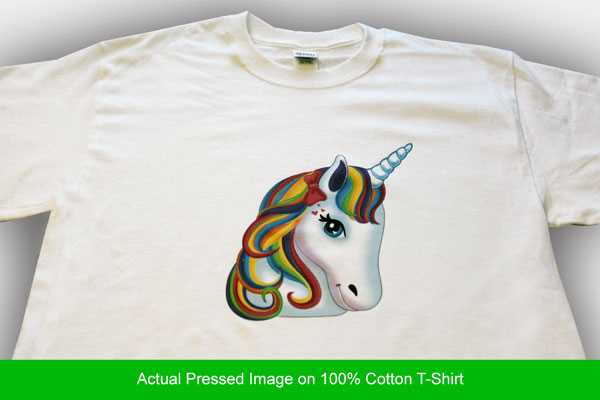
Set your inkjet printer to photo paper mode and use pigment ink on adhesive film sheets from this brand to achieve dense color and sharp edges for custom decals. Print at 300–600 dpi and allow at least 15 minutes of drying time before handling to prevent smearing.
Choose matte sticker media for indoor labels and wall graphics where glare reduction matters. Select glossy adhesive sheets for product branding, tumblers, and car window decals that require deeper contrast and smoother finish.
Load the printed sheet onto a standard grip cutting mat and run a small test cut in the corner. Adjust blade depth so the tool cuts through the film layer without slicing the backing paper. Moderate speed settings reduce tearing around small lettering and fine shapes.
Add a clear laminate overlay before cutting if the decal will be exposed to moisture or friction. A transparent protective layer increases scratch resistance and extends outdoor durability up to three years on smooth surfaces such as glass or metal.
Clean the application surface with 70% isopropyl alcohol and let it dry fully. Apply the graphic from the center outward using a scraper to remove air pockets and secure full adhesion across edges and corners.