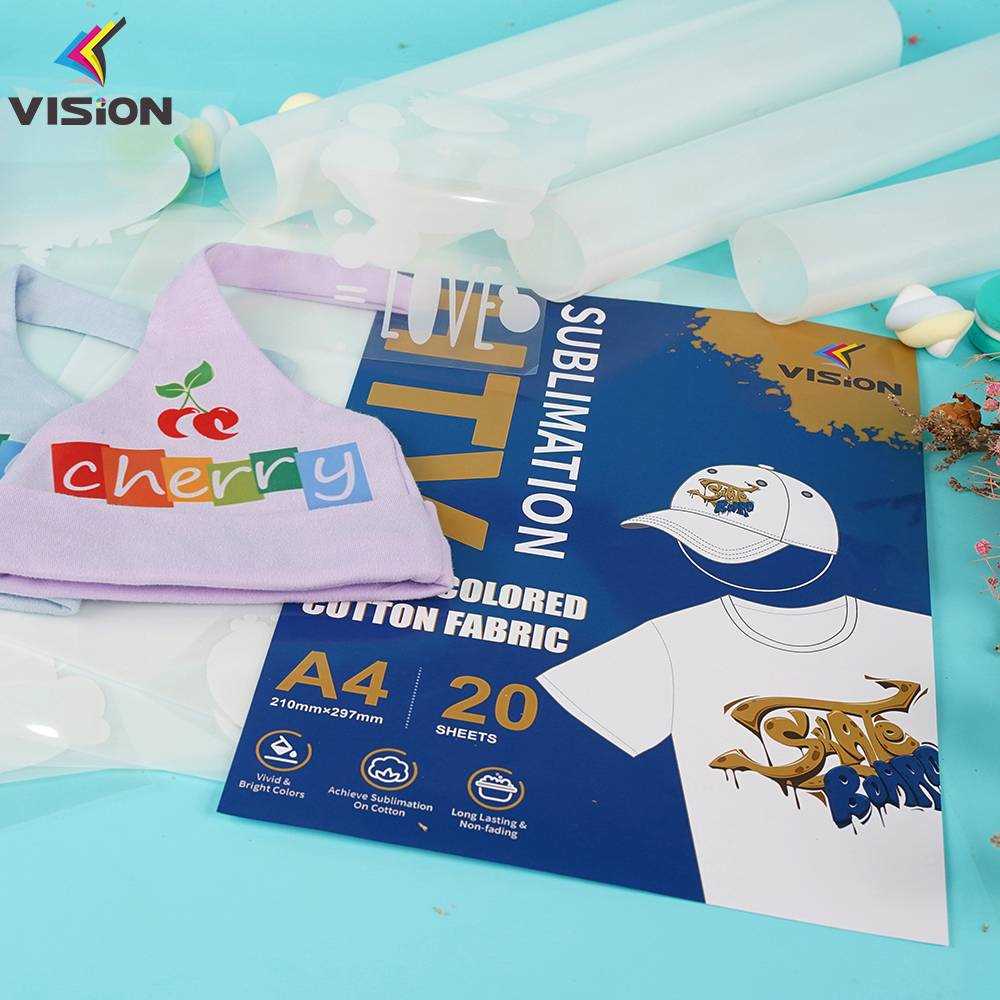
Understanding the Material
This type of material is specifically engineered for custom printing projects, offering a robust surface that absorbs ink effectively. With its special coating, it allows vivid, high-quality images to transfer seamlessly from a printer to the surface, making it ideal for personalized designs on various substrates. Whether you’re working with fabric, mugs, or other hard surfaces, this option delivers sharp and long-lasting results.
Best Applications for Custom Prints
- Custom Apparel: Excellent for printing on T-shirts, hoodies, and other garments. The design bonds well with fabric fibers, ensuring durability even after multiple washes.
- Personalized Gifts: Create memorable, one-of-a-kind items like mugs, tote bags, or phone cases.
- Home Decor: Use it for adding custom designs to pillows, curtains, and other home accessories.
Choosing the Right Printer
To get the best results, a printer that uses heat transfer ink is necessary. These printers are designed to release ink in a controlled manner, ensuring precision and vivid colors. Many models are compatible with various types of media, but make sure to check for compatibility with the particular coating on the material you’re working with. Additionally, use a high-quality heat press for an even transfer and lasting finish.
Step-by-Step Guide to Printing
- Step 1: Design Your Artwork – Use graphic design software to create or import your desired image. Ensure the design is high resolution and fits the size of your substrate.
- Step 2: Prepare Your Printer – Load the material into your printer. Make sure it is aligned properly to prevent ink smudging or misprints.
- Step 3: Print the Design – Select the appropriate settings for heat transfer printing and start the print job. Allow the printed design to dry completely.
- Step 4: Heat Press – Place the printed material onto your chosen substrate, such as a T-shirt, and apply heat using a heat press. Follow the manufacturer’s recommendations for temperature and time.
- Step 5: Cool and Finish – Let the item cool before handling. If necessary, trim the edges of the design to remove any excess material.
Maintenance and Care
To keep your prints looking sharp, avoid excessive washing or scrubbing of the printed area. For fabric items, wash in cold water and air dry to preserve the vibrancy. For hard surfaces, clean gently with a damp cloth. Regular maintenance of your printer and heat press will also ensure consistent performance and optimal results for future projects.
Sublimation Printable Vinyl: A Detailed Guide
For optimal results, choose materials specifically designed for heat transfer processes. Look for high-quality products that allow vibrant image transfer while maintaining durability. The best surfaces for these transfers are often those that have been pre-coated with a polyester layer to ensure the dye bonds effectively during pressing. Be mindful of temperature and time settings during the heat press process to avoid damage or fading.
Different brands offer various types of substrates, so ensure compatibility with your printer and pressing equipment. Certain types of paper-like sheets are designed for use with particular ink types and machines. Testing on small samples before larger projects helps avoid material waste. Consider the flexibility of the material, especially when transferring onto uneven surfaces, as some varieties may not conform as well as others.
Proper maintenance of your press and printer is critical for consistency in transfers. Clean your equipment regularly to prevent ink build-up and ensure clear prints. Always use proper settings for the type of material you’re working with, adjusting temperature and pressure for a smooth, consistent finish. Testing with different temperatures and times will provide the best combination for your specific needs.