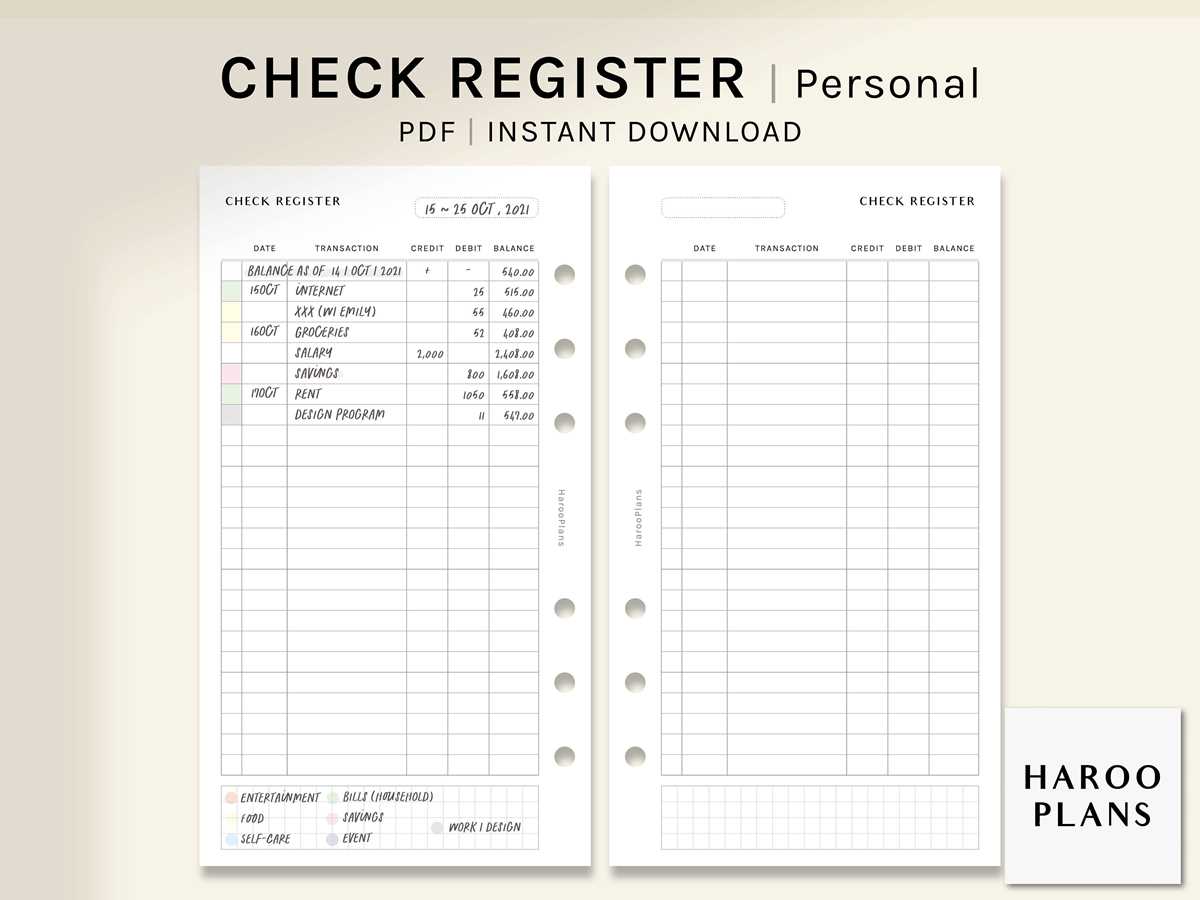
Select a well-organized financial log sheet that includes date, payee or payer name, description, debit amount, credit amount, and running balance. A layout with clearly separated columns reduces posting errors by up to 30% compared to free-form note formats. Choose A4 or US Letter size depending on your binder system, and keep margins no smaller than 0.5 inches to prevent data loss during hole punching.
A practical ledger form should provide at least 30–35 entry lines per page to cover a full month of daily activity. Add a reference number column for invoice IDs, check numbers, or confirmation codes; this simplifies reconciliation with bank statements and speeds up discrepancy checks. For cash-heavy operations, include a dedicated column for payment method to distinguish card, transfer, and physical currency movements.
Use pre-numbered pages and archive them chronologically to maintain audit clarity. Print on 90–100 gsm paper to prevent ink bleed-through when using gel or fountain pens. For long-term storage, store completed sheets in labeled binders by fiscal quarter. Consistent formatting and disciplined daily entry recording prevent balance gaps and provide immediate visibility into cash flow fluctuations.
Transaction Register Printable: Practical Guide to Choosing, Customizing, and Using Paper Ledger Templates
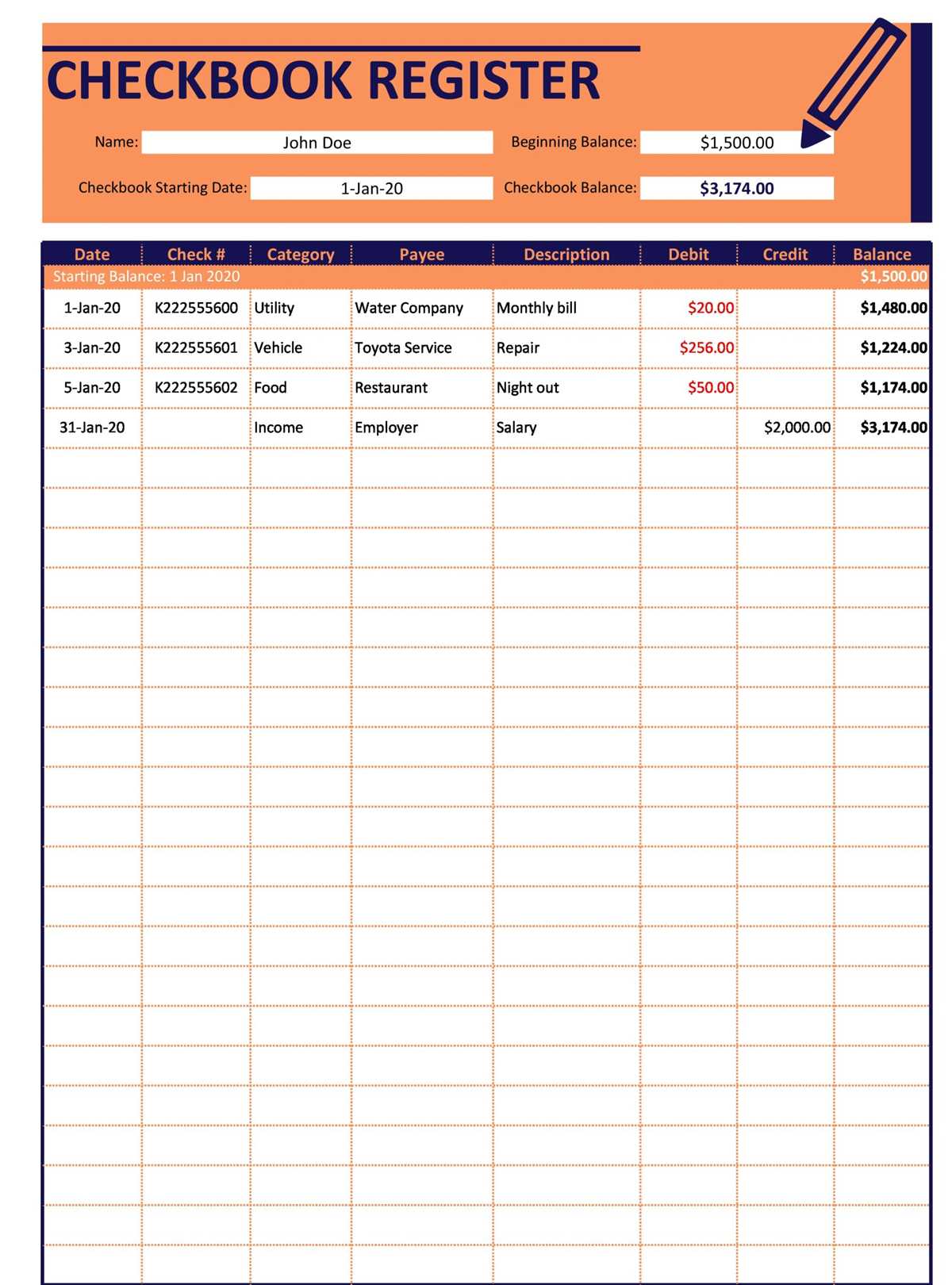
Select a ledger sheet with at least seven columns: date, payee or source, description, debit, credit, running balance, and category. For household use, choose a layout that fits 25–35 entries per page to match a typical monthly activity volume. For small retail or freelance work, aim for 40–50 lines per page and include a reference column for invoice or receipt numbers. Prefer A4 or US Letter formats with 10–12 pt fonts to maintain legibility after photocopying.
Match the template structure to your accounting method. A single-balance format suits cash-based tracking, while a dual-column layout (separate debit and credit fields) supports accrual-style records. If you reconcile with a bank statement, add a narrow checkmark column to mark cleared items. For VAT or sales tax environments, insert a dedicated tax column and a subtotal line every 20 entries to simplify reporting.
Paper quality affects durability. Use 90–100 gsm sheets for binders to prevent ink bleed and tearing. Print in grayscale with light gridlines (10–15% black) to reduce toner use while keeping lines visible. If you archive by year, pre-punch margins at 12 mm and leave a 20 mm left margin for notes. Number each page manually or add a footer field like “Page ___ of ___” to maintain sequence control.
Customize categories to reflect real spending patterns rather than generic labels. Replace “Miscellaneous” with specific tags such as Fuel, Software Subscriptions, or Client Travel. Limit categories to 12–18 to keep monthly summaries manageable. Color-code category cells with highlighters–yellow for fixed costs, green for income, pink for discretionary expenses–so trends are visible at a glance without recalculation.
Adopt a strict entry routine: record movements on the same day they occur, write amounts to two decimal places, and update the balance immediately after each line. At week’s end, cross-check totals against receipts and bank notifications. Circle discrepancies in red and annotate corrections with initials and date to create a clear audit trail. Avoid erasing figures; draw a single line through errors and rewrite the correct amount nearby.
For reconciliation, compare the closing balance on your sheet with your bank statement monthly. Mark cleared items with a tick and list outstanding checks or pending deposits in a small summary box at the bottom. If the difference persists, recalculate column totals using a calculator rather than mental math; arithmetic mistakes are more common than missing entries.
Store completed pages in chronological order within a labeled binder or archive box. Add a summary sheet at the front of each month showing total income, total expenses, and net result. Retain physical records for at least five years if they support tax filings or business reporting. A disciplined paper ledger, tailored to actual cash flow patterns and reviewed on a fixed schedule, provides reliable financial visibility without relying on software.
How to Choose the Right Transaction Register Printable Format for Personal vs. Small Business Use
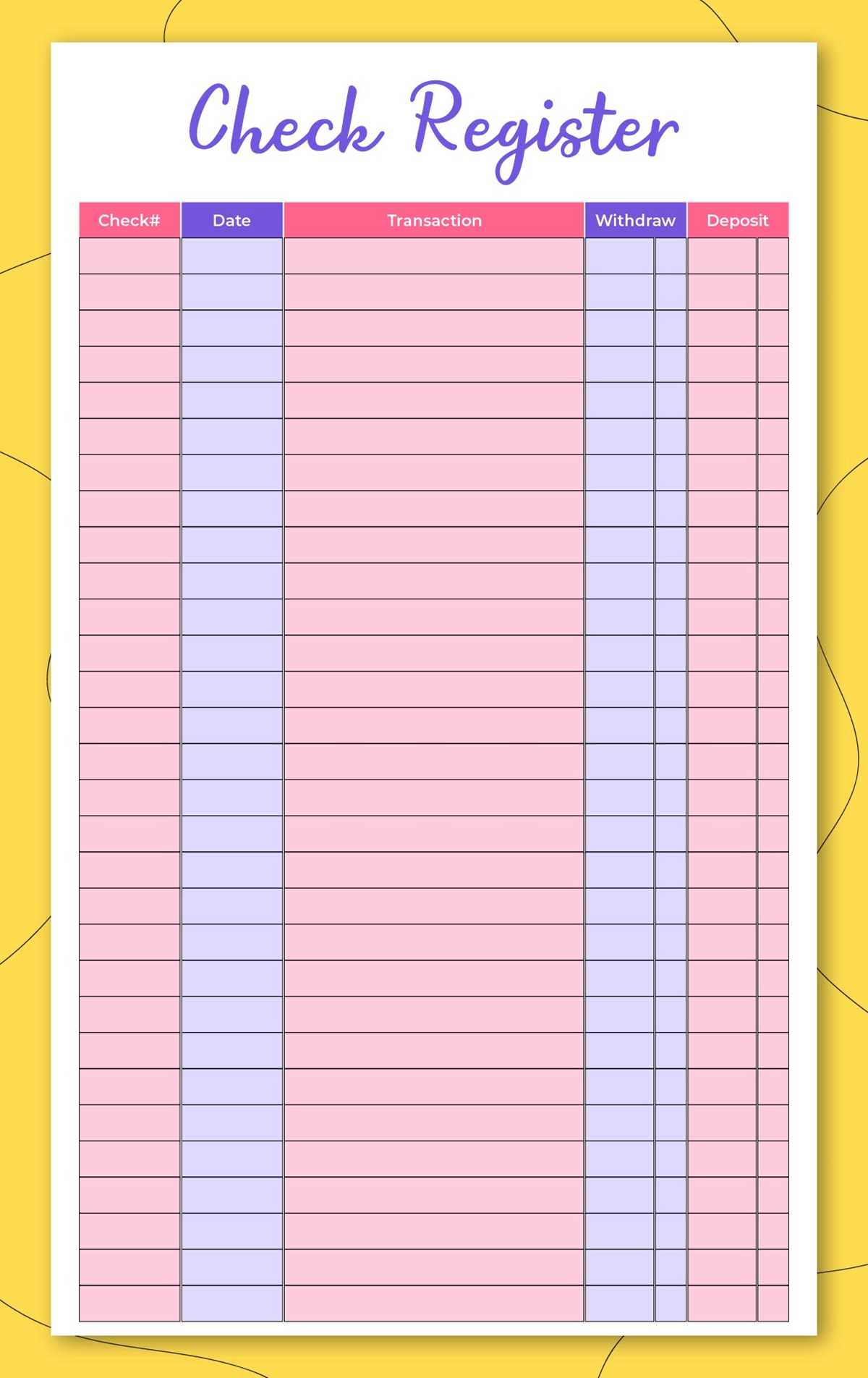
Select a one-page ledger sheet with fixed columns for date, description, inflow, outflow, and balance for personal finances; choose a multi-column log sheet with tax codes, payment methods, and reference IDs for a small operation. A household setup works best with 6–8 narrow fields and 25–30 rows per page, while a shop benefits from 10–14 fields and 18–22 rows to reduce handwriting density.
- Personal use: A5 or half-letter size, portrait orientation, 70–80 gsm paper, single currency column.
- Small business use: Letter or A4, landscape orientation, 90–100 gsm paper, separate debit/credit fields.
- Shared tip: Leave a 15–20 mm margin for binding or filing.
Pick a layout that matches review frequency. Weekly reviews favor a compact form with running totals per page; monthly reviews suit a record book that includes subtotals every 10 lines. For personal tracking, omit check numbers and vendor IDs. For a small firm, include invoice references, VAT/GST markers, and a notes column sized at 25–30 characters.
- Font size: 9–10 pt for dense business pages; 11–12 pt for home logs.
- Row height: 7–8 mm for quick entries; 9–10 mm for detailed notes.
- Shading: Alternate rows at 5–8% gray to speed scanning.
Paper handling decides longevity. Home use tolerates inkjet stock and stapling; commercial records last longer with laser-friendly sheets and ring binders. If cash and cards mix daily, reserve two adjacent columns; if transfers dominate, a single amount field with symbols cuts clutter.