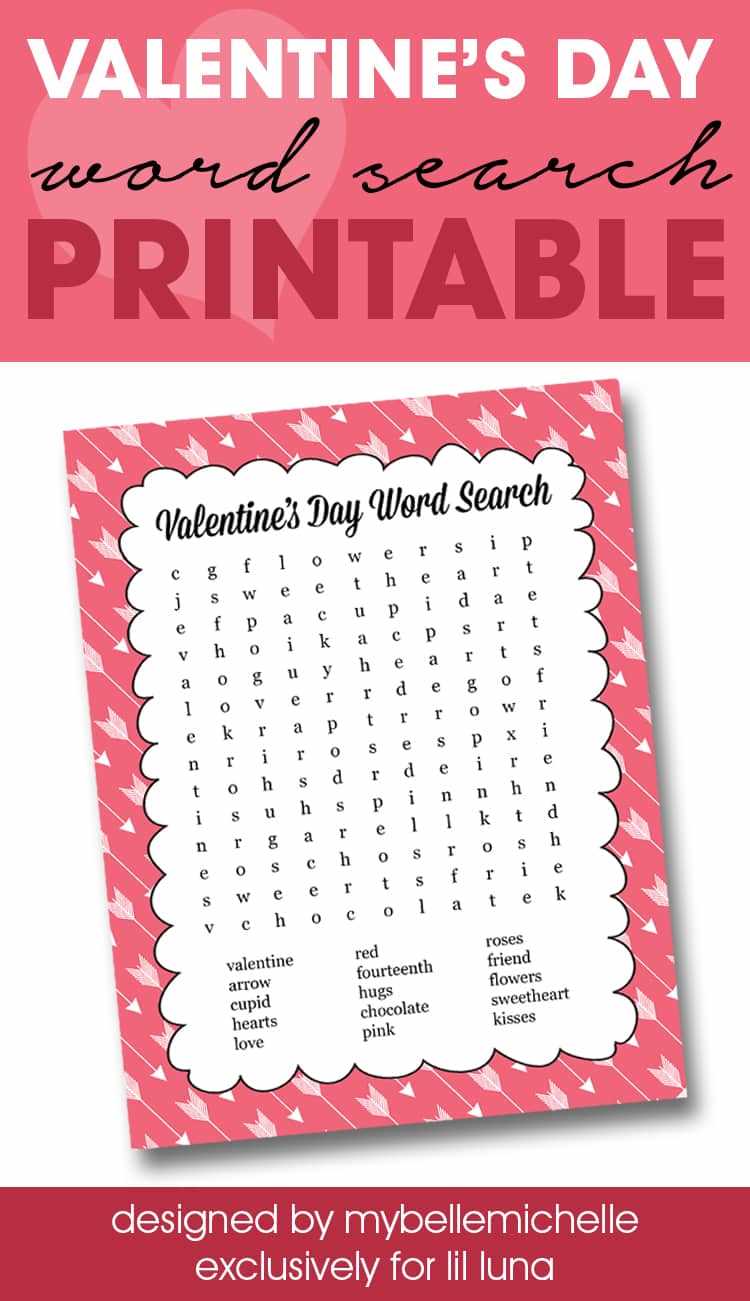
Download a high resolution PDF in 300 DPI and print it on US Letter 8.5×11 inch paper with scaling set to 100% to keep the letter grid aligned and readable.
Choose a puzzle layout with a 12×12 or 15×15 letter matrix depending on age group. For grades 1–2, limit the hidden terms to 8–10 simple items such as love, card, and candy, placed horizontally and vertically only. For grades 3–5, increase difficulty with diagonal placement and up to 18 themed vocabulary items.
Use black ink mode for classroom copies to reduce printing costs and switch to 24 lb paper if the sheets will be handled during a party activity. Include a separate answer key page and leave at least 0.5 inch margins for hole punching or stapling into activity packets.
Valentine Word Search Free Printable for Kids Activities
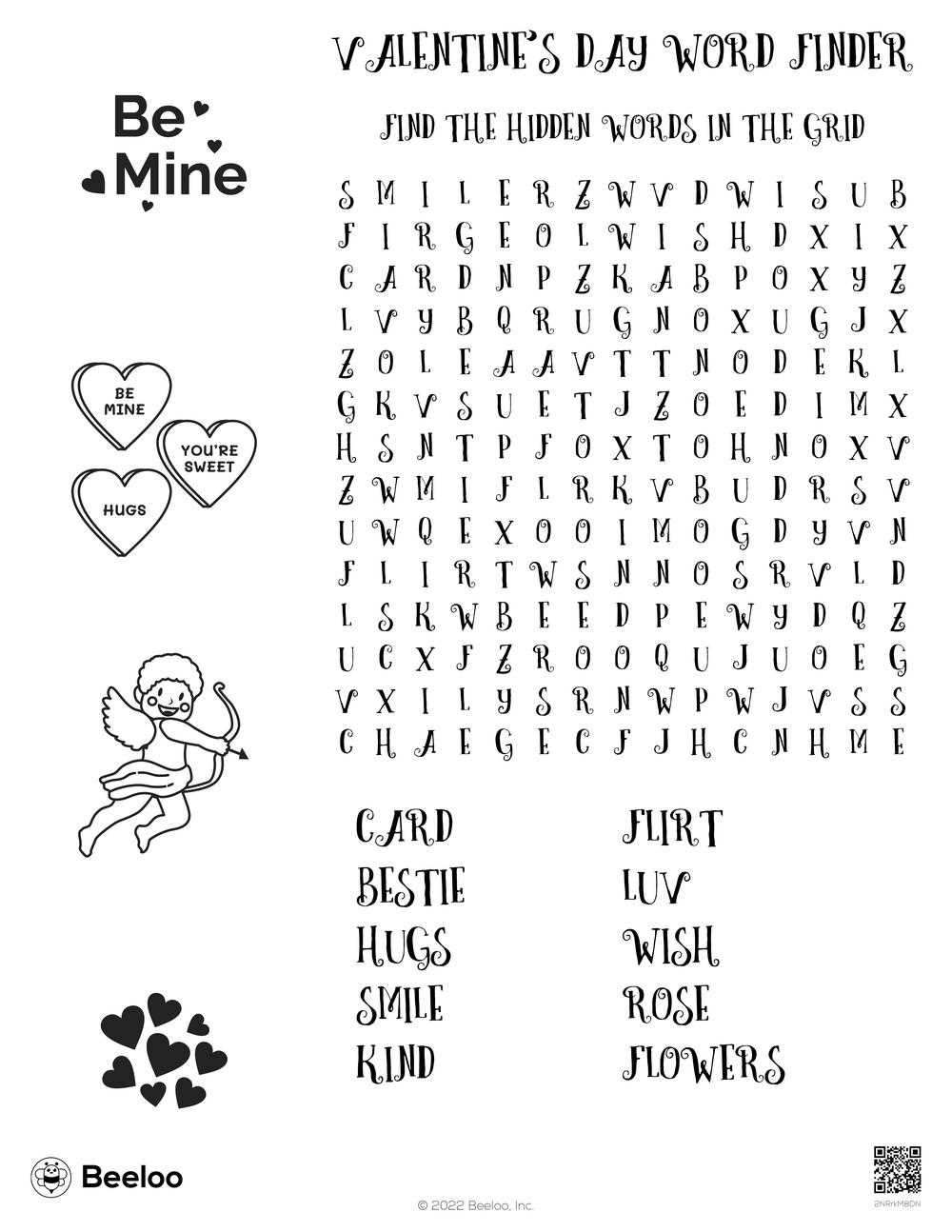
Download the puzzle sheet in PDF format at 300 DPI and print it on 8.5×11 inch paper with scaling disabled to keep the letter grid sharp and evenly spaced.
Select a 12×12 grid for ages 6–8 and a 15×15 grid for ages 9–11. Limit hidden terms to 10–12 items for younger students and expand to 18–20 for older groups.
Include themed vocabulary such as:
- heart
- chocolate
- flowers
- friendship
- cupcake
- hug
Place terms horizontally and vertically for early readers. Add diagonal and reverse placement to raise difficulty for advanced learners.
Use 20 lb paper for classroom sets of 25–30 copies. For party stations, print on 24 lb stock to prevent tearing during group activities.
Provide a separate answer key page and staple it behind the activity sheet. Leave 0.5 inch margins for hole punching if adding to lesson folders.
Set a 10–15 minute time limit during classroom celebrations and offer small stickers or stamps for completed grids to maintain engagement.
Store the file in a clearly labeled folder such as “February Letter Grid Activity” to reuse it next year without redesigning the layout.
How to Download and Print a Valentine Word Search in the Correct Paper Size
Download the puzzle file in PDF format at 300 DPI and choose the correct paper standard before printing, such as US Letter 8.5×11 inches or A4 210×297 mm.
Open the file in a PDF viewer and set scaling to 100% or “Actual Size.” Disable options like “Fit to Page” to prevent shrinking the letter grid and distorting margins.
Check the document properties to confirm resolution and page dimensions. A properly formatted sheet should display clear, sharp characters without pixelation when zoomed to 200% on screen.
Select portrait orientation if the grid is taller than wide. Use landscape mode only when the layout is designed horizontally. Mismatched orientation can crop instructions or answer keys.
Choose 20 lb paper for standard classroom copies. If the activity will be handled during a party or group event, use 24 lb stock to reduce tearing and curling at the edges.
Print one test page first and measure margins with a ruler. Leave at least 0.5 inch space on each side to allow hole punching or stapling without cutting into the puzzle area.